AI product card generator for marketplaces
Turn product photos and a name into up to 6 slides with backgrounds, headings and product highlights. Choose the design and model for your task, and see the price before generating.
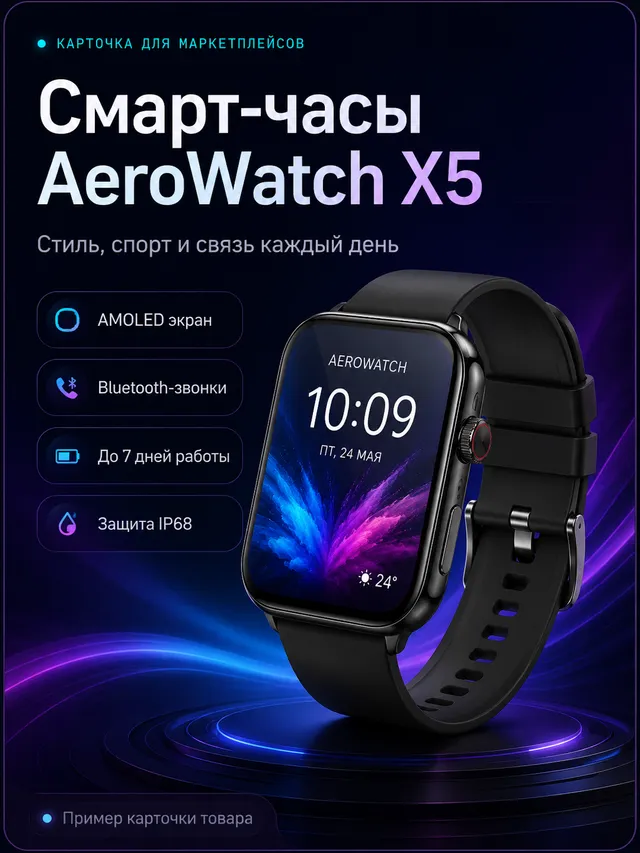
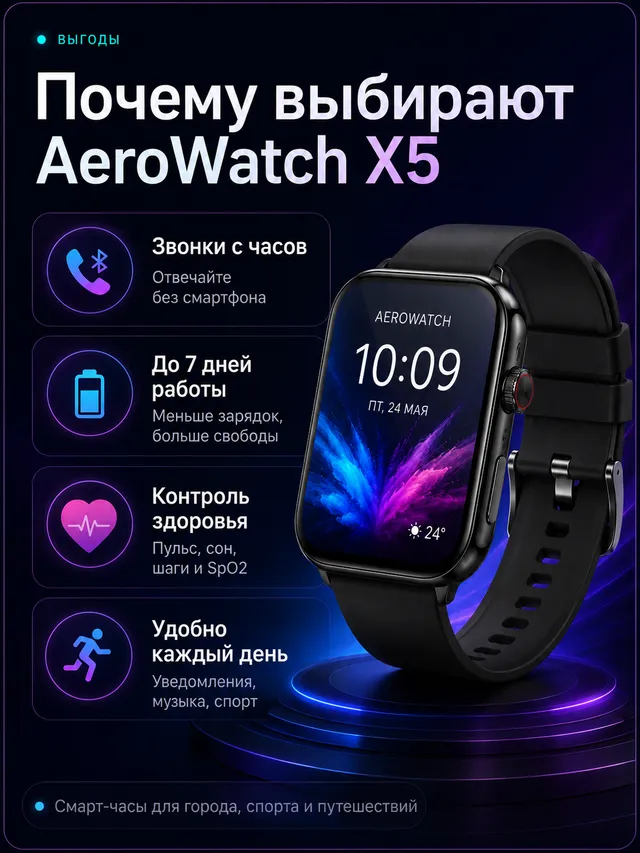
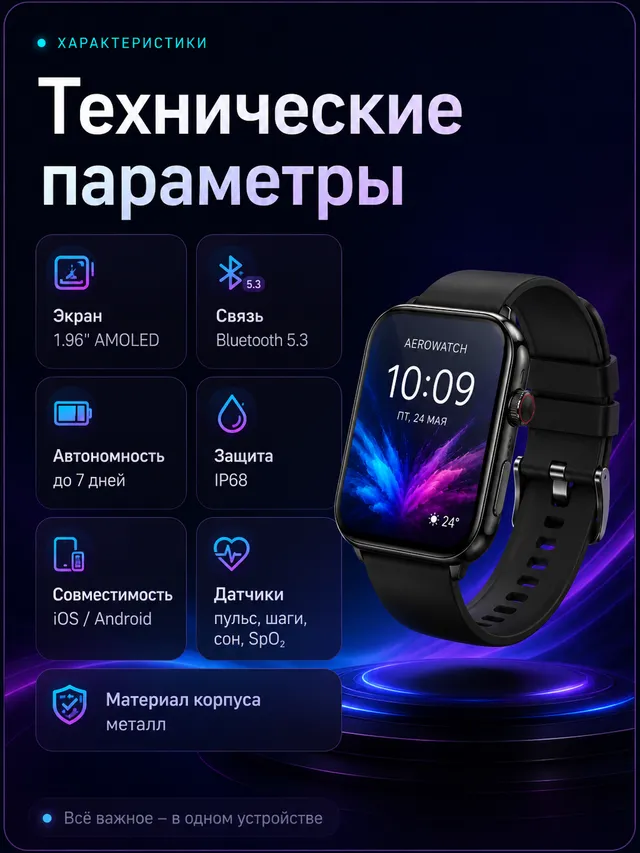
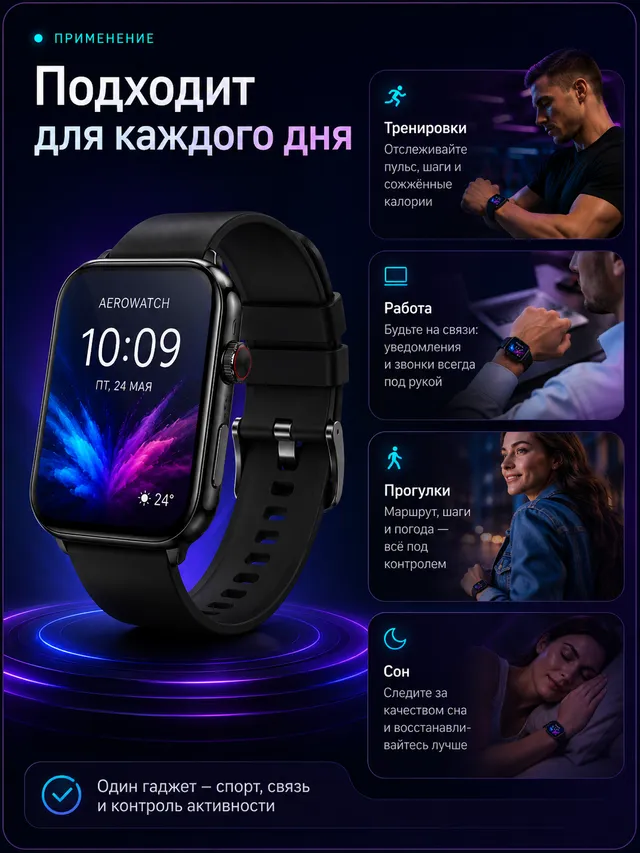 AI-generated
In four steps
Upload photos and enter a product name
Add up to 4 product photos in JPEG, PNG or WebP, up to 10 MB. Enter the exact product name to use for the heading.
Describe slides and add key features
Give one brief in Auto mode or write a prompt for each slide. Enter product features yourself or have AI suggest them for 1 credit.
Choose a format, model and design
Set the aspect ratio, Standard or Premium, and brand and text colours. Describe a background, upload your own or add a design reference.
Generate and download your cards
Generation takes about 30 seconds per slide. Review and download cards individually or together. Your results stay in the history.
What you can do
Up to 6 marketplace product cards
Create a consistent set, from the main image to package contents. In Auto mode, AI divides your brief into individual slides.
Infographics and product highlights
Enter product features to display as callouts. Write them yourself or ask AI to suggest them from your product description for 1 credit.
Premium for Cyrillic text on cards
Premium renders lettering more accurately, especially Cyrillic. Choose it for headings and text callouts, then check the finished wording.
Product photos on your own background
Upload a background or describe it in words. Add a sample card as a design reference: your product replaces the product shown in it.
Card formats for WB, Ozon and Avito
Choose portrait, square or landscape formats. For Yandex Market and other platforms, check the current category rules before selecting a format.
Product cards from 10 credits
Standard costs 10 credits per slide. No subscription; see the price upfront. Use it in Russia without a VPN and pay by Russian bank card or SBP.
Try these
Thermal mug for WB, 5 slides: main image with name, benefits, dimensions, an interior scene and package contents. Use a consistent style and only the facts and included items in my description.
Face cream for Ozon in a light colour scheme: main image, supplied product properties, texture from the photos and packaging. Preserve the jar. Short Russian captions; no invented claims.
Children’s toy for Avito in a child’s room. Show the product close up, then details and the listed package contents. Calm background, short captions. Preserve the toy’s colours and shape from the photos.
In this guide
How the AI product card generator for marketplaces works
Upload photos and describe your product — Neuromia’s AI product card generator for marketplaces turns them into up to 6 slides in a consistent style. Register and open “Product card” in your account.
- Upload up to 4 photos in JPEG, PNG or WebP, up to 10 MB.
- Enter the exact product name for the heading, including Cyrillic if needed.
- Use Auto mode for one brief that AI splits across slides, or Manual mode for a prompt per slide.
- Enter feature bullets yourself or get AI suggestions for 1 credit.
- Choose the aspect ratio, model, quality, brand and text colours, and background or design reference.
- View the price and generate. Allow about 30 seconds per slide; download individually or together. Results stay in your history.
Which slides your product listing needs
- Main image: specify the product view, background and whether to include a heading.
- Benefits: provide verified features to show as short callouts.
- Dimensions and specifications: supply exact values and units.
- In use or in an interior: describe the setting and product placement.
- Package contents: list only the items included in the order.
- Packaging: explain how to show the product alongside its packaging.
Set the order in your brief, or use Manual mode to give each slide its own task.
Marketplace infographics without a designer
Enter factual feature bullets for AI to render as callouts. For AI suggestions, supply the product’s properties, purpose and distinguishing features.
Set brand and text colours without recolouring the product. Request a white background or an interior scene, or upload your own background. A sample card can serve as a design reference, with your product replacing the one shown. Specify which headings and features belong to your product.
Cards for Wildberries, Ozon, Yandex Market and Avito
Wildberries
Use the 3:4 portrait option for WB. Give the main image and feature slides distinct tasks in your brief.
Ozon
Available Ozon options include 3:4, 1:1 and 4:5. Choose according to the composition and the space needed for callouts.
Yandex Market
For Yandex Market, choose portrait 3:4 or square 1:1 according to your category’s rules. Specify a close-up or a scene with a background and supporting details.
Avito
Options include square 1:1, landscape 4:3 and 16:9 for banner compositions. Choose a view that clearly shows the product and relevant details.
There is also 9:16 for stories and advertising. Before uploading, check the platform’s current image, background and text requirements: they vary by category and can change.
How to get a clean result
Upload several views, enter the exact name and keep callouts short. Supply specifications rather than asking AI to infer them.
The model preserves the product’s appearance from photos, but details can become distorted. Before publishing, check the card’s lettering, packaging, small print and logos against the originals. More photos and regenerating a slide can help; credits are refunded for unsuccessful slides.
How much marketplace product cards cost
Standard costs 10 credits per slide or 50 for 5 slides. Premium at 1K or 2K costs 30 per slide or 150 for 5. Premium 4K costs 40 per slide. AI bullet suggestions cost 1 credit.
One credit is approximately ₽0.83 with a credit pack; packs start at ₽499. There is no subscription. Unlike a designer’s project quote, the price here follows the model and slide count; you prepare the brief and review the result.
New users get 10 credits after registration, enough for one Standard slide, not a full set. Enter bullets yourself to stay within that balance. Use Neuromia in Russia without a VPN, with a Russian interface and payments by Russian bank card or SBP.
For separate product photos or backgrounds, use image generation. Create product advertising clips with video generation using the same balance.
Frequently asked
More in the full FAQ.
Can I create a product card with AI for free?
Yes, you can try it: you receive 10 credits after registration. That is enough for one Standard slide, not a full set. Enter feature bullets yourself to stay within that balance: AI bullet suggestions cost an additional 1 credit.
Which product card sizes are supported?
Available aspect ratios are 3:4, 1:1, 4:5, 9:16, 4:3 and 16:9. Standard offers 1K quality; Premium offers 1K, 2K or 4K. Check the platform’s current category requirements before publishing.
Does it work for Wildberries and Ozon?
Yes. There is a 3:4 option for WB, and 3:4, 1:1 and 4:5 for Ozon. You can create main images and supporting slides. Check your category’s background, text and image rules before uploading.
Can AI write text on a card without errors?
Premium renders text more accurately, especially Cyrillic, so it is recommended for cards with lettering. Enter the exact product name and keep feature bullets short. Errors are still possible: review the finished text.
Will my product stay free of distortions?
AI preserves its appearance from photos, but packaging, small print and logos may be distorted. Upload multiple views and compare the result with your originals. If needed, regenerate the slide with a more specific brief.
Can I make several slides in the same style?
Yes, you can generate a set of up to 6 cards in a consistent style. In Auto mode, AI divides one brief across the slides. In Manual mode, you write a separate prompt for each card.
Can I use my own background or someone else’s card as a reference?
Yes. Upload an image as a background and your product will be placed on it. Or add a sample card as a design reference: your product replaces the one shown. You can also describe a background in words.
How much does one card cost?
Standard 1K: 10 credits. Premium 1K or 2K: 30. Premium 4K: 40. AI bullet suggestions: 1 extra credit. With a pack, 1 credit ≈ ₽0.83; packs start at ₽499. No subscription; the price is shown before generation.
How long does generation take?
About 30 seconds per slide. Download finished cards individually or all together; they also stay in your history. Credits are refunded for unsuccessful slides.
Do I need a VPN or a foreign bank card?
No. Neuromia works in Russia without a VPN and has a Russian interface. Pay with a Russian bank card or through SBP. The same balance also covers image and video generation.
Create your first product slide
Register to get 10 starter credits, enough for one Standard slide. Upload your product photos and see the result.
Create account