![A photo of a person standing on a megacity street, torso at three-quarters, shoulders relaxed. The head is slightly raised and turned to the left, the gaze directed up and to the side. One hand is raised to the face, holding a disposable cup with a drink. Medium close-up framing (from the chest), the camera shooting from a low angle, a slightly dramatic perspective. The expression is calm and focused; the mood is a quiet city morning, a feeling of coolness and coziness, the moment before a sip of coffee. A voluminous coat of dense matte wool in a dark gray shade, loose fit, wide lapels. Underneath, dark basic cotton/wool knitwear. A knitted beanie of ribbed wool in a neutral shade; [the person's natural hairstyle] shows from under the beanie. Glasses with a thick dark plastic frame, with light reflections on the lenses. The nails have a uniform coat of rich red color. In the hand is a craft paper cup with a black plastic lid and a protective sleeve. Shot in a business district: in the background a tall modern skyscraper with a regular grid of windows and light vertical pylons, next to it a dark facade and a metal street light pole. The background recedes upward in perspective, the sky is overcast light gray, street elements slightly blurred. Natural daylight from the overcast sky, soft and diffused. The main light comes from above and slightly from the front, shadows are soft and low-contrast. Small highlights on the glasses frame and the cup lid. Cool color temperature, overall contrast moderately reduced. Shot on a 35mm lens or a smartphone with slight perspective distortion, small-to-medium depth of field, focus on the face and the hand with the cup, background noticeably blurred. Color grading in neutral-cool tones with slightly muted saturation. High detail, photorealistic, natural skin texture.](https://neuromia.ru/storage/ai-model-examples/019dd387-d433-7196-b0c2-30cf9ae0f3cc/fBRi2IEI5sOuPsGDo1zS69IzyTYk3AiXDAl37a97.webp)
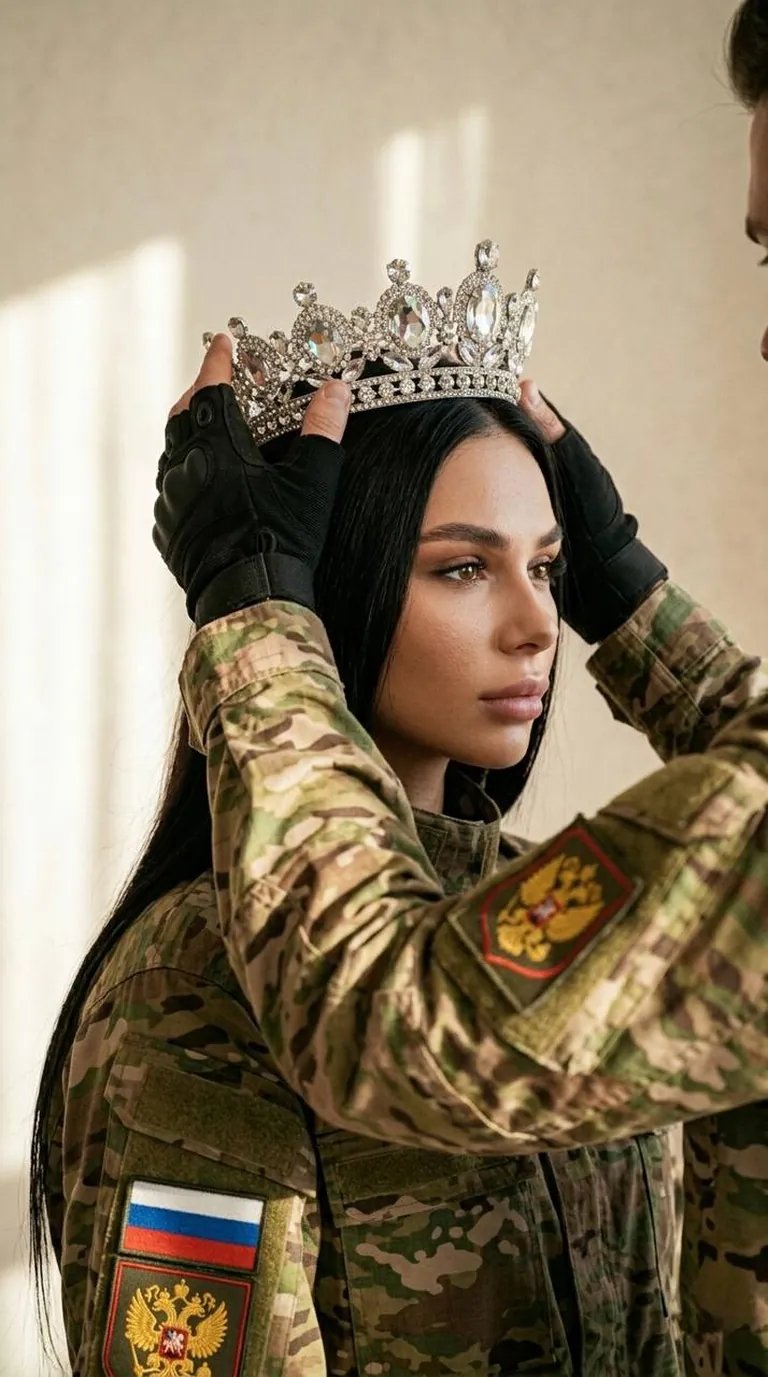
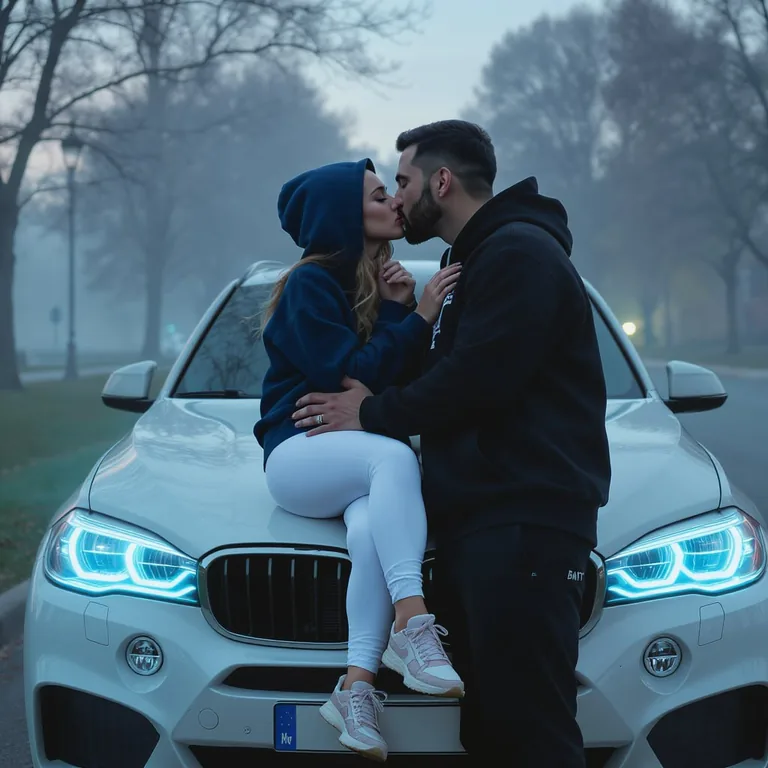
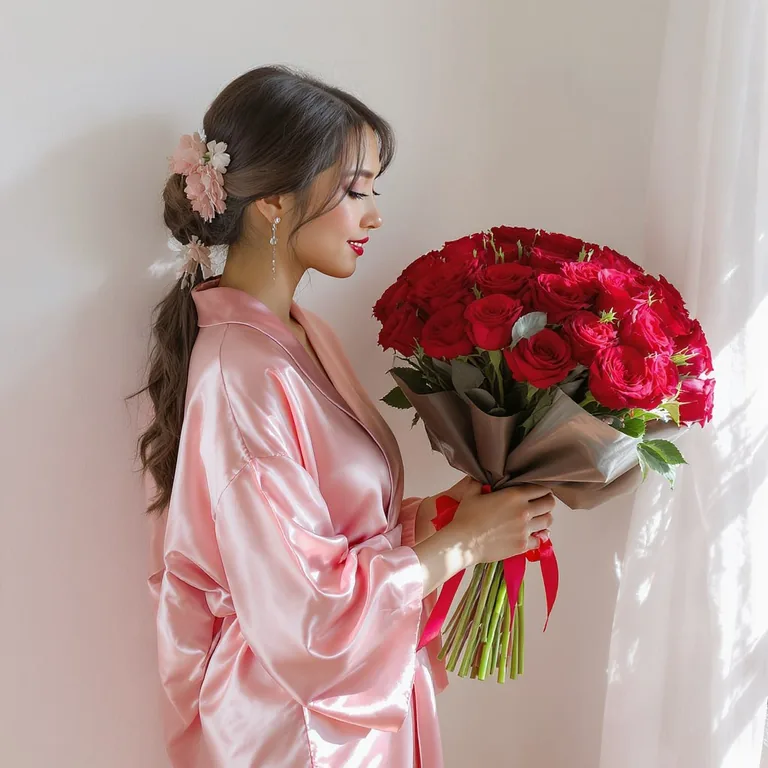
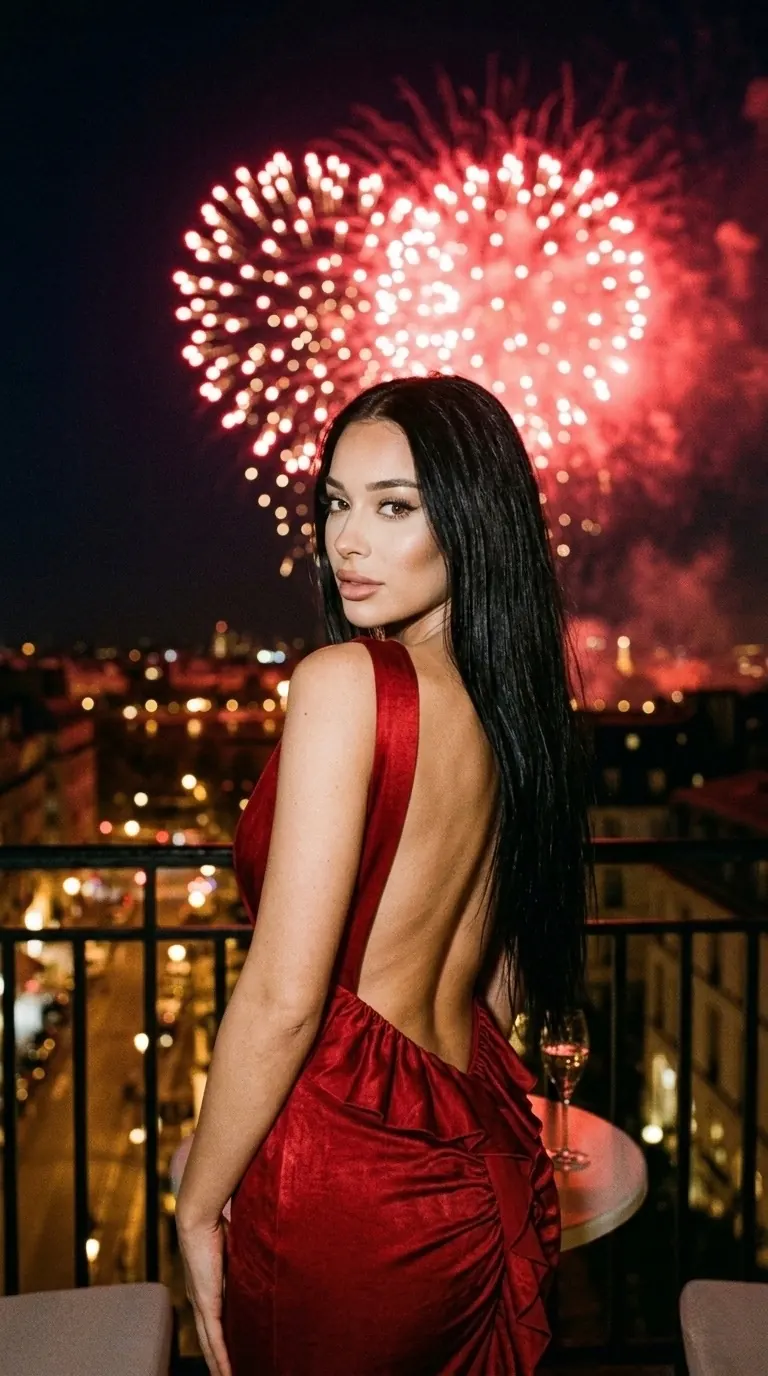
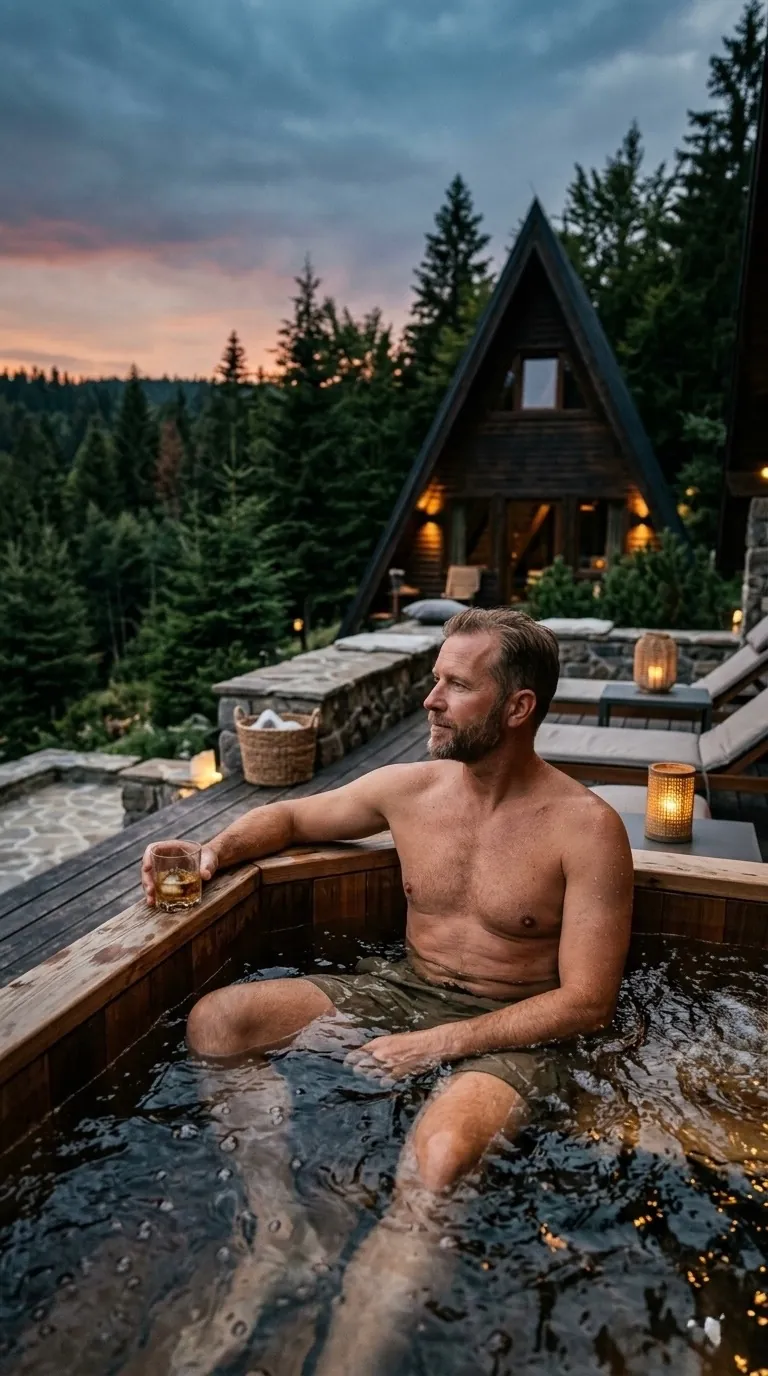
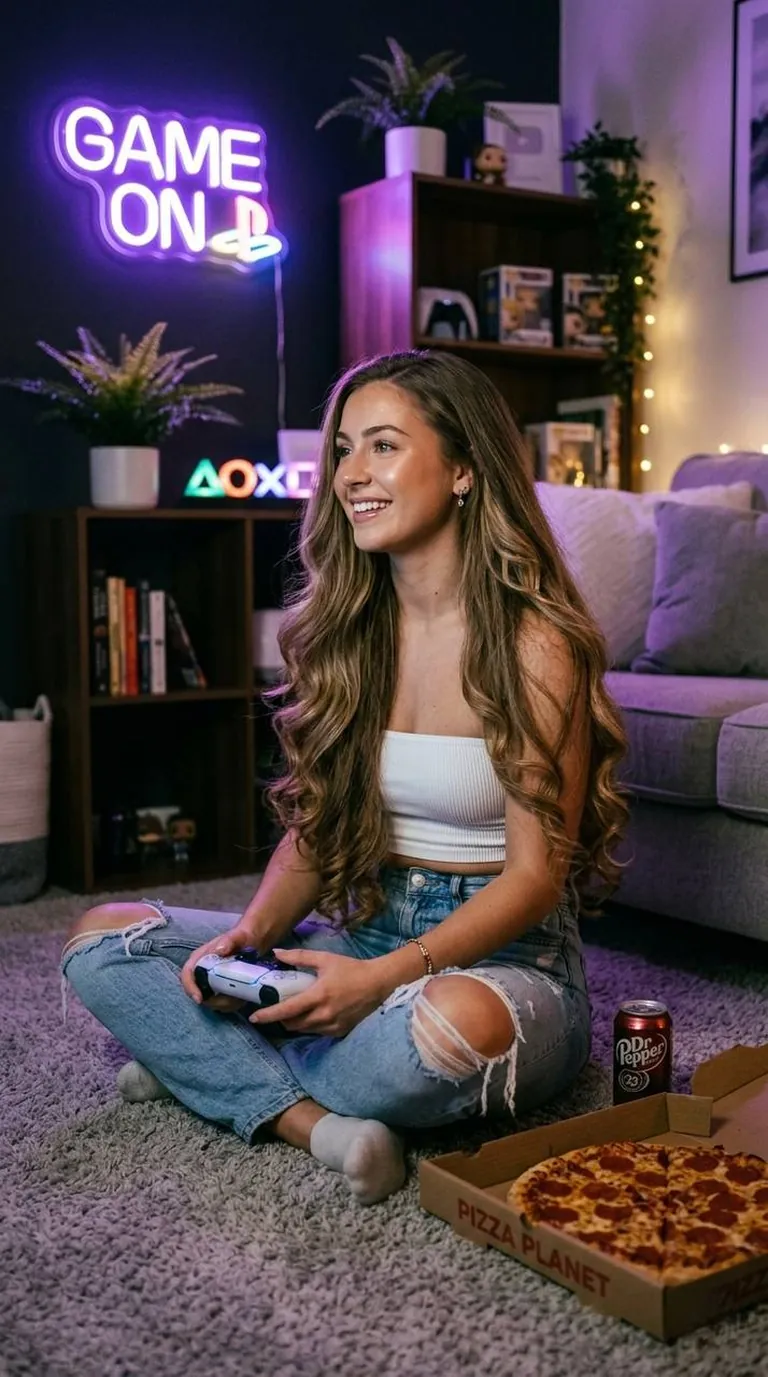
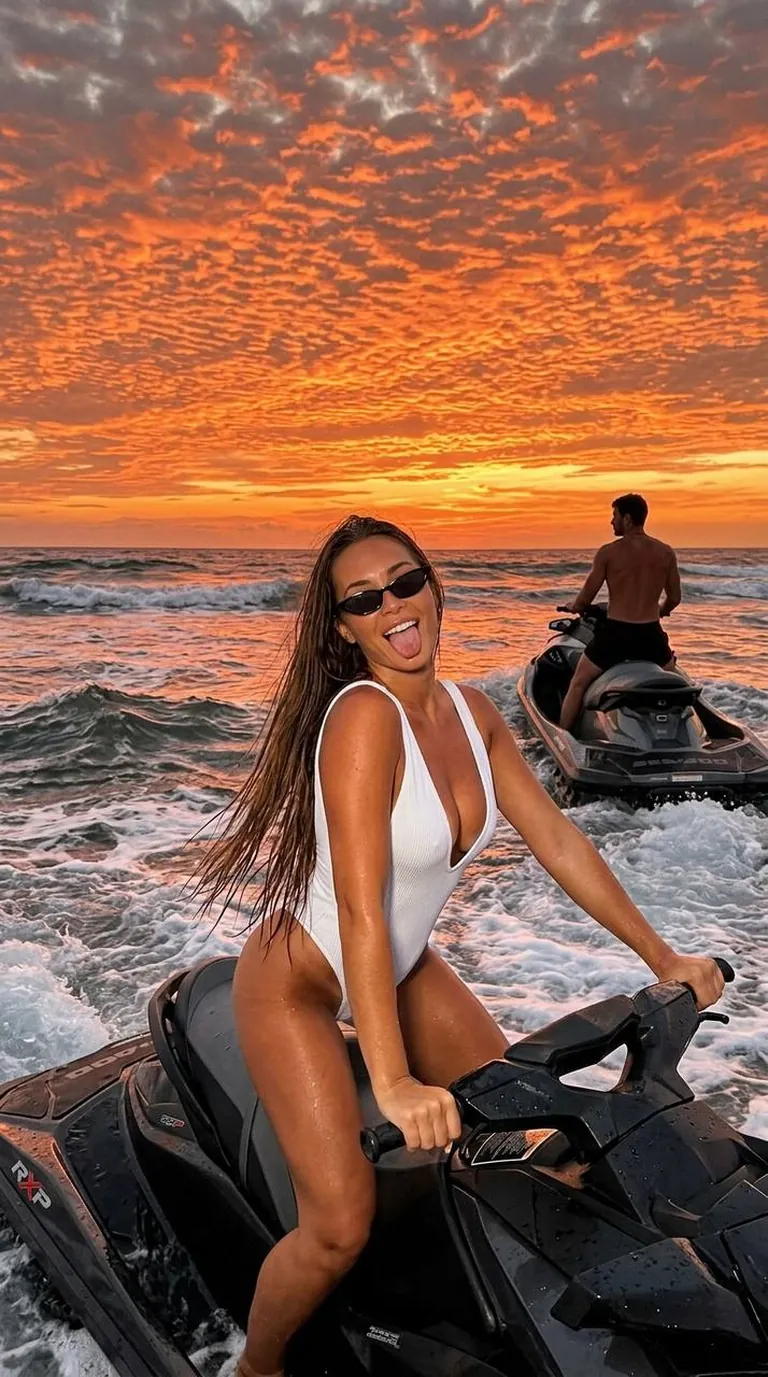
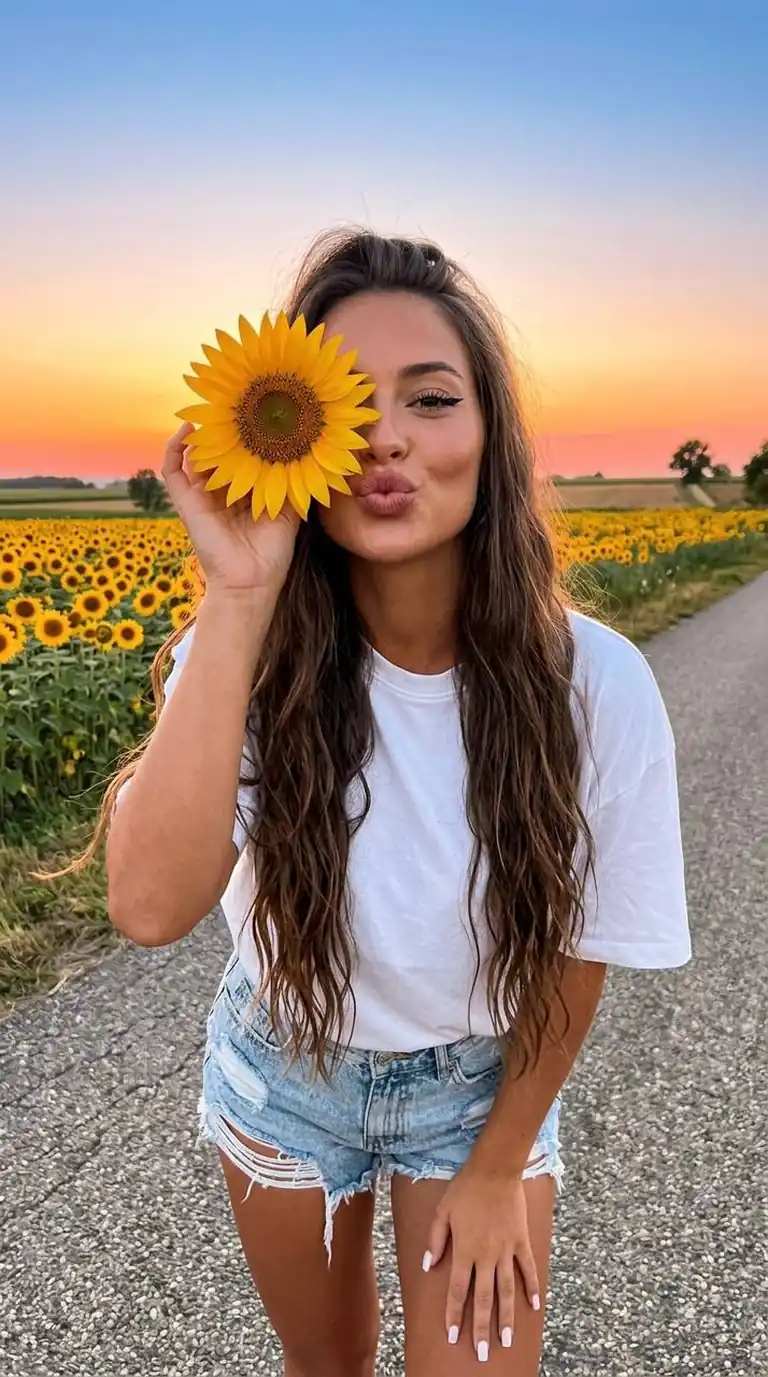
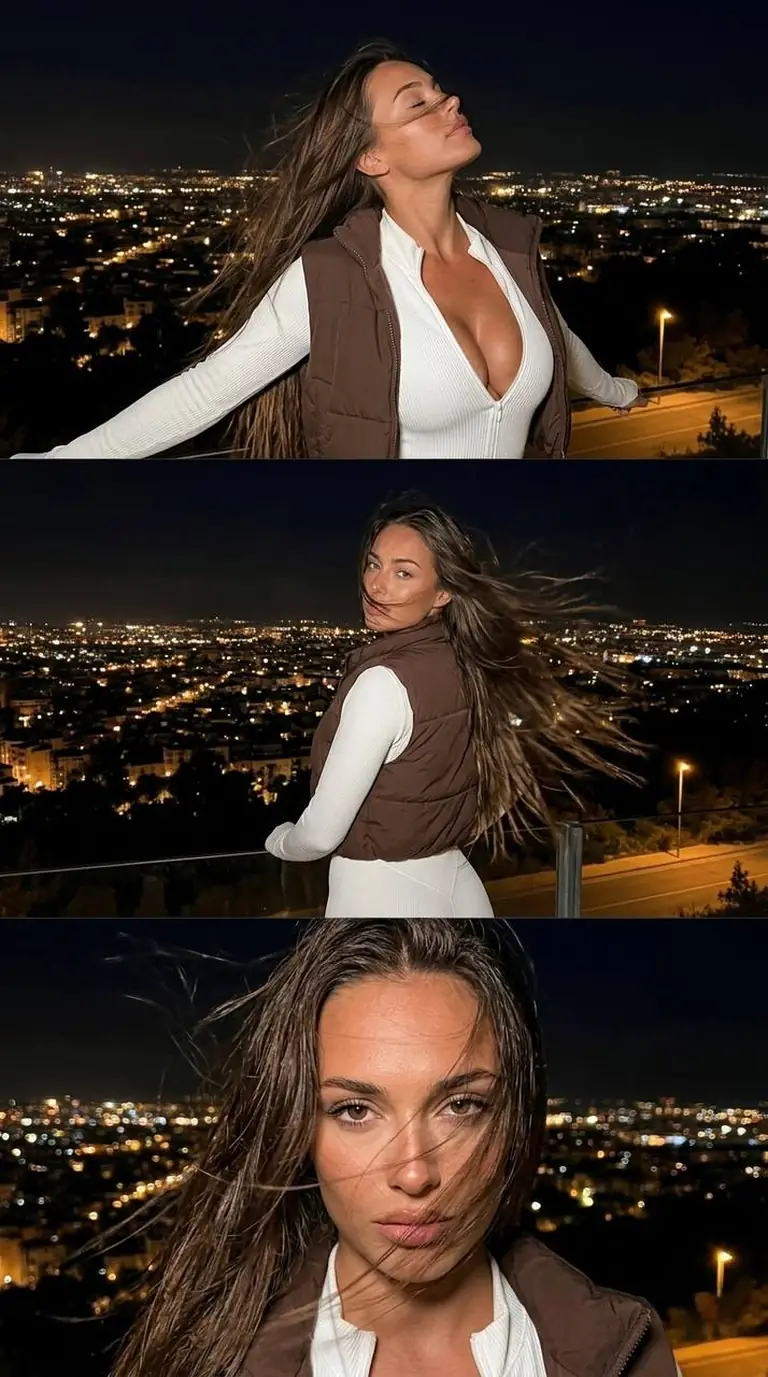
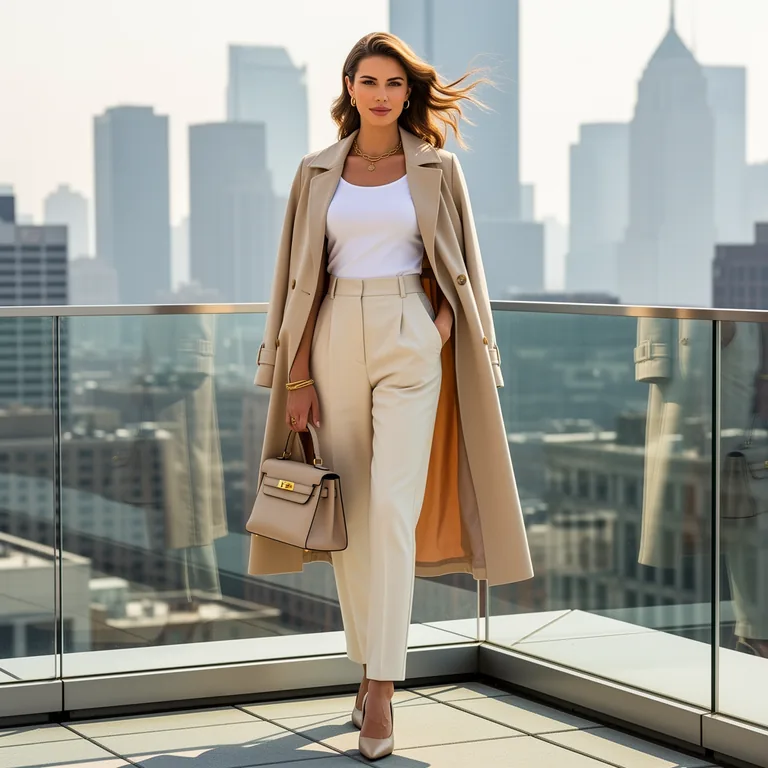
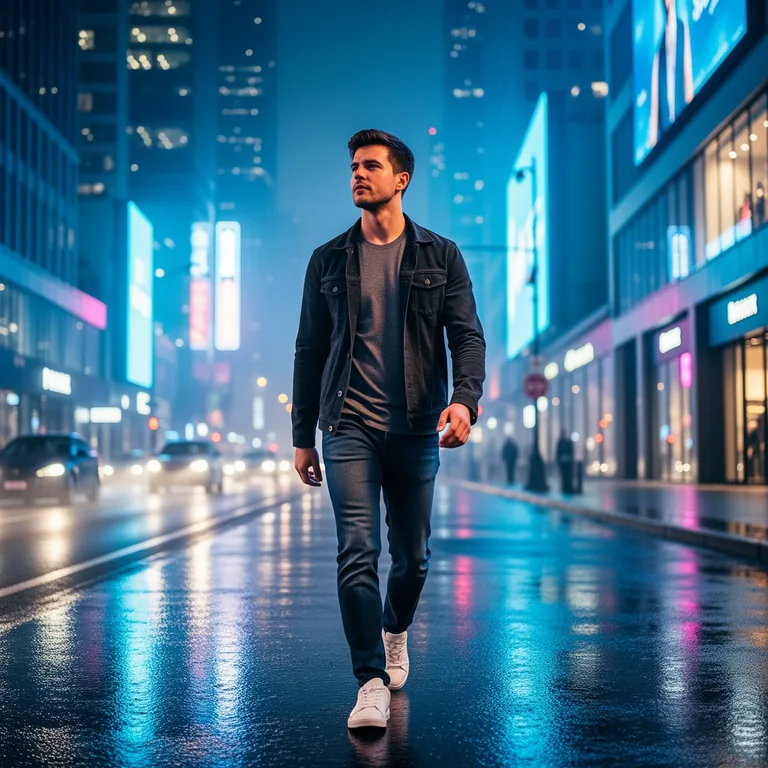
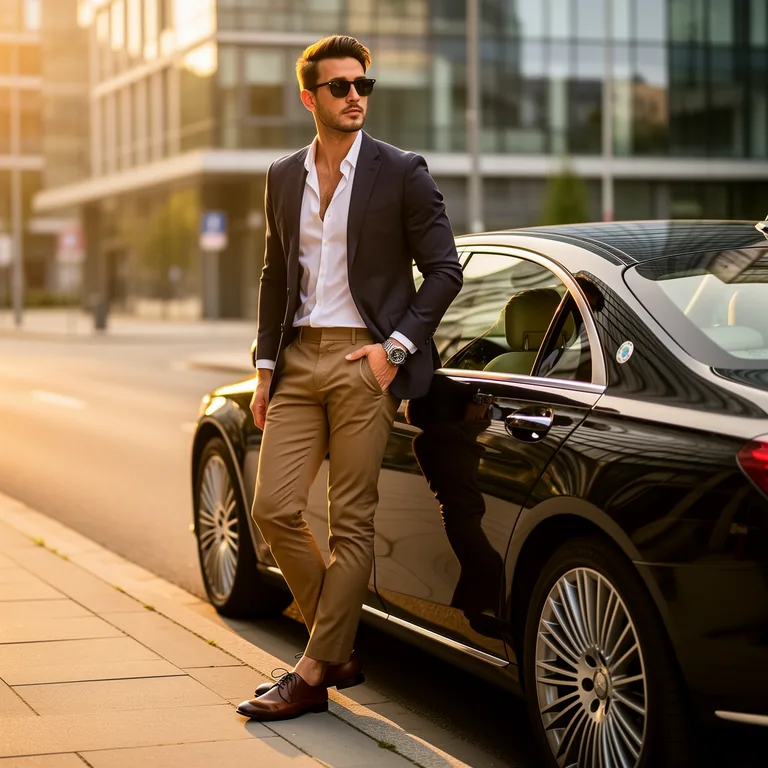
What Is Midjourney and How Is It Different from Other AI Image Generators?
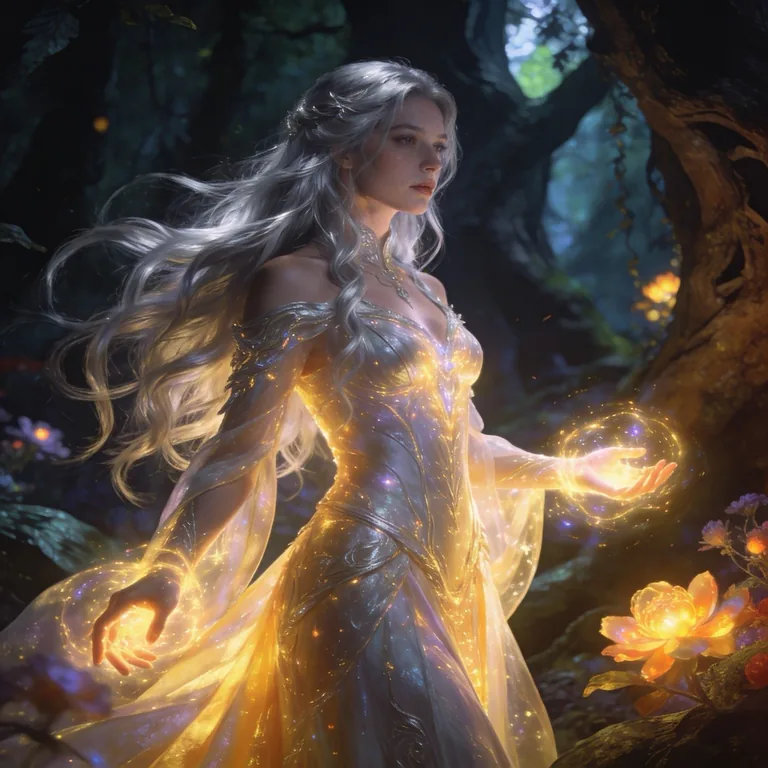
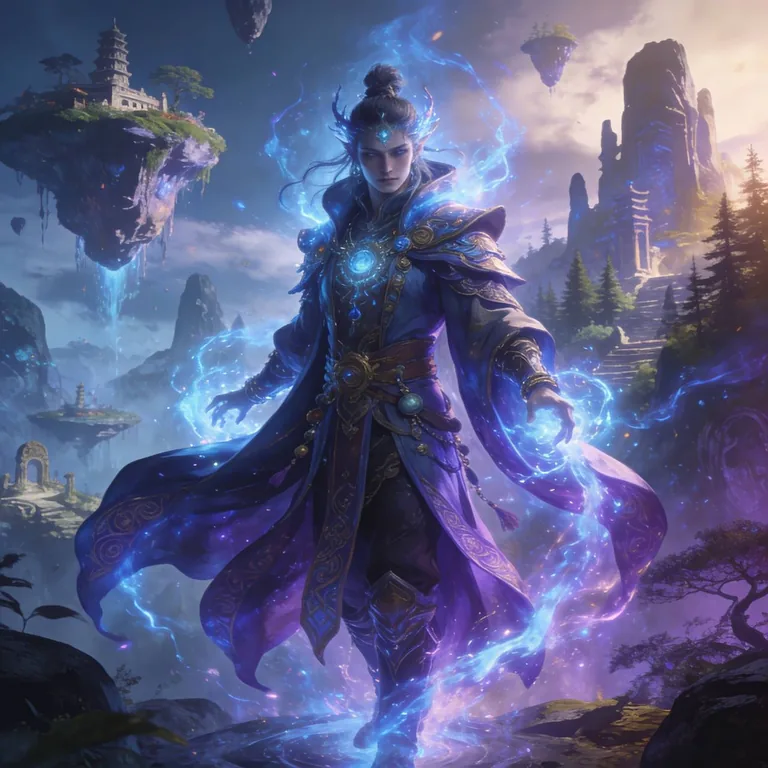
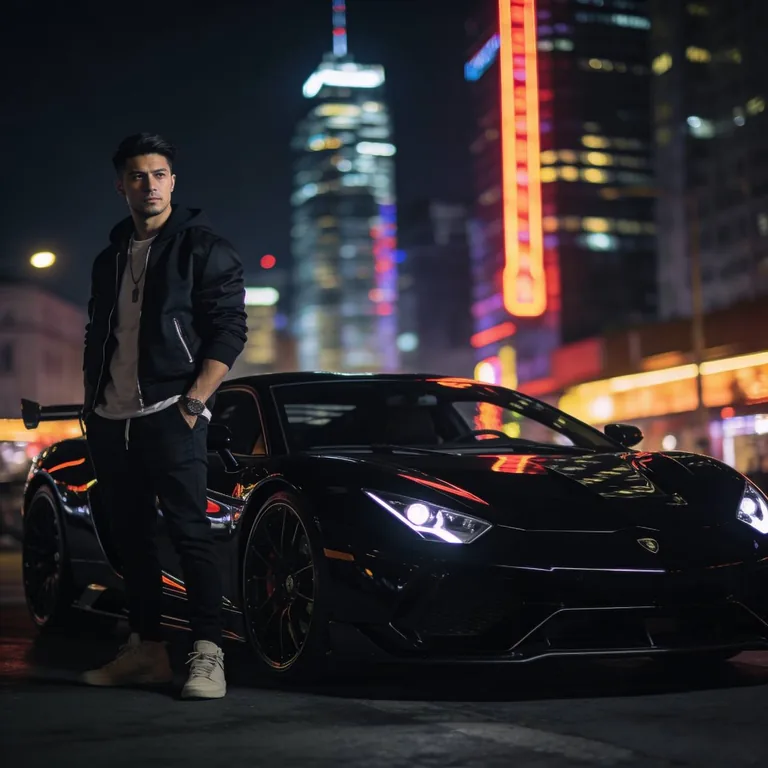
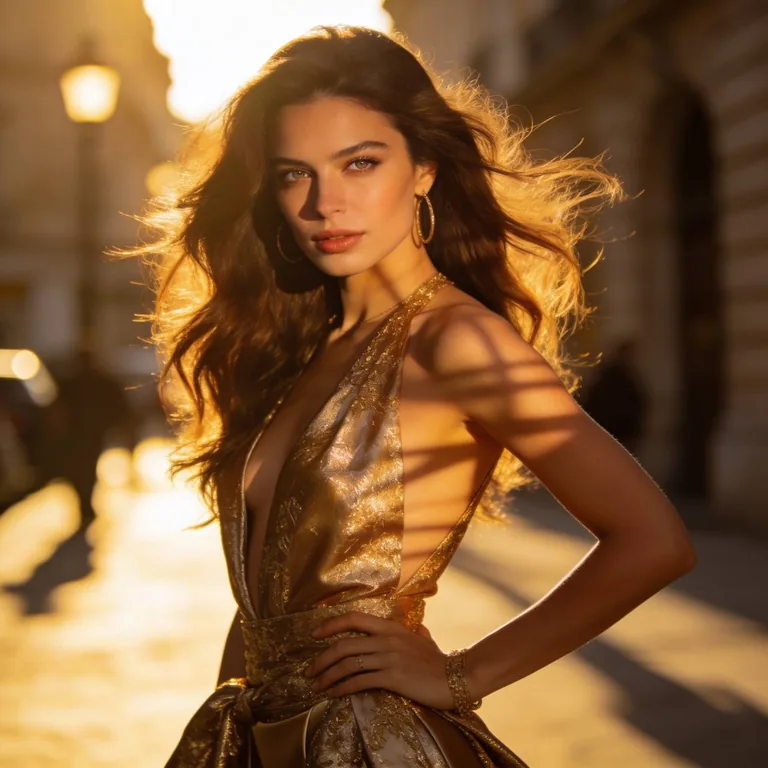
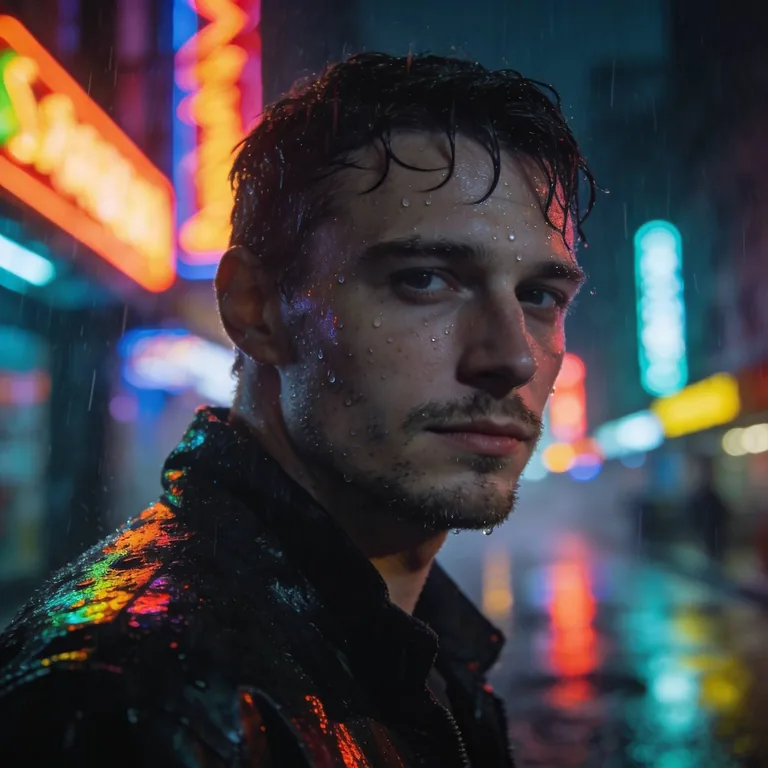
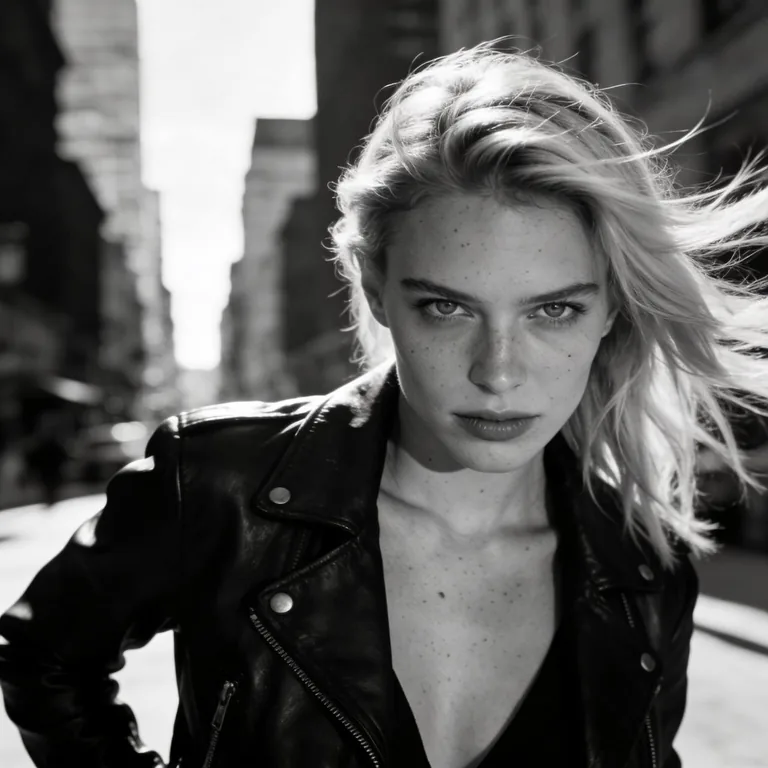
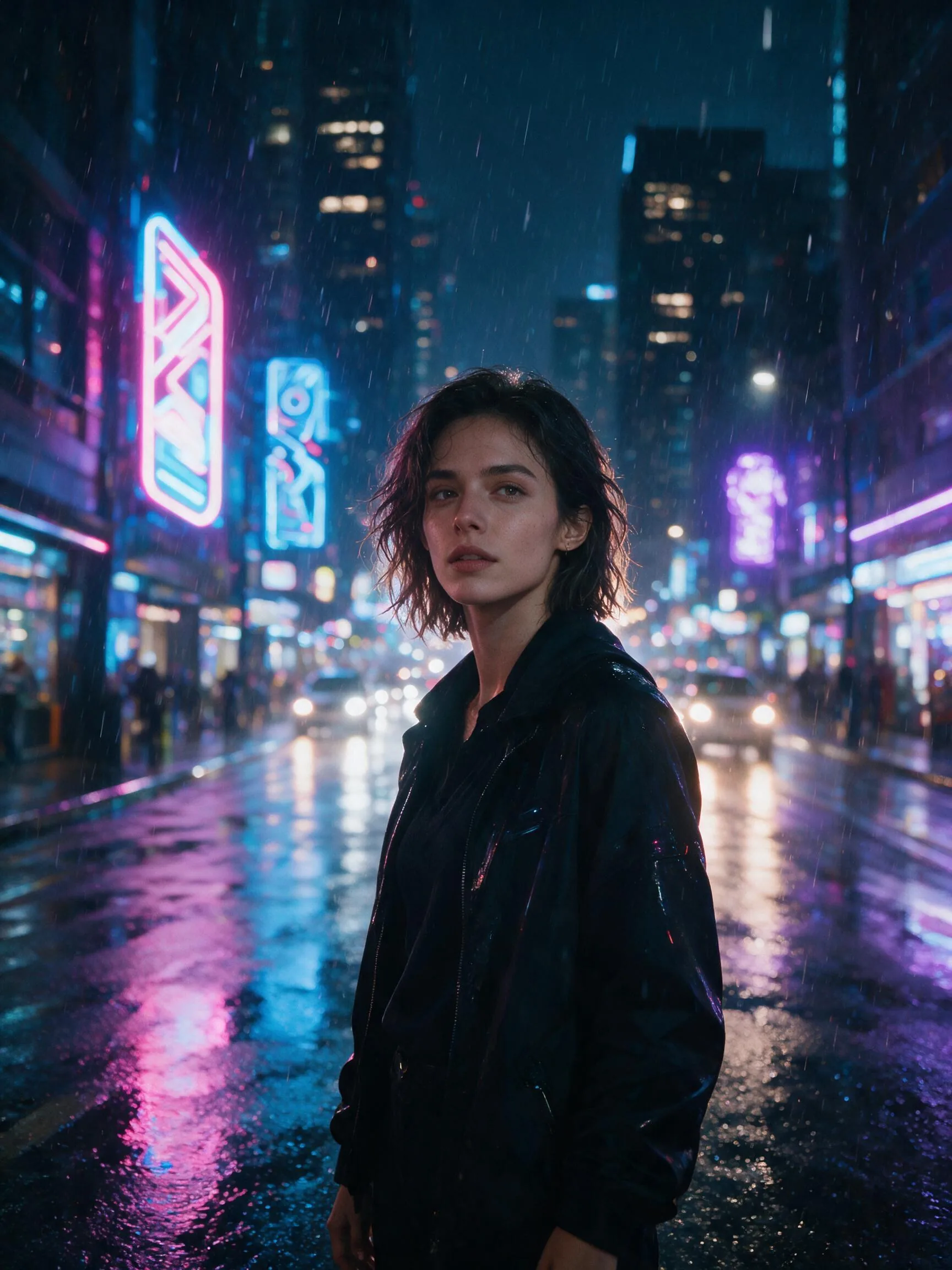
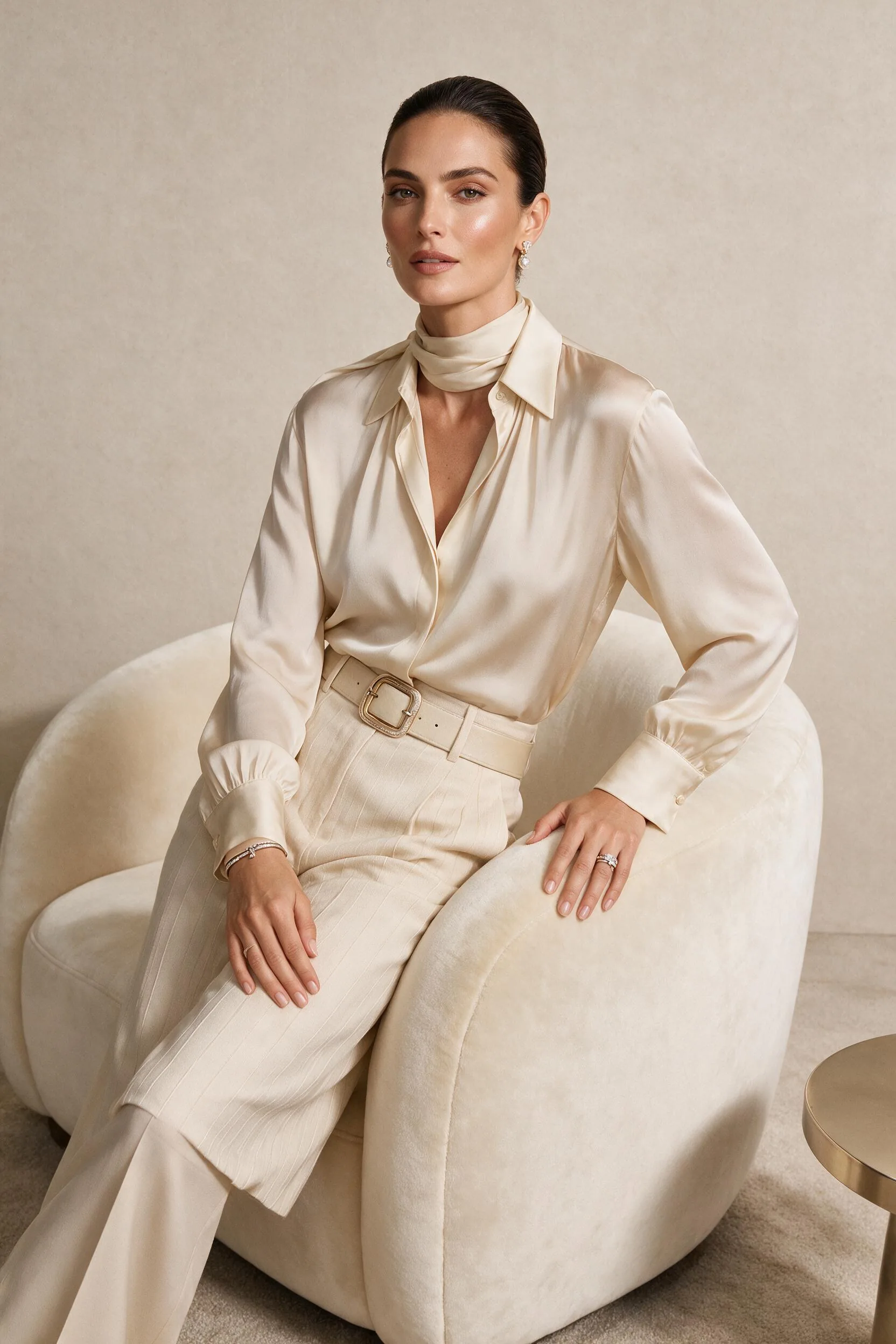
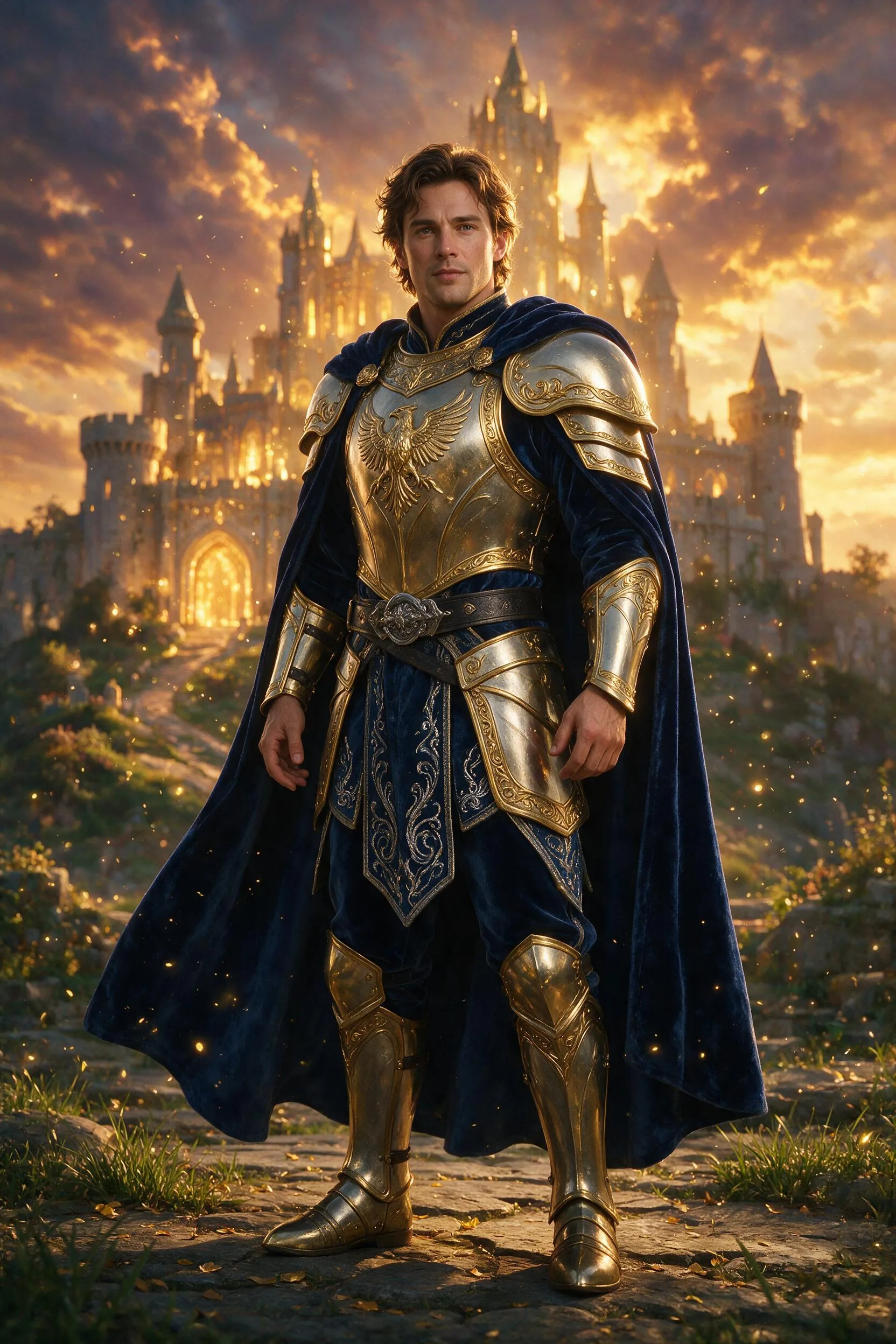
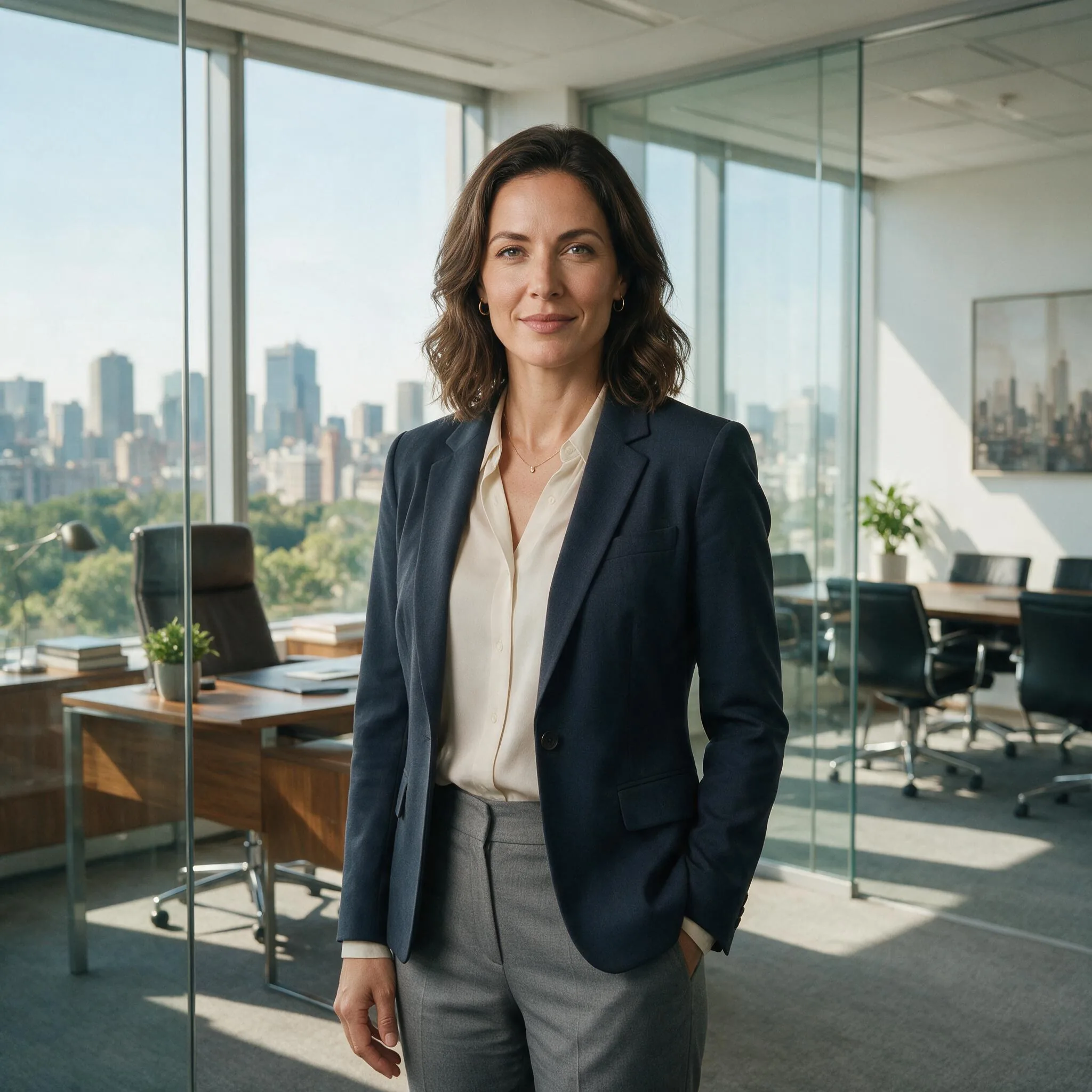
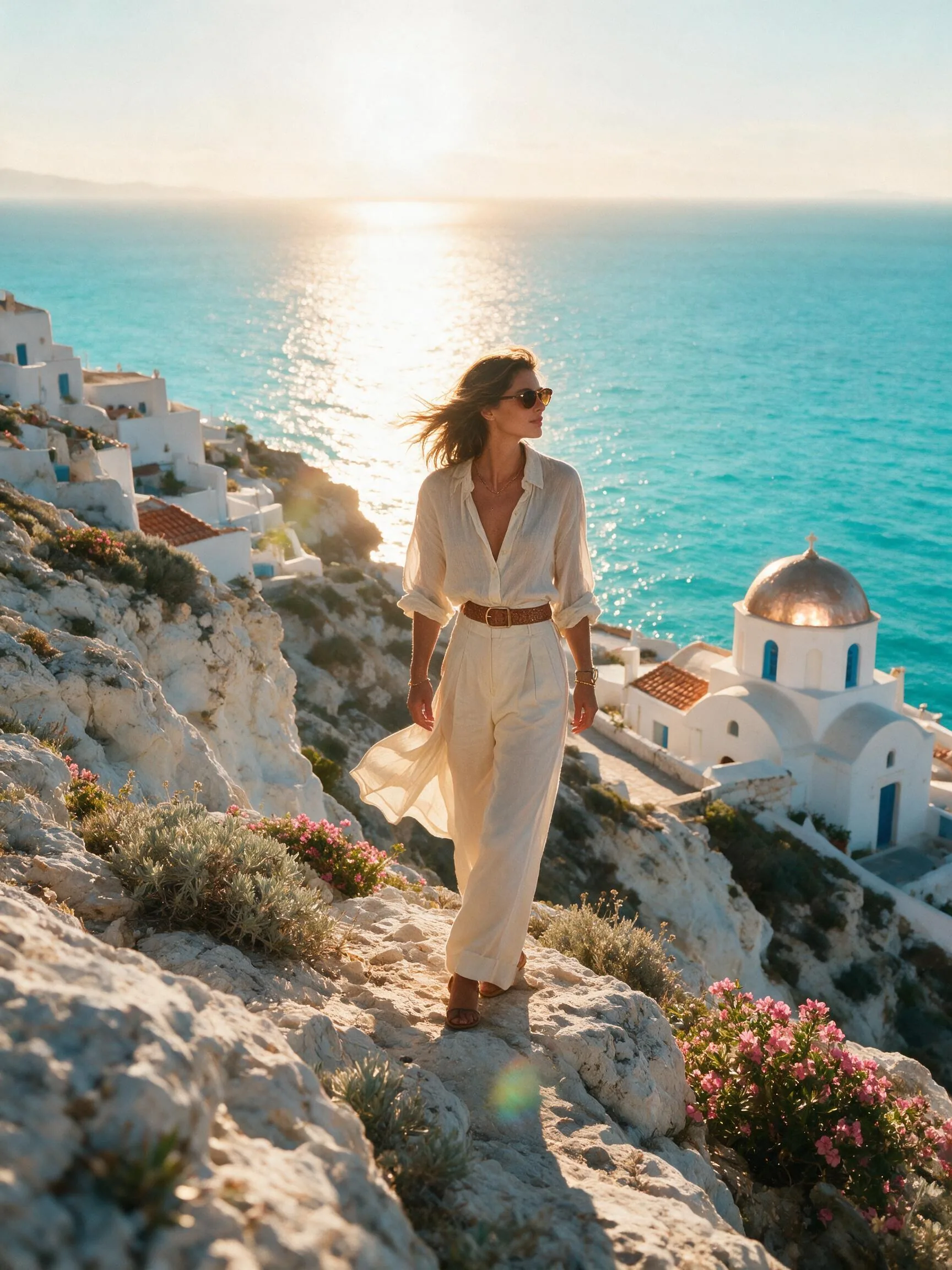
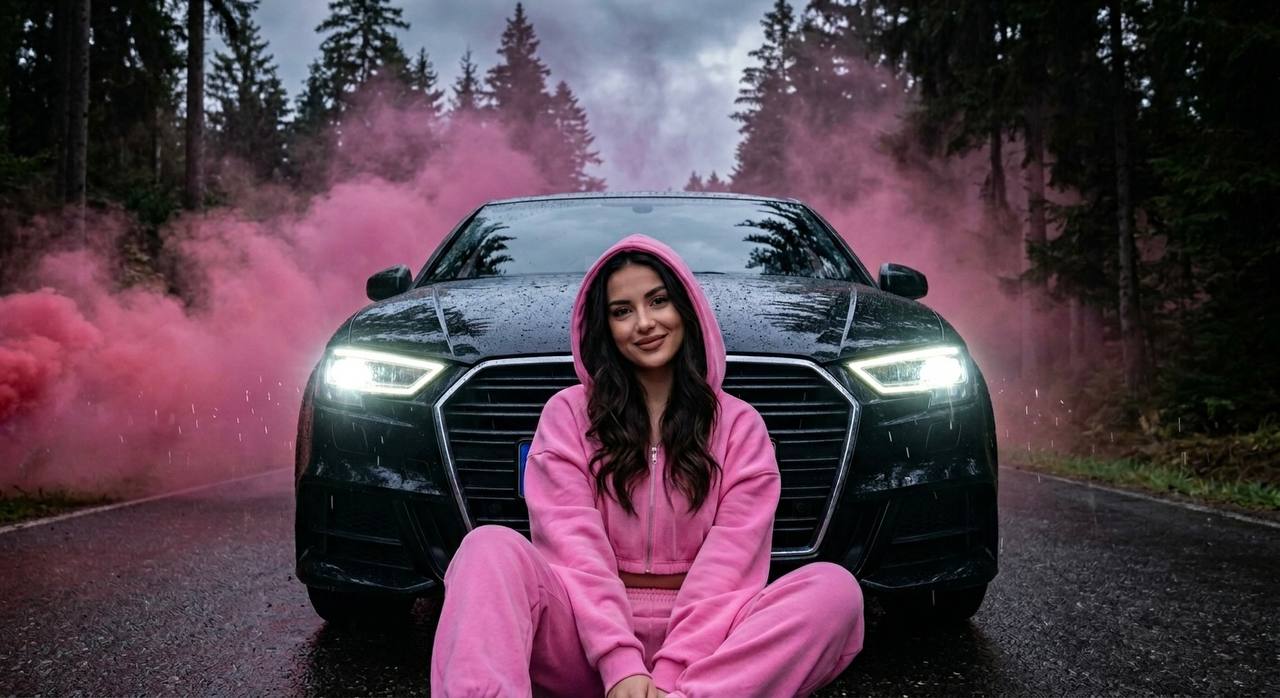
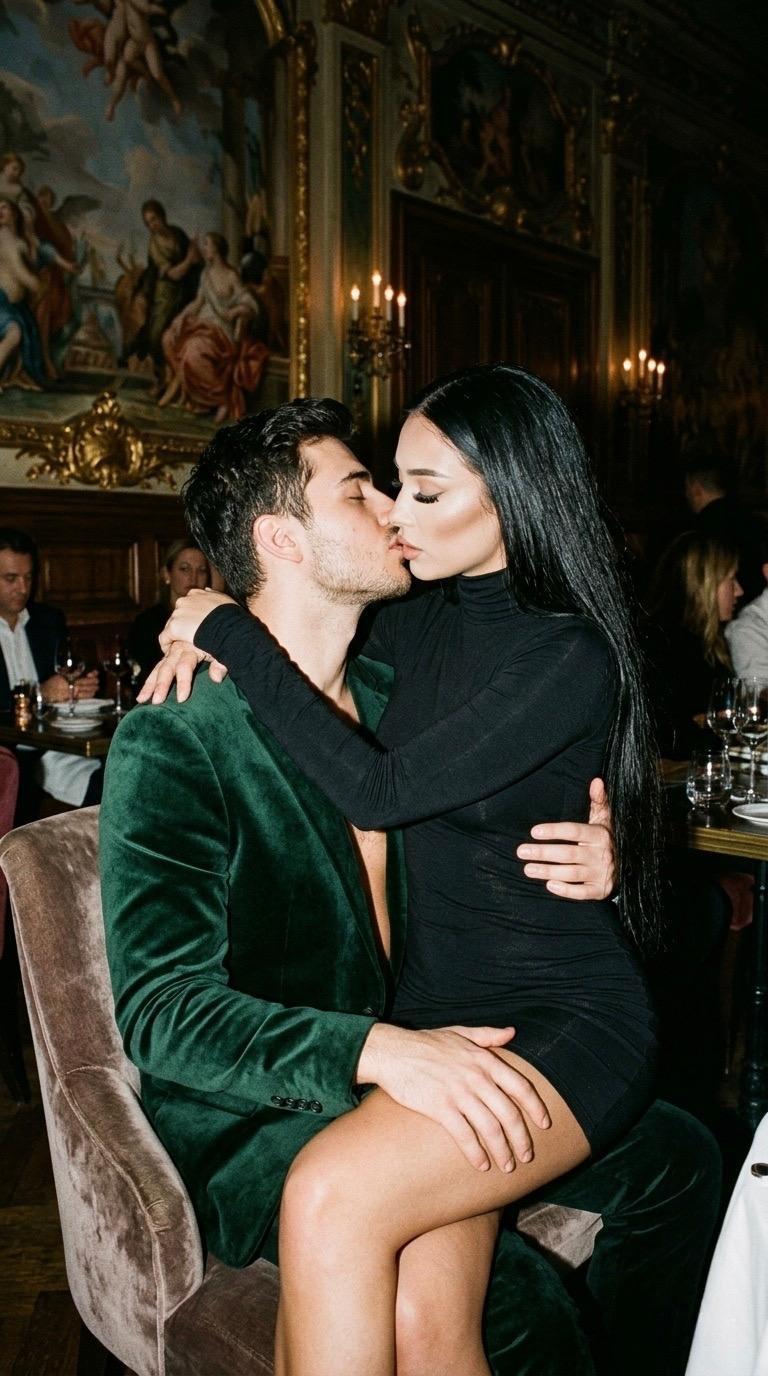
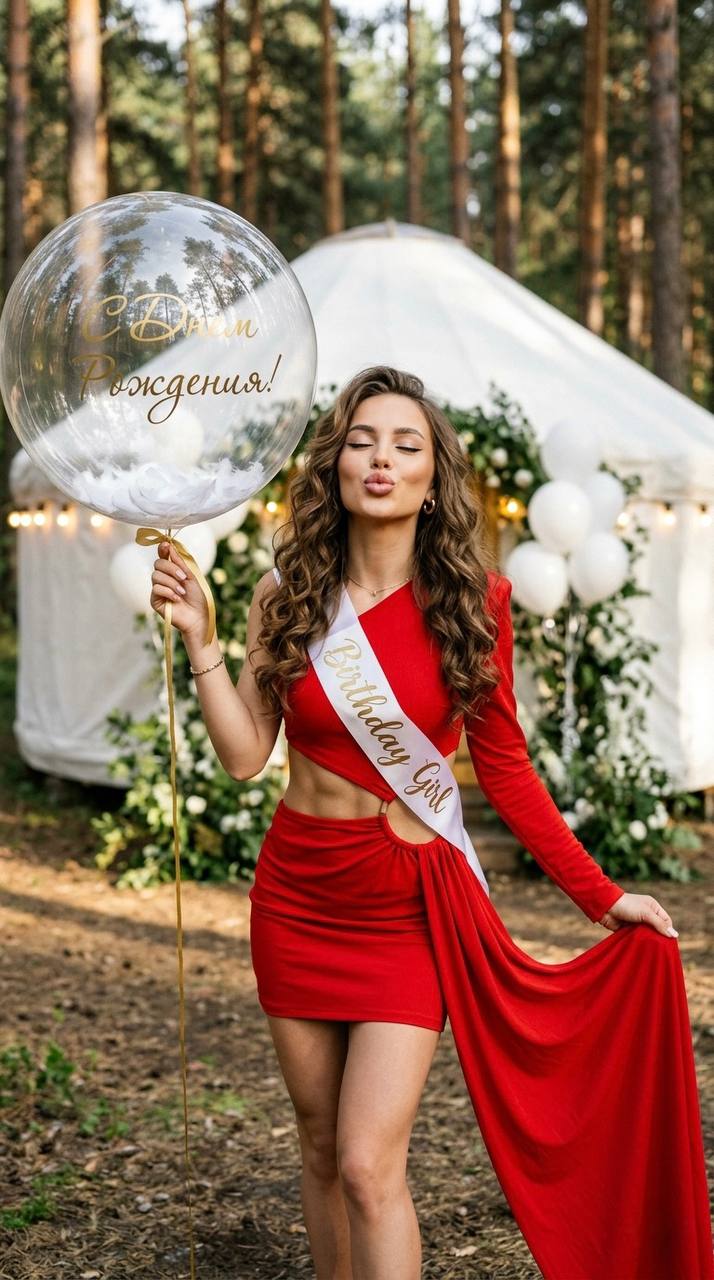
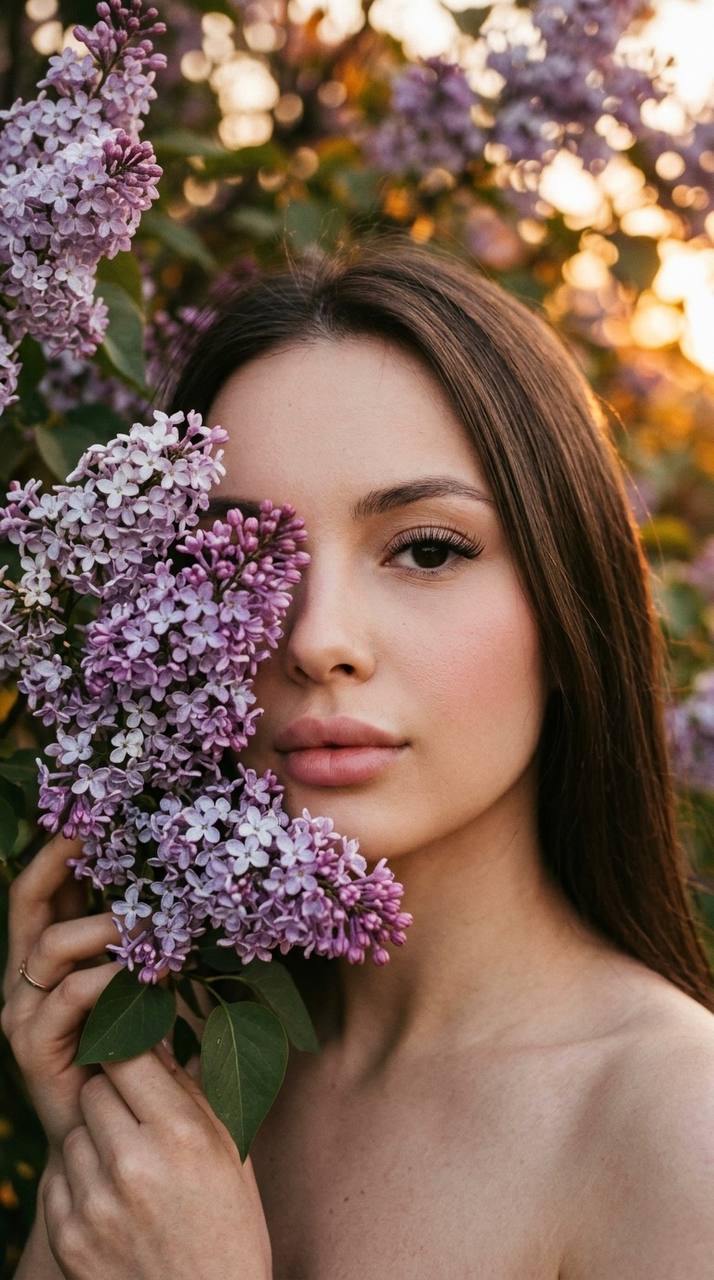
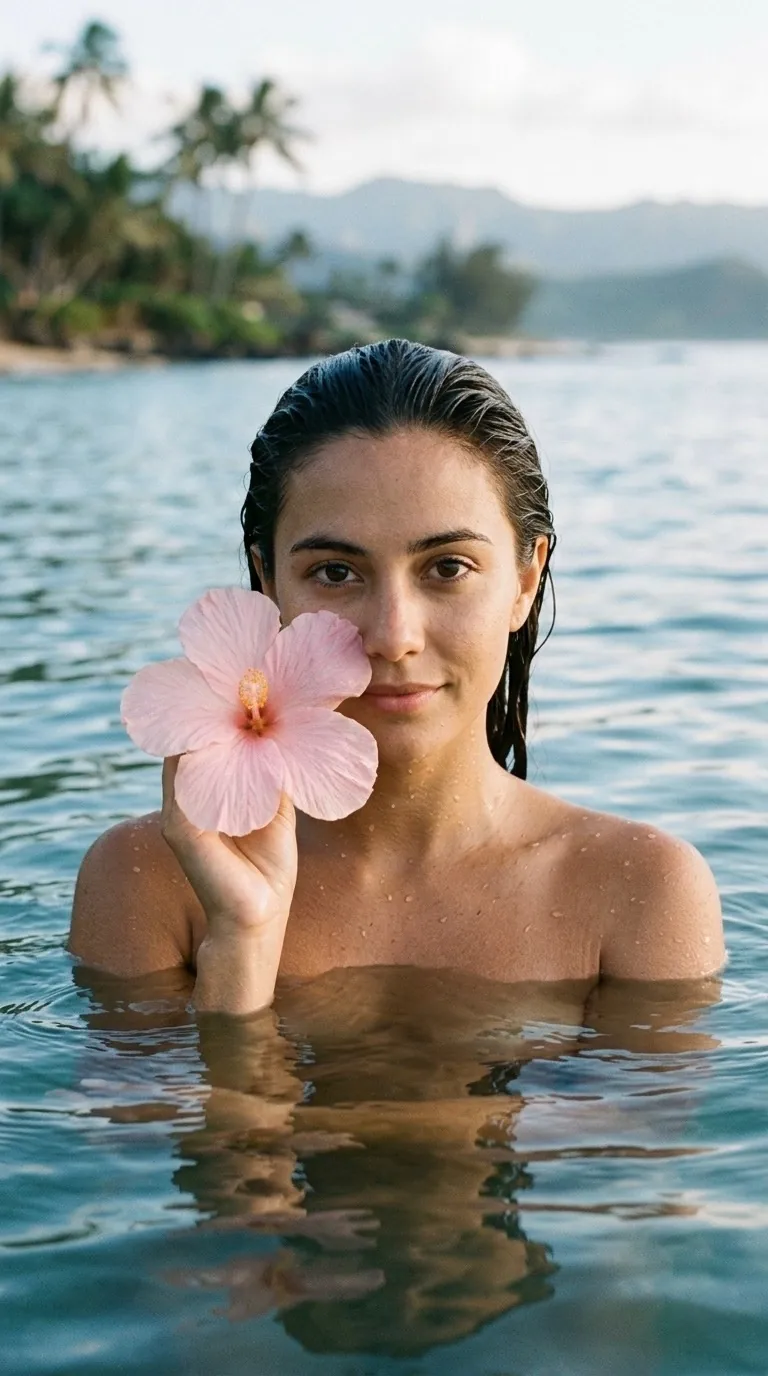
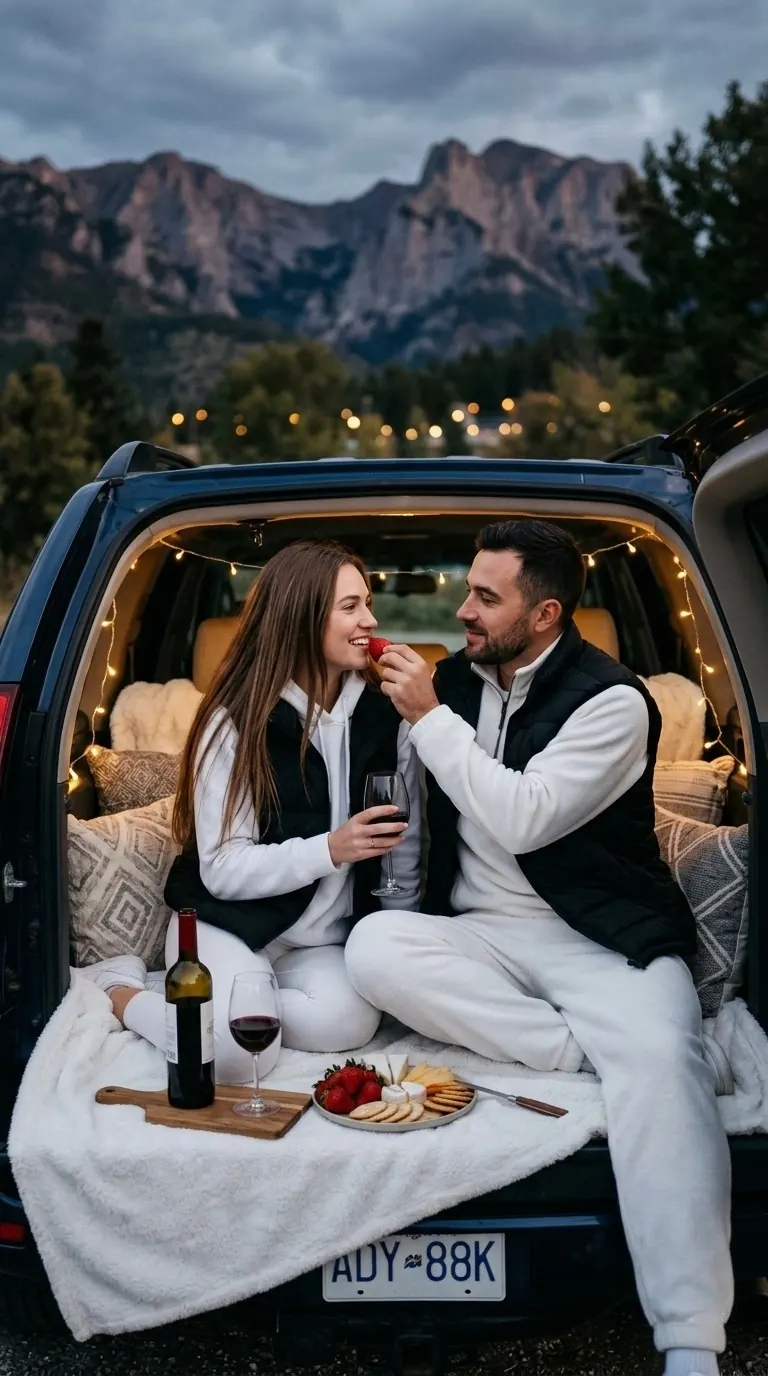
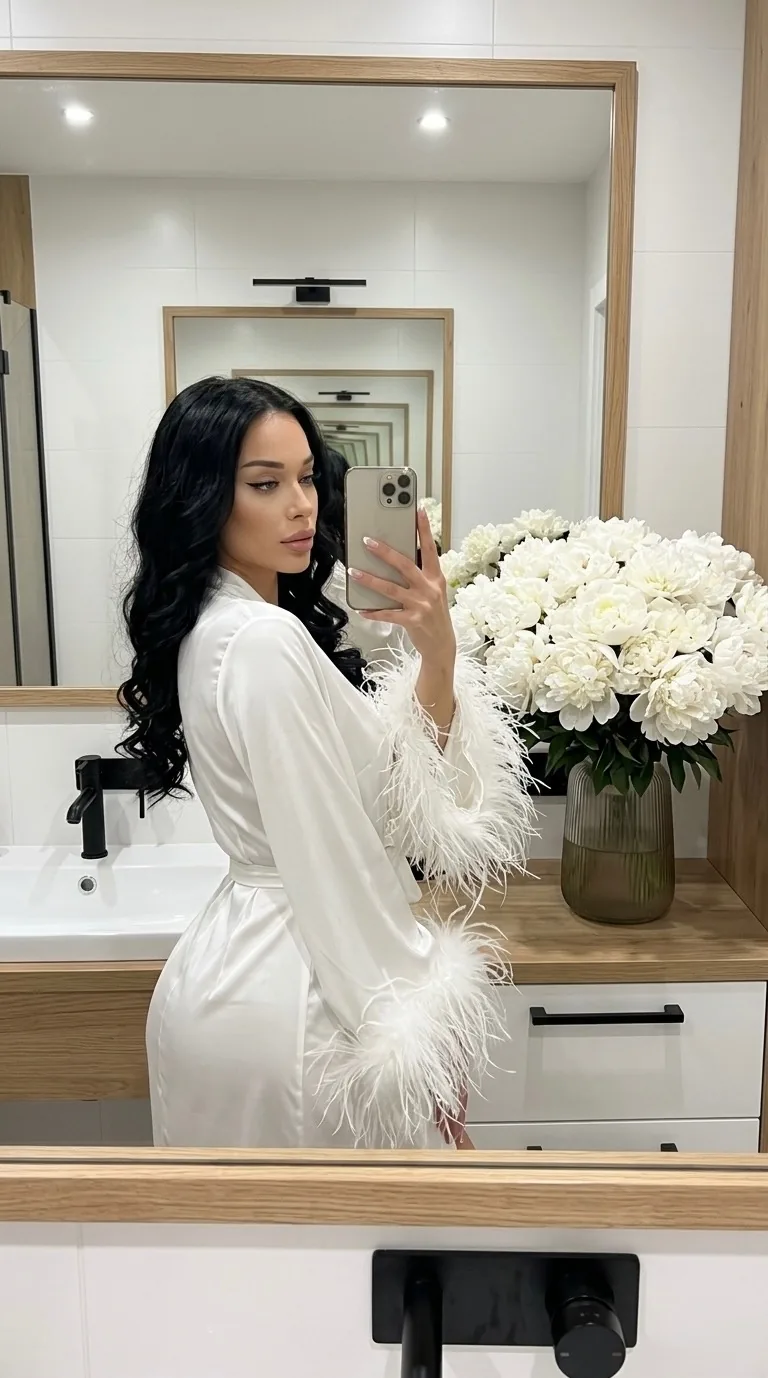
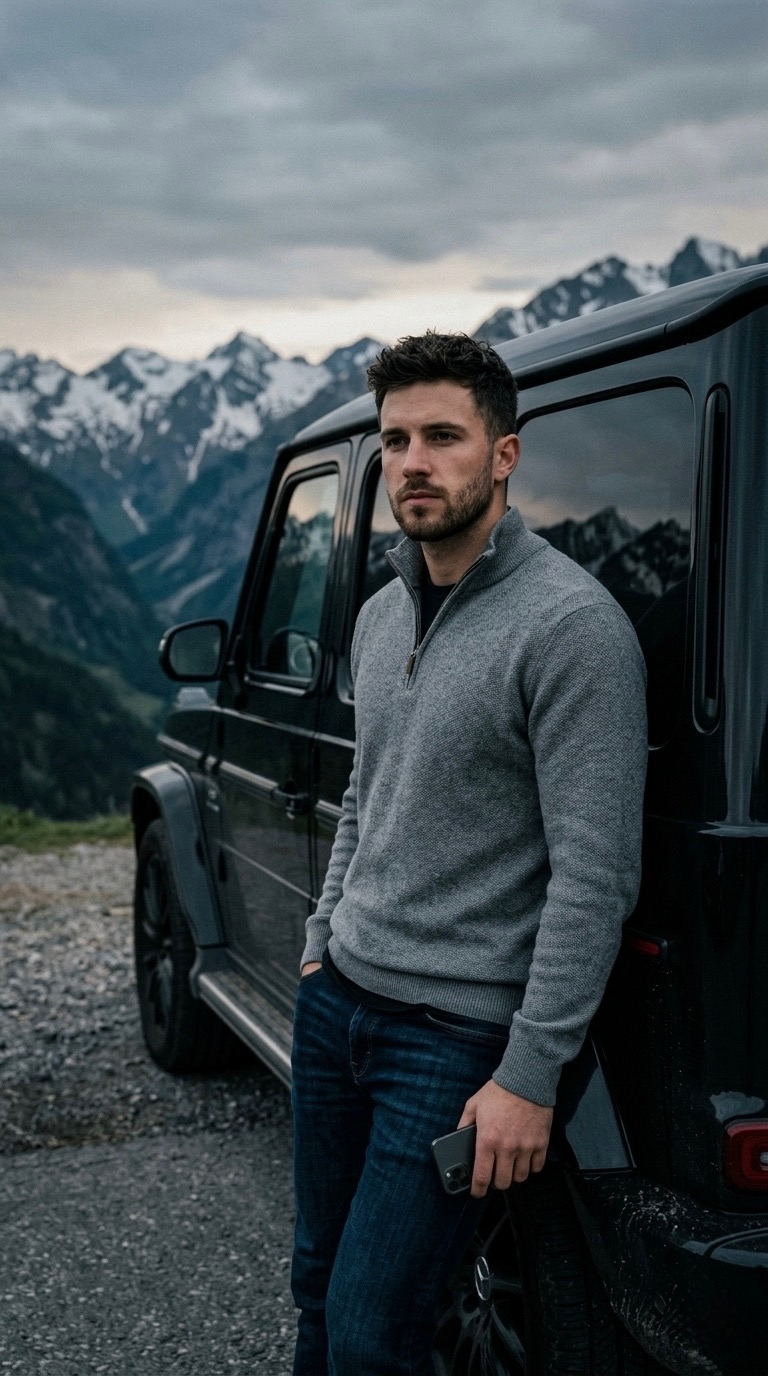
Midjourney is an AI image generator that turns a text description into visual concepts. A prompt can define the main subject, setting, composition, lighting, style, mood, and aspect ratio. The model interprets these instructions and creates a grid of four different images in one run. This makes it useful for exploring an idea because you can compare several compositions without submitting four separate requests.
Midjourney is commonly used when visual character matters: concept art, illustration, advertising, cover design, character development, and photorealistic scenes. The result depends on more than the prompt itself. Model version, aspect ratio, stylization, randomness, and reference images can all change the output. The same prompt may look noticeably different in versions 8.1, 7, and 6.1.
Neuromia is not the official Midjourney website. It is an independent AI aggregator that provides access to the model through its own interface. You work in a browser and pay with shared Neuromia credits. The same balance can also be used for GPT, Veo, Kling, Suno, and other available models.
Midjourney Without VPN or Discord: How It Works in Neuromia
The traditional Midjourney workflow was closely associated with a Discord bot. Neuromia removes that intermediate step: image generation starts from a regular form on the website. A VPN is not required either.
The workflow has four steps:
- Register with an email address. Neuromia does not require a phone number or a Google account.
- Open Midjourney, enter a prompt, and add a reference image when needed.
- Select a version, aspect ratio, and optional controls such as stylize, chaos, weird, quality, stop, tile, or HD.
- Start generation and wait for a grid of four variants. A result usually appears in 10–30 seconds.
You can write the prompt in Russian. Before generation, Neuromia automatically translates it into English, which the original model understands more reliably. You do not need to open a separate translator or rewrite the request manually. Generation settings are set through form controls rather than flags typed into the prompt.
The browser-based interface works on both desktop and mobile devices. You only need a modern browser and an internet connection. There is no separate Midjourney Telegram bot, Discord server, or desktop application to install.
How to Pay for Midjourney from Russia
Midjourney itself does not block users in Russia. An account is created through Google, the web editor works, and a paid subscription remains functional. The main restriction appears at payment: the official service uses Stripe, which rejects cards issued by Russian banks based on the card BIN.
Therefore, searches for how to pay for Midjourney from Russia usually concern the payment method rather than a model-level ban. Direct users may need a foreign card or an intermediary, may face additional fees, and still have to maintain a separate Midjourney subscription.
Neuromia uses a different payment model. You add funds to a shared balance with a Russian bank card, SBP, or YooMoney. Funds are converted into credits and charged only when you launch a selected model. A foreign card, separate Midjourney subscription, and monthly auto-renewal are not required.
Registration is free and includes 10 starter credits. One important limitation: a Midjourney generation costs 12.11 credits, so the starter bonus is not enough for that specific model. It can be used to test other Neuromia models, while Midjourney requires a balance top-up.
How Much Does Midjourney Cost? Official Plans and Neuromia Credits
The official Midjourney service has not offered a free plan since April 2023. Access is sold as a subscription. Annual billing reduces the official plan price by 20%, but payment is still processed in US dollars and requires a supported payment method.
| Access option | Price | Key point |
|---|---|---|
| Midjourney Basic | $10 per month | Entry-level official plan |
| Midjourney Standard | $30 per month | Includes Relax Mode |
| Midjourney Pro | $60 per month | Extended official plan |
| Midjourney Mega | $120 per month | Intended for higher usage |
| Neuromia | 12.11 credits per run | Four images without a separate subscription |
| Neuromia Video | 44 credits per clip | Image-to-video at 480p; 720p costs 88 credits |
In Neuromia, 600 credits cost ₽499, or about ₽0.83 per credit. A Midjourney run costs 12.11 credits, which is approximately ₽10 for the full four-image grid, or around ₽2.5 per variant. Packages of 1,200 and 6,000 credits cost ₽999 and ₽4,999 respectively.
This is not a direct equivalent of an official Midjourney plan. The subscription has its own limits and operating modes, while Neuromia charges per completed launch. The credit model is practical when you generate occasionally or use one balance across several AI tools.
The original Midjourney service has Relax, Fast, and Turbo modes. Relax is available only on the official Standard plan and above and does not consume Fast GPU time. Fast is the normal priority mode, while Turbo processes requests faster and consumes resources more quickly. In an aggregator interface, check the displayed price and available controls before each launch.
Midjourney Versions: 8.2, 8.1, 7, 6.1, and Niji
Neuromia includes versions 8.2, 8.1, 7, 6.1, and 6. Version 8.2 is selected by default. A separate Niji toggle is available for anime-oriented visuals. Version choice affects the rendering style, speed, text handling, and reference compatibility.
| Version | Best suited to | Important details |
|---|---|---|
| 8.2 | General image generation and exploring the current branch | Preview mode based on 8.1; selected by default |
| 8.1 | The fastest version, detailed output, and image prompts | In production since April 30, 2026; HD 2048×2048 by default, restored weights, Raw mode, updated Describe |
| 7 | Photorealism, Draft Mode, and Omni Reference | Released in April 2025; supports --oref and --ow |
| 6.1 | Illustrations, painterly art, and Character Reference | 2024 version; supports --cref and --cw |
| 6 | Older workflows that depend on the previous rendering character | Available for repeatable legacy prompt setups |
| Niji | Anime, manga, stylized characters, and dynamic scenes | Jointly developed by Midjourney and Spellbrush |
V8 Alpha was introduced on March 17, 2026. Its announced characteristics included roughly five times the speed of V7, native 2K through --hd, and improved rendering of text placed in quotation marks. Neuromia exposes the available 8.1 and 8.2 options rather than a separate “V8 Alpha” menu item.
For a new prompt, start with 8.2 and compare it with 8.1 or 7 when needed. Version 6.1 is worth testing for a more painterly result or Character Reference. Use Niji for anime and manga, while keeping its reference limitations in mind.
Midjourney Prompts: How to Write Them and Ready-to-Use Examples
A useful prompt describes a concrete scene instead of asking for a generally “beautiful image.” A practical structure is: main subject → action or state → environment → composition → lighting → visual style → technical parameters. Observable details give the model clearer direction than broad quality adjectives.
Instead of “an expensive perfume bottle,” write: “photorealistic product shot of a perfume bottle on black stone, soft side lighting, subtle mist, premium advertising look, vertical composition.” Material, light source, camera angle, and background are instructions the model can interpret.
You can write prompts in Russian in Neuromia. There is no need to type the aspect ratio or stylization into the text — they are set by form controls. Examples:
- Photorealistic product shot of a perfume bottle on black stone, soft side lighting, subtle mist, premium advertising look, high detail
- Cozy Scandinavian living room, pale wood, linen textiles, morning light through a large window, realistic interior photography
- Close-up portrait of a space explorer in a matte white suit, a distant planet reflected in the visor, cinematic lighting
- Fantasy city on cliffs above the ocean, bridges between towers, warm sunset, intricate architecture, atmospheric concept art
- Minimalist coffee shop poster with an espresso cup, geometric shadows, cream background, and empty space for a headline
For text inside an image, place the required wording in quotation marks and leave enough visual space around it. Even current versions may need several attempts to produce exact typography. When the wording is critical, generate the background and composition in Midjourney and add final text in a graphic editor.
Midjourney Parameters and Commands
In the original Midjourney, parameters are placed at the end of a prompt. In Neuromia they are exposed as form controls: version, aspect ratio, stylize, chaos, weird, quality and references are set with fields and sliders, and the form values take priority over flags typed into the text. Support differs between versions, so the selected model must be considered before generation.
| Parameter | Purpose | Example |
|---|---|---|
--ar |
Sets the aspect ratio | --ar 16:9 |
--stylize |
Adjusts the strength of Midjourney styling | --stylize 300 |
--chaos |
Increases diversity across the four variants | --chaos 20 |
--weird |
Encourages unusual and less predictable choices | --weird 250 |
--no |
Requests exclusion of an object or detail | --no text, watermark |
--sref |
Supplies a style reference | link or uploaded image |
--dref |
Supplies a depth reference | used according to version support |
--cref |
Maintains a character in v6, v6.1, and niji6 | character reference |
--cw |
Controls Character Reference weight | used with --cref |
--oref |
Transfers a specific object or subject in v7 | Omni Reference image |
--ow |
Controls Omni Reference strength | used with --oref |
--hd |
Enables HD behavior where supported | V8 branch |
--tile |
Creates a seamless repeating pattern | textures and patterns |
--stop |
Ends generation before the final render stage (v5–6.1 and niji 5–6 only) | intentionally unfinished look |
Neuromia also exposes reference weights including iw, cw, sw, dw, and ow. They control the influence of an image prompt, character, style, depth, and Omni Reference. An excessive value can reduce flexibility, while a very low value can weaken similarity.
Neuromia provides generation: one run returns a grid of four images, each saved separately and available for download. The additional tools of the original Midjourney — variations, upscaling, Describe and Blend — are not connected in the service interface. These tools help reverse-engineer a prompt or develop an existing direction.
Character and Style References: Keeping the Same Subject
Keeping a recognizable character requires both a suitable reference and a compatible model version. There is no single Midjourney command that works across every version.
In v6, v6.1, and niji6, Character Reference uses --cref, while --cw controls how strongly the model follows the subject’s appearance and details. This is useful for illustration series in which one character appears in different poses, settings, or outfits. The --cref feature was removed in v7.
Version 7 uses Omni Reference instead: --oref with the --ow weight. It can transfer a specific character or object. Based on live Neuromia tests, Omni Reference is not supported in v8.1 or v8.2 and is incompatible with Niji. Instructions written for v7 should therefore not be applied blindly to every version.
Style is handled separately through --sref; its purpose is to preserve visual language rather than a character’s identity. --dref works with scene depth. These reference types, including their use with Niji, should not be confused with Character Reference or Omni Reference. For a consistent series, use one clear source image, keep defining facial or object traits stable, and avoid changing too many controls at once.
Midjourney Video: Animating a Still Image
Alongside image generation, Neuromia provides a separate Midjourney Video model. It turns an existing frame into a short clip: the image stays the foundation, and the model adds motion to the camera, the subject, light, fabric, or water.
One important limitation: Midjourney Video works only as image-to-video. A clip cannot be generated from text alone, so a first frame is required. That frame can be an image made in Midjourney or your own photograph.
The workflow is straightforward. Upload an image, describe the motion you want, choose 480p or 720p, and select calm or pronounced movement. You can also add a final frame, and the model will build a transition between the two images. The aspect ratio is inherited from the source frame, so it does not need to be set separately.
Points to keep in mind:
- The duration is fixed at roughly 5 seconds, and the model has no built-in extension.
- The clip is produced without an audio track: the file contains video only. Sound is added later in an editor, or with a model that generates audio.
- A sharp frame with a clear main subject works best; a blurry source produces less accurate motion.
- Describe the motion rather than the scene again: "slowly turns her head toward the camera", "light wind in the hair", "smooth push-in".
Pricing: a 480p clip costs 44 credits and 720p costs 88 credits. With the 600-credit package at ₽499, that is about ₽37 and ₽73 per five-second clip. The price is shown before generation, and the credits are the same ones used for images.
This format suits animated covers and posters, short inserts in advertising videos, animated avatars, and previews for social media or presentations where a still frame needs motion without a shoot.
Who Is Midjourney For?
Designers use Midjourney for mood boards, visual directions, backgrounds, posters, and early concepts before manual refinement. Illustrators explore compositions, color systems, and character variants. Final production work usually still requires selection, retouching, and adaptation to the target format.
Marketers and SMM specialists use it to explore advertising creatives, covers, themed scenes, and visual series for social posts. To maintain brand consistency, define the palette, composition rules, and style references, then add logos and final typography separately.
An online store owner can generate background scenes, seasonal banners, product presentation ideas, and early product-card concepts. A generated image should not be presented as an exact product photograph when it changes real properties. For catalog use, keep the actual product photo and apply AI to the environment or concept stage.
Bloggers and entrepreneurs use Midjourney for avatars, covers, presentations, and visual planning before commissioning a full shoot. Concept art is also useful to game developers, authors, and video teams who need to align on a location, atmosphere, or character direction quickly.
Midjourney vs Flux, Nano Banana, and GPT Image
Model selection should start with the job rather than a universal ranking. Midjourney is strong at stylization, composition, and rapid visual exploration. A different model may be more practical for precise source-image editing or strict multi-step instructions.
| Model | Core strength | Choose it when |
|---|---|---|
| Midjourney | Expressive composition, artistic rendering, four variants per run | Concept art, advertising, posters, stylized and photorealistic scenes |
| Flux | Flexible generation and control over iterative output | You need broad variation and repeated exploration of a visual direction |
| Nano Banana | Editing and transforming source images | You need to preserve a base image, change selected elements, or combine sources |
| GPT Image | Detailed instruction following and text handling | You need explicit revisions, a conversational workflow, or visible wording |
The models can also be combined. Midjourney can establish a strong composition, Nano Banana can modify the selected source, and GPT Image can apply a precise list of changes. Shared Neuromia credits make it possible to switch among available tools without buying a separate subscription for each one.
Free Midjourney alternatives exist, but their limits, licensing, and availability change. Compare not only cost but also the required style quality, speed, resolution, reference support, and usage rights.
Image Rights and Commercial Use
Whether an image can be used in advertising, product design, a store listing, or another commercial project depends on the current Midjourney terms, the account type, and the law that applies to the project. Generating a new file does not automatically provide exclusive rights to every depicted object, character, brand, or style.
Do not upload third-party photographs, logos, trademarks, characters, or protected illustrations without permission. A newly generated file may still create legal risk when it closely resembles protected work or a recognizable brand. Commercial projects should review the source references, license terms, and intended context.
Neuromia provides technical access to the model. It does not become the rights holder of materials uploaded by the user and does not transfer rights to third-party content. The user remains responsible for the legality of the prompt, reference, and publication.
To reduce risk, use your own photos and graphics, write an original brief, avoid direct replication of recognizable protected characters, and review the final layout before release. High-value or disputed commercial uses may require separate legal advice.