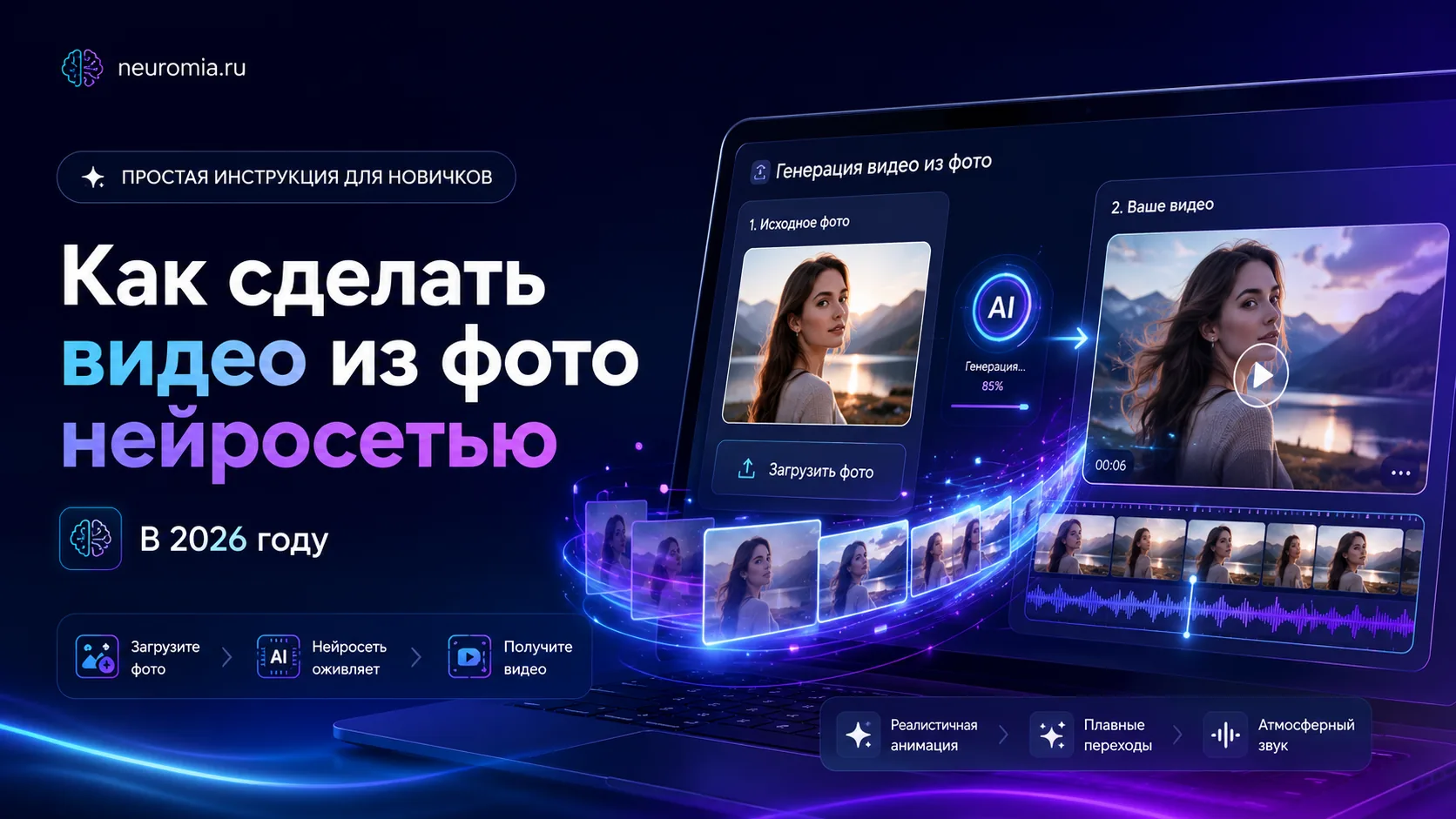
How to Turn a Photo into a Video with AI in 2026: A Simple Beginner's Guide
How to bring a photo to life with AI: add motion, pick a video model, and get a ready-to-post clip for social media, ads, or a personal project — no complex editing needed.
Not long ago, turning an ordinary photo into a beautiful video required real editing skills — animation, masks, keyframes, and complicated software. For a beginner it looked daunting: open an editor, figure out the interface, add motion, fine-tune the smoothness, export the clip, and then fix the mistakes on top of that.
In 2026, everything got much easier. Now you can turn a regular photo into a short video with a neural network. Just upload an image, describe what should happen in the frame, pick a model, and wait for the generation to finish.
This way you can bring a portrait to life, add camera movement, turn a product picture into a promo clip, or create an atmospheric video for Reels, Shorts, TikTok, stories, or a presentation.
The key is knowing how to prepare the photo and write the prompt. AI can deliver a great result, but you need to explain the task clearly.
What "turning a photo into a video" means
A photo-to-video clip is a short video created from a single image. The neural network analyzes the picture and adds motion to it.
That can be:
- a smooth turn of the head;
- a slight smile;
- hair movement;
- blinking;
- camera movement;
- zooming in or out;
- an animated background;
- moving light;
- product animation;
- a cinematic effect;
- a short scene based on the image.
For example, you have a photo of a girl in the city. The AI can make it look as if the camera slowly moves closer, her hair sways gently in the wind, lights flicker in the background, and the image turns into a living scene.
Or you have a product photo. The AI can add a smooth camera rotation, beautiful lighting, and background motion — turning an ordinary picture into a short promo clip.
What you can use photo-to-video for
Photo-to-video comes in handy wherever you need motion but can't shoot a full video.
The format works well for:
- Reels;
- YouTube Shorts;
- TikTok;
- Telegram posts;
- VK Clips;
- stories;
- ad creatives;
- presentations;
- product listings;
- covers;
- promo videos;
- music visualizations;
- personal projects.
A short video often grabs more attention than a static image. Viewers notice motion faster, linger on the post, and absorb the content better.
That's why photo-to-video generation is especially useful for bloggers, social media managers, website owners, designers, marketers, and business owners.
Which photos work best for video generation
Not every image is equally suited for AI video. The clearer the source photo, the better your chances of a clean result.
Images work best when:
- the subject is clearly visible;
- there is no heavy blur;
- the face or product isn't blocked by other objects;
- the lighting is decent;
- the background is uncluttered;
- there are no overly fine details;
- the image quality is good;
- the main subject sits at or near the center.
If a photo is too dark, blurry, or overloaded with detail, the AI can make mistakes: distort the face, break the hands, move objects strangely, or add extra elements.
For a first test, pick a simple image: a portrait, an object, an interior, a car, a product, a landscape, or an illustration.
What AI handles best
AI video does a great job with short, clear movements.
For example:
- a smooth zoom-in;
- a slow camera pan;
- subtle facial motion;
- bringing a portrait to life;
- moving clouds;
- flickering light;
- moving water;
- a camera flying around an object;
- a cinematic shot;
- a product ad shot;
- turning a static picture into an atmospheric scene.
Long actions, fast-paced scenes, precise choreography, complex interaction between several people, and scenes with lots of small objects are harder.
So for a quality result, start with simple motion. Don't ask right away for "the person stands up, dances, grabs a phone, opens the door, and leaves." The AI may get confused.
It's better to write: "the camera slowly moves closer, the person smiles slightly, hair sways gently in the wind."
How to write a prompt for photo-to-video
A prompt is a text description of what the AI should do.
A good photo-to-video prompt usually includes:
- what's in the frame;
- what motion to add;
- how the camera should move;
- the mood of the scene;
- the style you want;
- the lighting;
- what the clip is for.
Bad prompts:
- "animate the photo";
- "make it pretty";
- "add motion";
- "make a video";
- "make it cool".
Requests like these are too vague. The AI doesn't know what motion you actually want.
Good prompts:
A smooth cinematic camera push-in toward the face, a slight smile, soft hair movement, warm evening light, realistic style, calm mood.
The camera slowly orbits the product from left to right, softly lit background, reflections on the surface, premium commercial look, smooth motion.
A fantasy landscape comes alive: clouds drift slowly, light sweeps across the mountains, the camera glides closer, epic mood.
The more precise the description, the easier it is for the AI to produce a good clip.
A simple prompt structure
You can use this formula:
Subject + subject motion + camera motion + style + mood + lighting
For example:
A young woman in a portrait smiles slightly, her hair sways gently in the wind, the camera slowly moves closer, realistic cinematic style, warm light, calm mood.
Or:
A perfume bottle on a dark background, the camera glides smoothly around it, soft light glints all around, premium commercial look, deep contrast, high-end visual style.
This structure helps you remember the important details.
Prompt examples for different tasks
For a portrait
Gently bring the portrait to life: the person smiles slightly, blinks softly, hair barely moves in a light breeze, the camera slowly pushes in, realistic style, natural light, calm atmosphere.
For a product
A premium promo clip: the camera slowly orbits the product, light reflects beautifully off the surface, the background moves slightly, soft highlights, clean composition, expensive minimalist style.
For a landscape
A cinematic landscape comes alive: clouds drift slowly across the sky, light sweeps softly over the mountains, the camera glides closer, atmospheric style, realistic detail.
For an avatar
A stylish digital avatar comes alive: subtle head movement, soft blinking, neon lighting, smooth zoom-in, modern tech style, clean animation.
For a music track cover
An atmospheric cover turns into a video: neon lights flicker, the camera slowly moves forward, light fog, cinematic lighting, nighttime mood, music visualization.
The mistakes that most often ruin the result
Many people get poor AI video not because the model is weak, but because the task is set up wrong.
Common mistakes:
- a prompt that's too short;
- too many actions in one clip;
- a low-quality source photo;
- no camera movement specified;
- no style description;
- an overly complex scene;
- too many people in the frame;
- no mood specified;
- expecting a perfect result on the first try.
Video AI works better when the task is specific. If you want a beautiful clip, don't stop at "bring the photo to life." Describe exactly how it should come alive.
How to make a video from a photo, step by step
The process is usually straightforward.
Step 1. Pick an image
Take a good-quality photo. Ideally the main subject is clearly visible and not blocked by clutter.
Step 2. Decide what the clip is for
Before generating, decide why you need the video:
- for Reels;
- for Shorts;
- for TikTok;
- for an ad;
- for Telegram;
- for a product listing;
- for your personal archive;
- for a presentation.
The goal shapes the prompt style. A promo clip and an animated family photo call for very different approaches.
Step 3. Write the prompt
Describe the motion, style, camera, and mood. Be specific, but don't overload it.
Step 4. Run the generation
The AI will create a short clip based on the image and the description.
Step 5. Review the result
Check that everything looks natural:
- is the face distorted;
- are there any strange movements;
- did the hands break;
- did any extra details appear;
- does the clip fit the task.
Step 6. Refine the prompt
If the result isn't perfect, adjust the request. Sometimes it's enough to add "smooth motion," "no harsh distortions," "natural facial expressions," or "minimal camera movement."
How to make the clip more realistic
For a natural look, ask the AI for subtle motion.
Phrases that work well:
- smooth motion;
- soft animation;
- natural facial expressions;
- gentle blinking;
- slow zoom-in;
- subtle camera movement;
- realistic motion;
- cinematic lighting;
- smooth animation.
It's better to avoid overly abrupt commands:
- "dances fast";
- "turns sharply";
- "performs a complex move";
- "jumps";
- "runs";
- "gestures actively".
The more complex the motion, the higher the chance of artifacts.
Photo-to-video for social media
For social media, keep clips short, clear, and visually catchy.
These work well for Reels, Shorts, and TikTok:
- a portrait with a smooth push-in;
- a product with camera movement;
- an animated cover;
- a movie-style shot;
- a before/after photo;
- an atmospheric scene;
- a music visualization;
- an animated character.
Keep in mind: viewers make their decision within the first seconds. So the video has to look interesting right away. If the motion starts too slowly or the scene is confusing, users may simply scroll past.
Photo-to-video for business
Businesses can use these clips for ads and content without a full-scale shoot.
For example:
- animate a product photo;
- make a clip for a promotion;
- put a banner in motion;
- create a video for a product listing;
- make an intro for a presentation;
- dress up a Telegram post;
- create a short promo for a website;
- test an ad creative.
It's a convenient way to validate an idea quickly. You don't have to commission a shoot, editing, and design right away. Make an AI version first and see how the audience responds.
Why an AI aggregator is the better choice
There are different models for photo-to-video. Some are better at realistic motion, others excel at cinematic scenes, and others are more convenient for short social clips.
The problem is that working with each model separately isn't always convenient. You have to sign up on different sites and figure out interfaces, payment, limits, and settings.
An AI aggregator makes it simpler: different tools are available in one place. You can pick video generation, upload a photo, write a prompt, and get a result without constantly switching between services.
On Neuromia you can work with AI tools for text, images, video, and music in a single interface. That's convenient if you regularly create content for social media, a website, ads, or personal projects.
What counts as a good result
A good photo-to-video clip should look natural and serve a specific purpose.
Check that:
- the motion is smooth;
- the subject isn't distorted;
- the face looks normal;
- hands and details don't break;
- there are no extra objects;
- the clip fits the format;
- the style matches the task;
- the result is ready to publish.
The first generation won't always be perfect. That's normal. A good result often comes after 2–3 attempts, once you've refined the prompt.
Bottom line
In 2026, making a video from a photo with AI has become much easier. You no longer need to master complex editing to bring a portrait to life, add camera motion, create a short social clip, or prepare an ad creative.
The key is to choose a quality image, describe the motion clearly, and avoid overloading the prompt with overly complex actions.
If you want to quickly create videos from photos, animate images, and test different AI models, try Neuromia. One service lets you work with AI for video, images, text, and music without unnecessary technical hassle.
FAQ
Can I make a video from a single photo?
Yes. AI can take one image and add motion to it: camera movement, facial expressions, light, background, or object animation.
What kind of photo should I upload?
Use a sharp, good-quality image where the main subject is clearly visible and not blocked by clutter.
Can I animate an old photo?
Yes, but the quality of the result depends on the source image. If the photo is heavily damaged or blurry, the result may suffer.
What should I write in a photo-to-video prompt?
Describe the subject, motion, camera, style, light, and mood. For example: "the camera slowly moves closer, the person smiles slightly, soft light, realistic style."
Can I make a photo-to-video clip for Reels or Shorts?
Yes. The format works great for Reels, YouTube Shorts, TikTok, VK Clips, and stories.
Why did my video turn out weird?
The cause may be a poor photo, an overly complex prompt, or too much movement. Try simplifying the request and asking for smooth animation.
Where can I turn a photo into a video with AI?
You can use Neuromia, which offers AI tools for generating video, images, text, and music in one place.