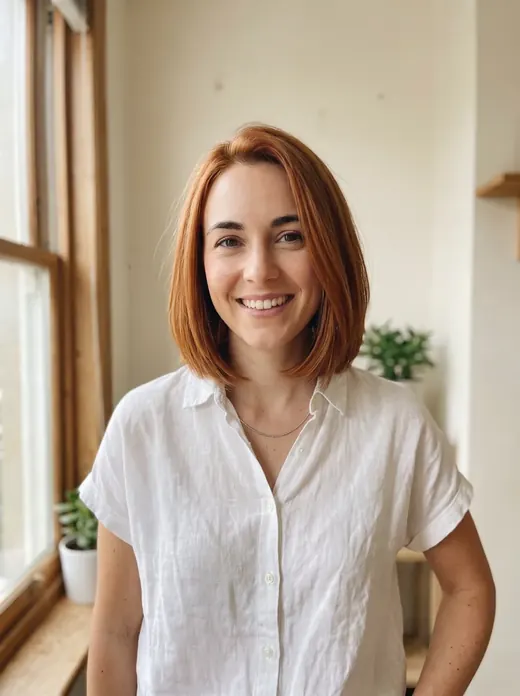
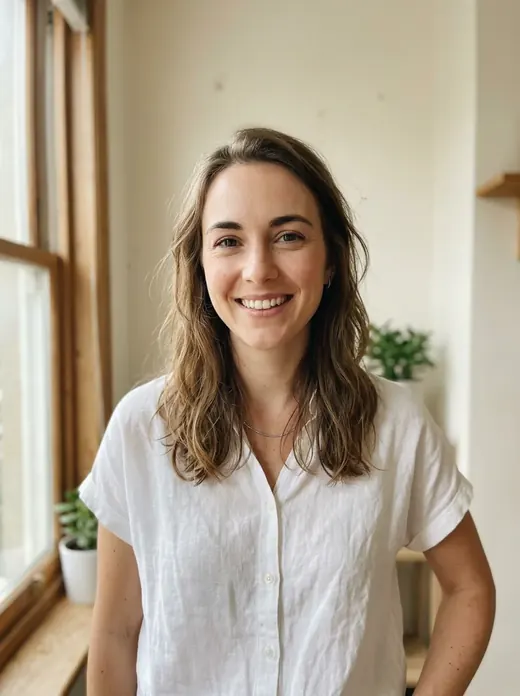
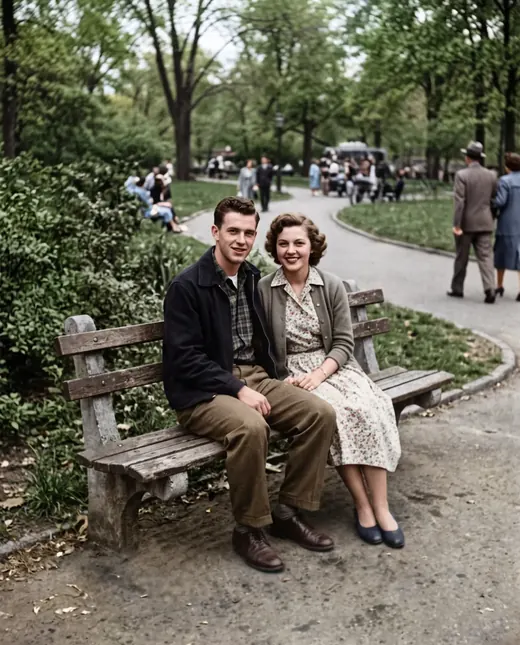
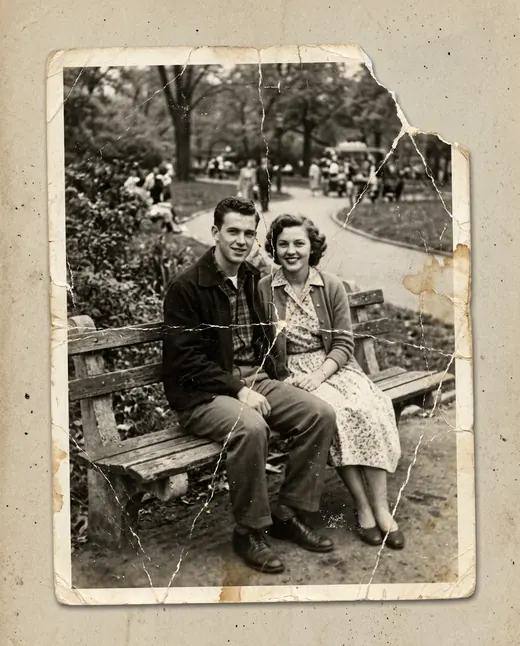
 Result
 Before
Photo to drawing: create a portrait or illustrated scene
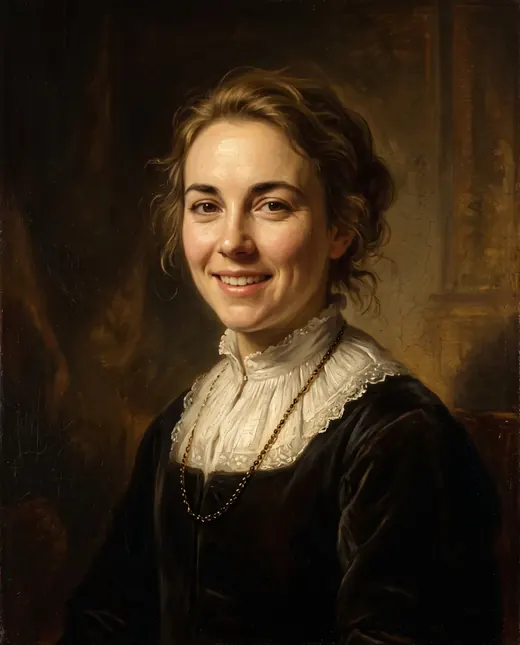
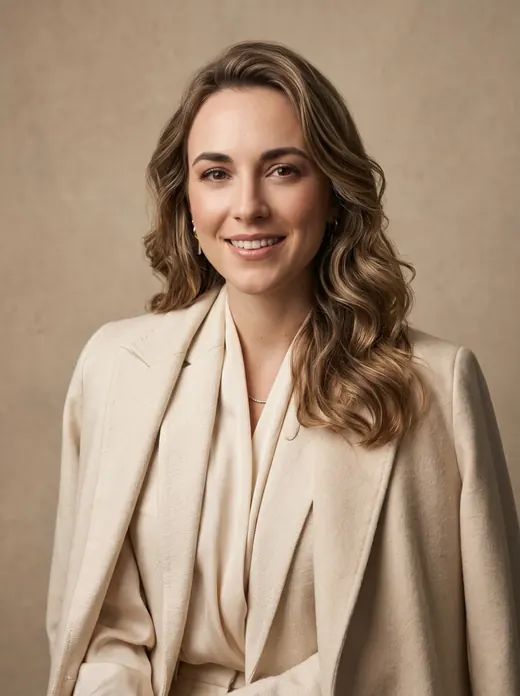
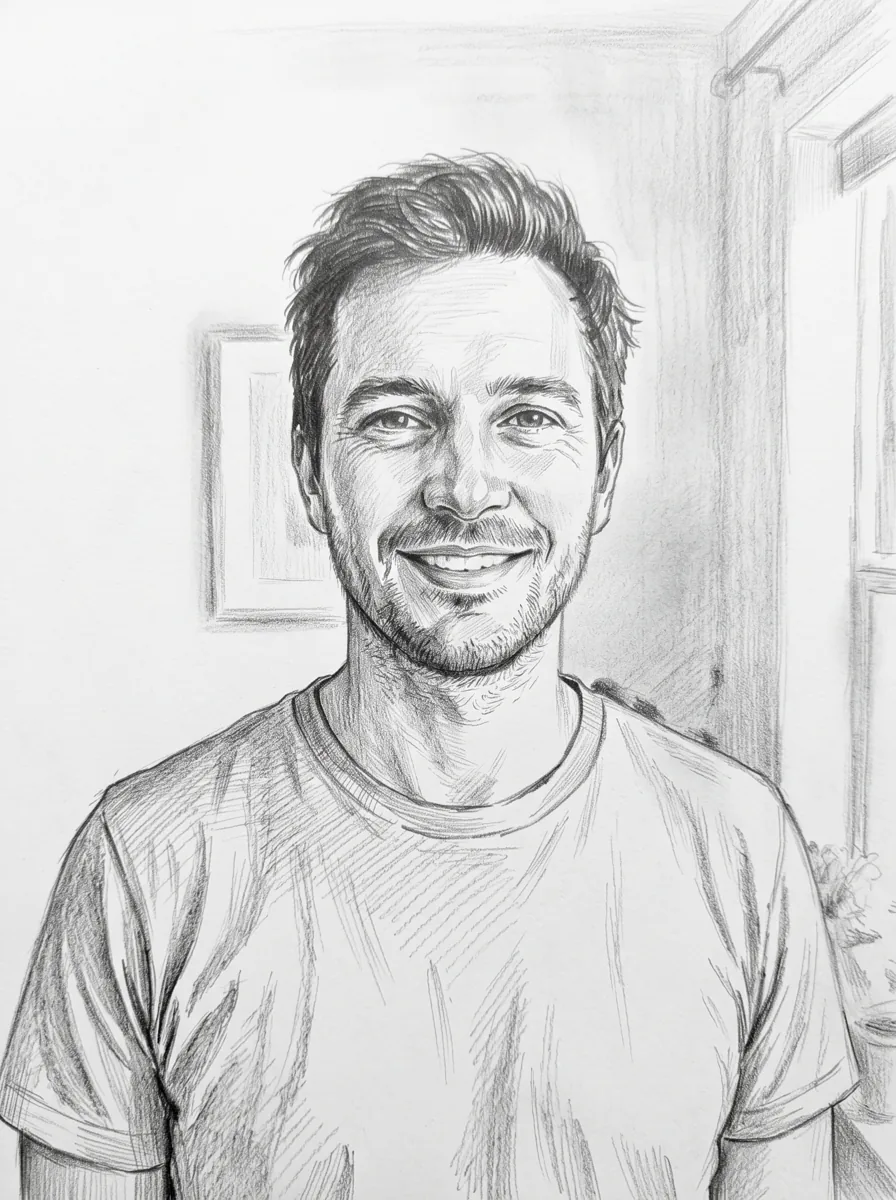
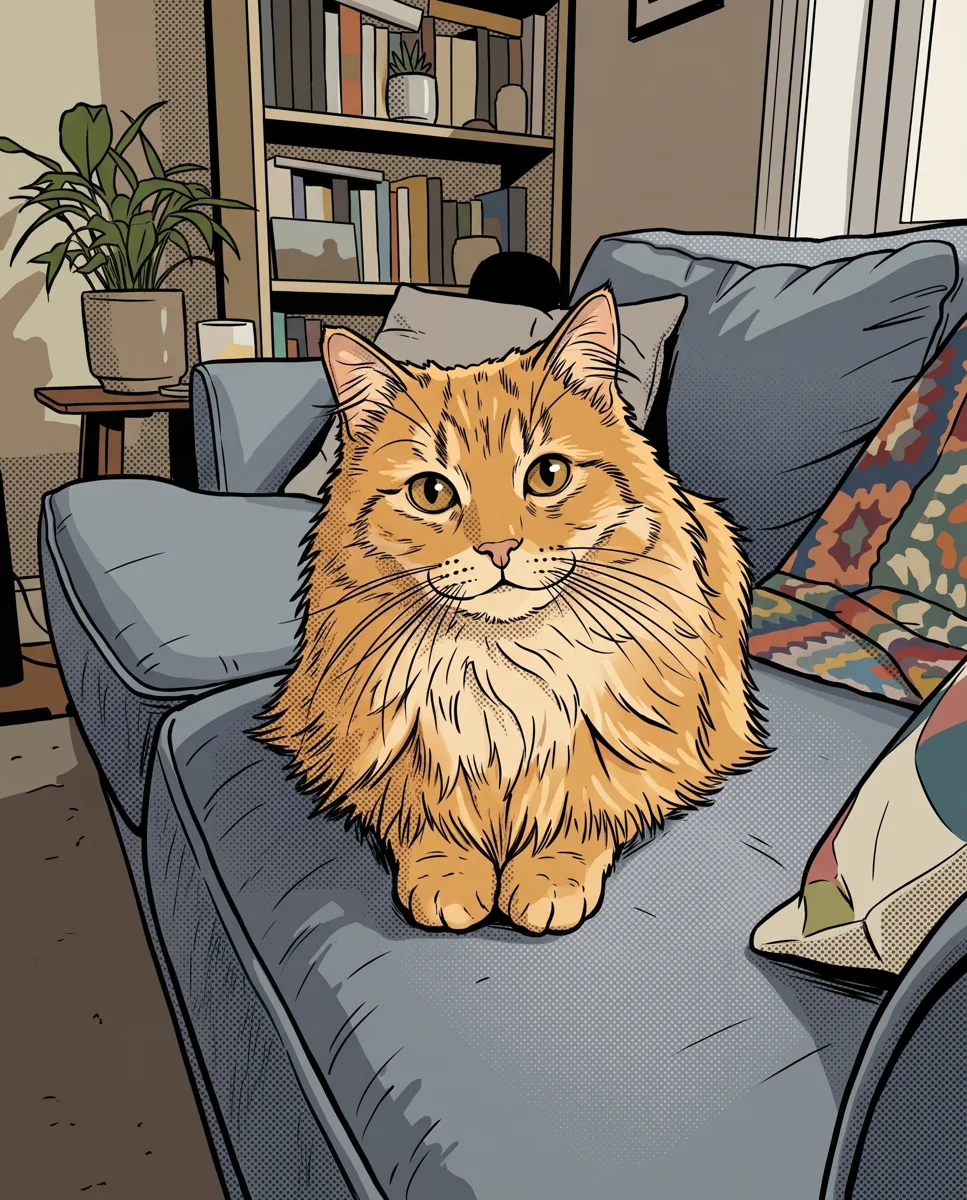
Upload a photo and choose pencil, watercolor or comic-style ink. Nano Banana 2.1 creates a 2K illustration you can download for a gift, social post or print project.
Examples
How it works
- 1Upload your photo
A clear photo with a visible face or object works best.
- 2Press “Create”
The prompt and Nano Banana 2.1 are already tuned. The price is shown on the button.
- 3Download the result
The image is ready in under a minute and is saved to your library.
How to turn a photo into a drawing online
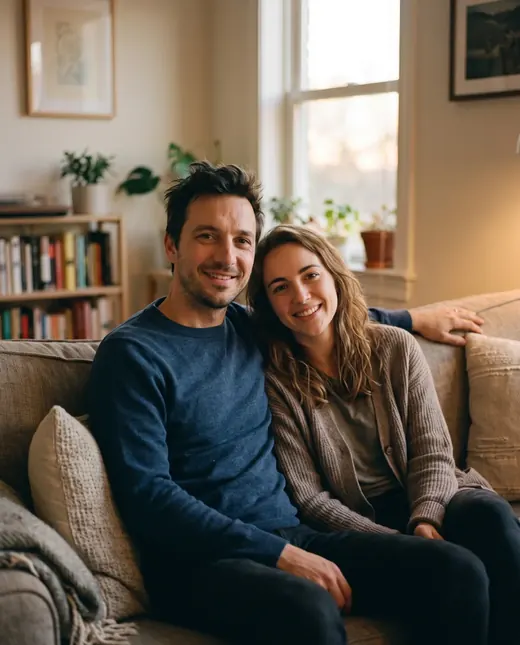
A favorite portrait, travel photograph or picture of your pet can become the starting point for an illustration. Upload the image, choose pencil, watercolor or comic-style ink, and start processing. Nano Banana 2.1 interprets the scene in your chosen style. The result is generated at 2K and saved in your personal library for download.
Begin with the intended use: a gift, avatar, greeting card or picture for your home. That helps you choose a suitable source and style. A quiet close-up portrait and a busy street scene offer different possibilities, so judge both the artistic treatment and how clearly the main subject comes through.
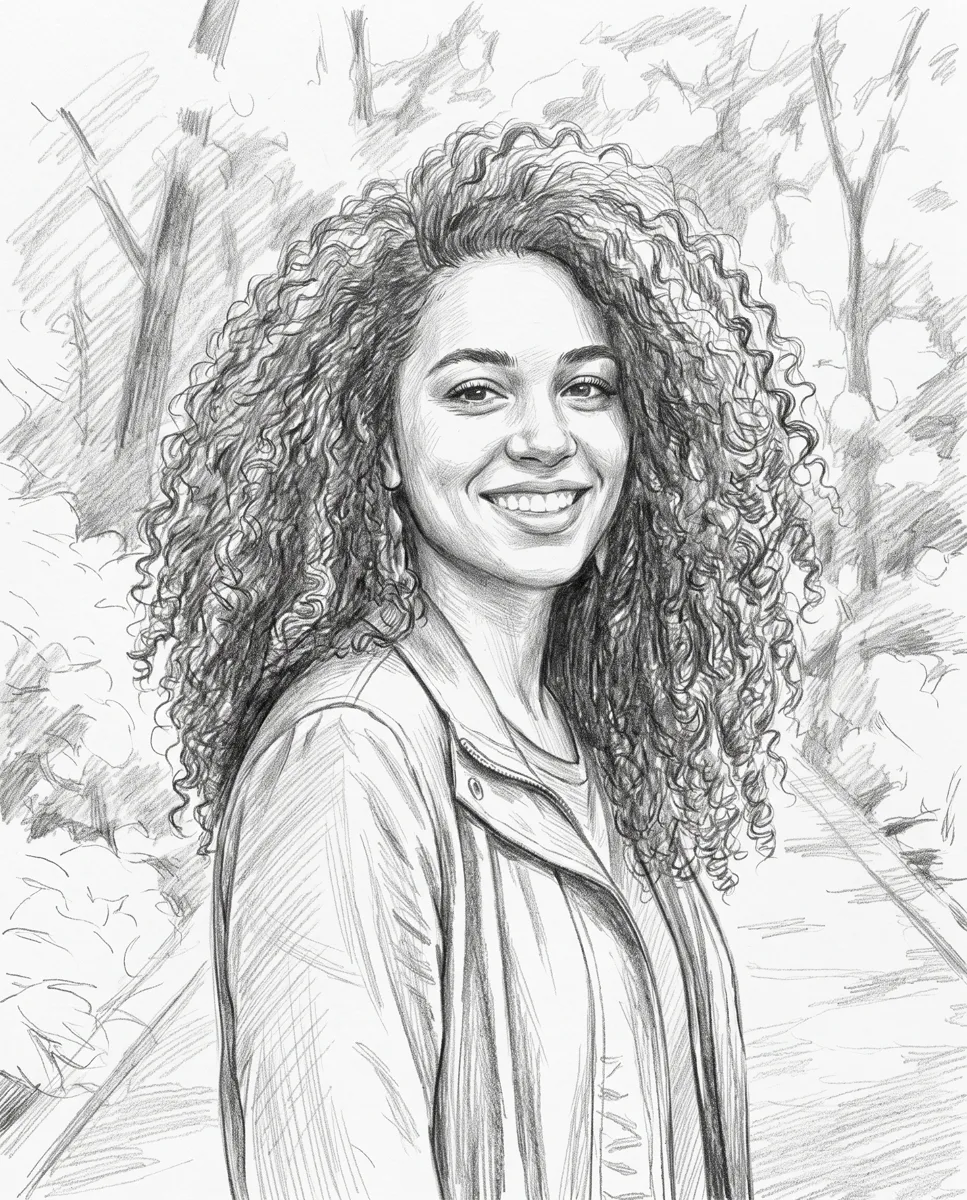
A pencil portrait for a personal gift
A pencil drawing can focus attention on a face, expression and shape rather than the colors of clothing or surroundings. Choose a photograph the person likes. Clearly visible eyes, a natural expression and readable lighting are more useful starting points than an unusual camera angle that hides familiar features.
You can print the finished illustration, frame it or place it in a greeting card layout. Add names, dates and messages in an editor where you can control their wording and position. Before ordering a gift, compare the drawing with the source: line work and detail will change, and small facial features may be interpreted differently.
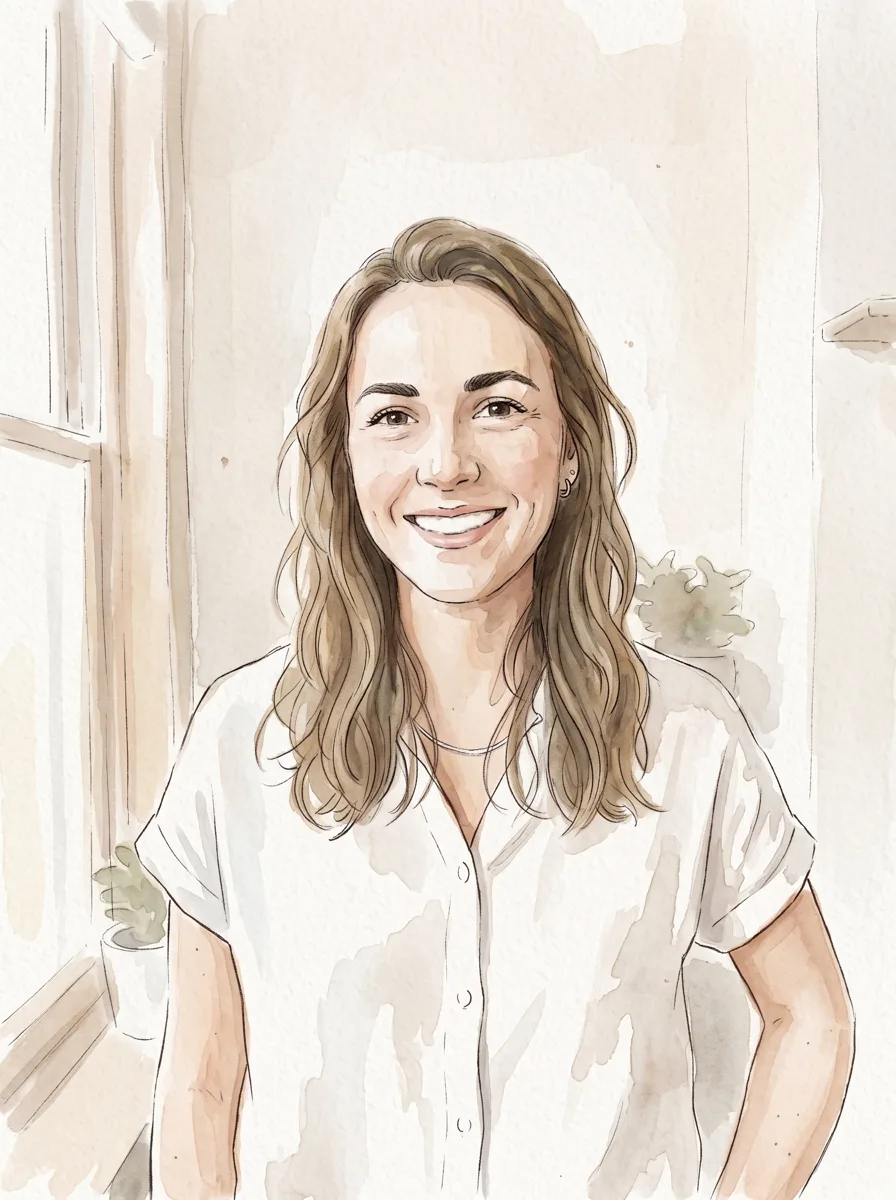
Watercolor for wall art and greeting cards
Watercolor is an option to explore when color and atmosphere matter: a family walk, bouquet, favorite place or portrait. Look at the palette in your source. Several bright objects can compete with the main subject in the illustration just as they do in the photograph.
For wall art, choose a scene you would enjoy seeing every day and consider it alongside the wall and frame colors. For a greeting card, check that the composition still reads clearly at a smaller size. Add the greeting to the finished image in an editor so you can choose the exact text, font and placement without relying on generated lettering.
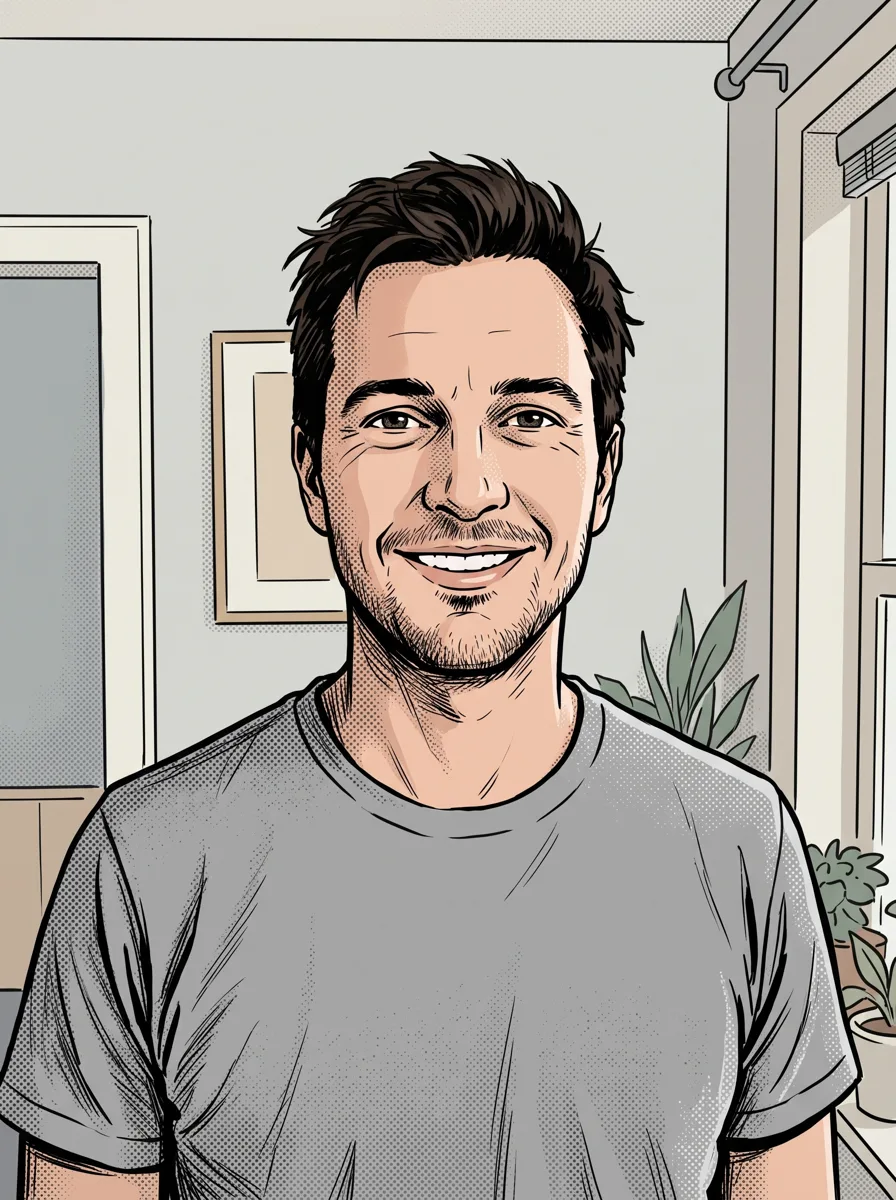
Comic-style ink for avatars and social posts
Try ink for an expressive portrait or a scene with a clear action. An avatar needs a readable silhouette: the face, hair and major features should remain recognizable when reduced. A complicated background can become distracting inside a small profile circle, so a source with one clear subject is easier to use.
For a social post, place the photograph beside the illustration to show the change in style. If you want a complete comic with dialogue and several panels, arrange the individual images in an editor. This template turns the uploaded picture into an illustration; it does not assemble a finished sequence of scenes and speech bubbles.
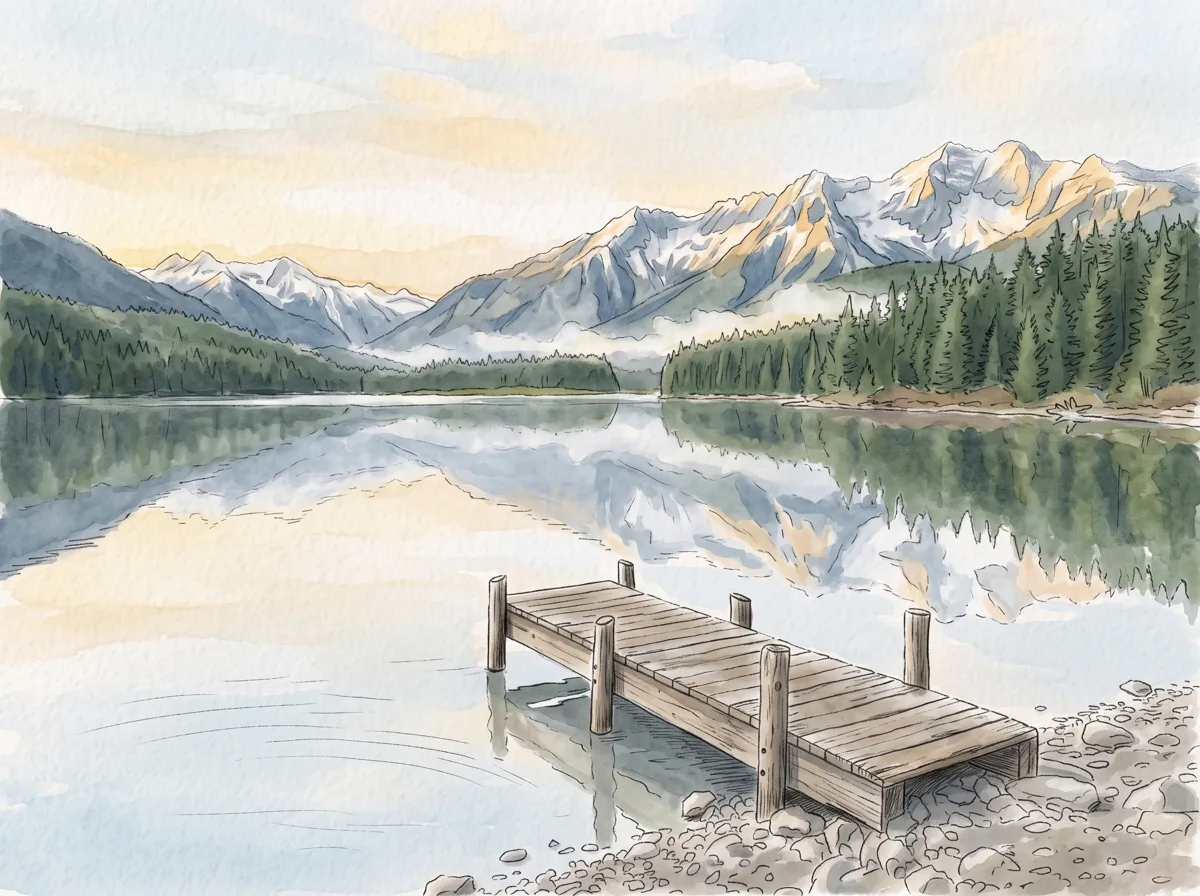
Drawings of pets, landscapes and favorite places
Photo to drawing works with more than human portraits. You can upload a cat, dog, house, city view or landscape from a trip. For a pet, choose a clear view of the eyes and a characteristic pose. Check distinctive markings afterwards, especially if a particular patch of fur makes the animal instantly recognizable.
For scenery, decide what makes the photograph meaningful: a mountain outline, building, path or tree in the foreground. Many small branches or distant structures may become simplified shapes. That can suit an illustration, but compare the outlines and proportions with the original when a particular landmark needs to remain recognizable.
Choose a source with a clear subject
Start with a sharp photograph without heavy filters. Visible features give the model a better basis than details hidden in deep shadow or blurred by movement. For a group portrait, check that each person is clear enough to interpret, not just the person nearest the camera.
Before uploading, review the source:
- The face or main object is in focus.
- Important parts are not cut off by the frame.
- Lighting reveals eyes, outlines and surface detail.
- The background does not dominate the scene.
- You have the original rather than a small copy from a chat.
A studio photograph is not essential. An everyday snapshot with a clear subject can provide a useful starting point if the details that matter to you are visible.
How AI illustration differs from a filter
Many editing filters adjust colors, contrast or the emphasis of existing edges. Generation creates an artistic interpretation of the scene, changing how lines, shading and textures are represented. The result can feel more like an illustration while no longer matching every part of the photograph exactly.
When you convert a photo to drawing, inspect meaningful details as well as the overall likeness. Glasses, jewelry, fingers, fabric patterns and lettering can change. Keep the source photograph whenever an accurate record matters. Use the illustration for projects where artistic interpretation is appropriate rather than treating it as an exact reproduction of every visible feature.
Prepare artwork for canvas, mugs and paper
Use the downloaded drawing as the basis for a canvas, mug, card or poster layout. A 2K result does not guarantee that every print size will work equally well. Check the actual file dimensions and discuss the intended output size with your printer. Small inaccuracies can become more visible in a large print.
Consider the shape of the finished item. A face may sit too close to the edge of a mug's print area, while part of a canvas composition may wrap around its sides. Confirm placement, margins and cropping during layout preparation. Review the full design and close-up details; for an important gift, a paper test print can help you assess the result.
Create your first drawing and keep the result
Each 2K generation costs 6.6 credits. Try it with sign-up bonus credits: your 10 credits cover one drawing. Choose a source and style suited to your project, then keep the photograph and illustrated version together so you can compare them while preparing the final layout.
There is no subscription; pay as you go. Use Neuromia in a browser on your phone or computer without installing software. Credits are charged only for a completed result and returned if processing fails. Upload your own photographs or photos of people with their consent; images are used only for processing. Download the finished artwork from your personal library for further editing, sharing or printing.