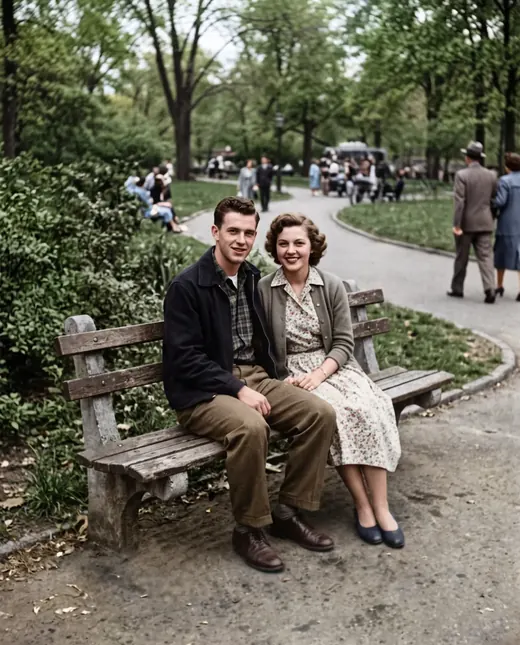
 Result
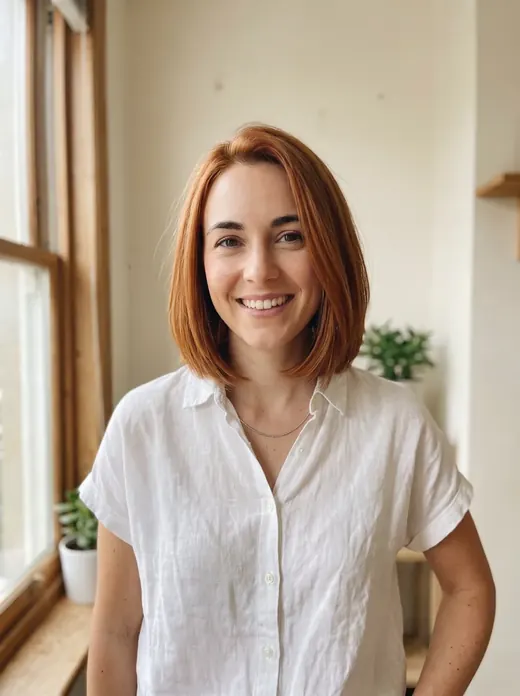
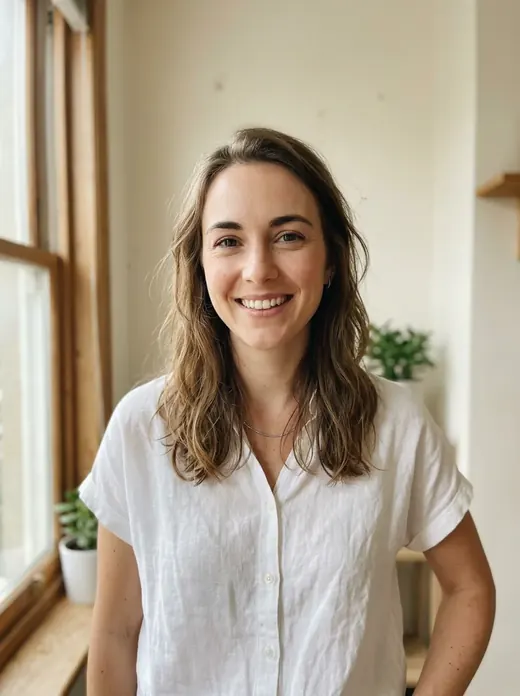 Before
An AI Photoshoot with You in the Editorial Frame
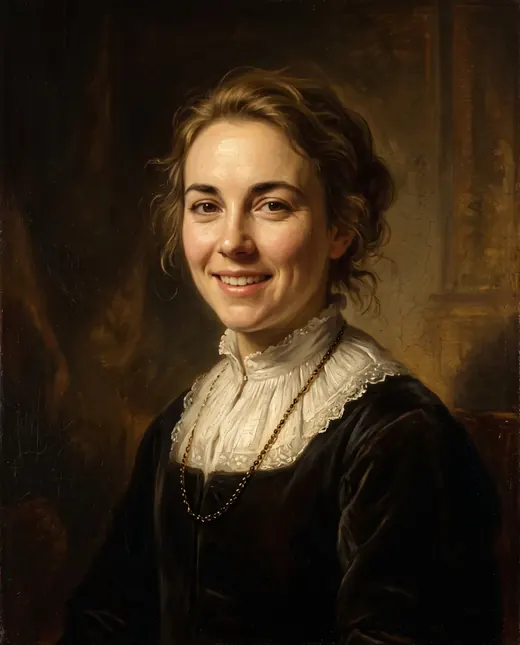
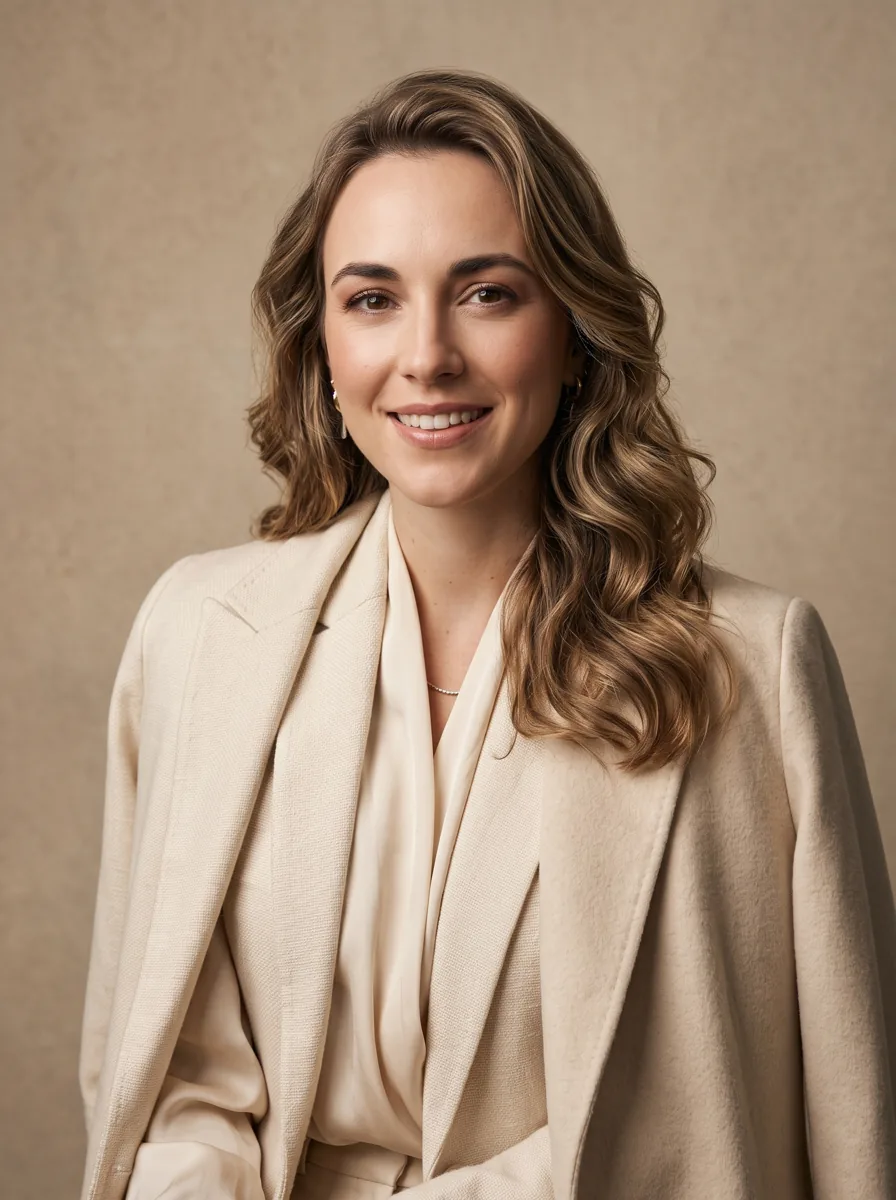
An AI photoshoot gives your photo a magazine-inspired look without a photographer or studio. Choose an elegant, bold or black-and-white mood to create a new portrait.
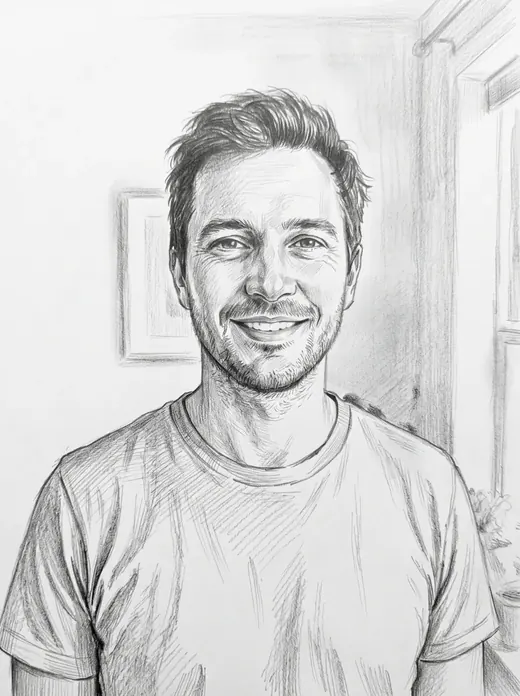
Examples
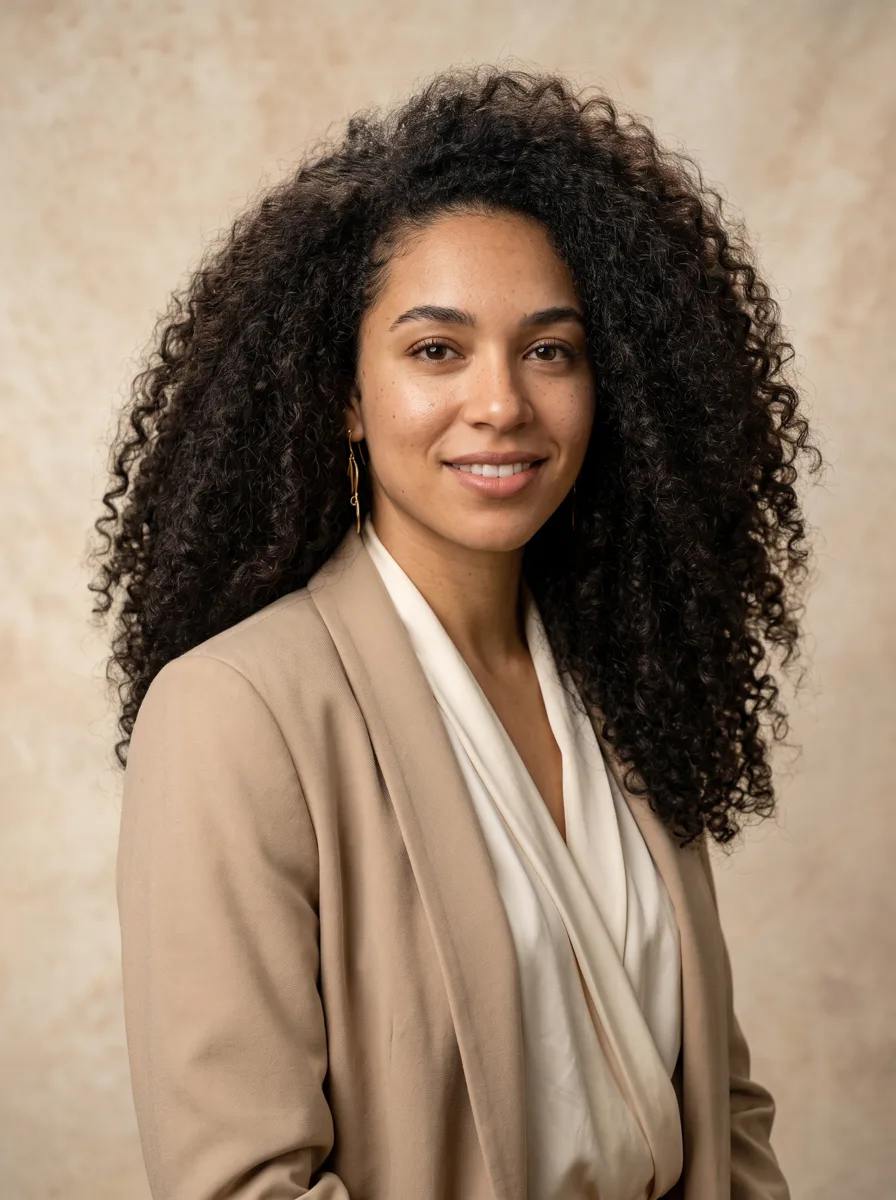

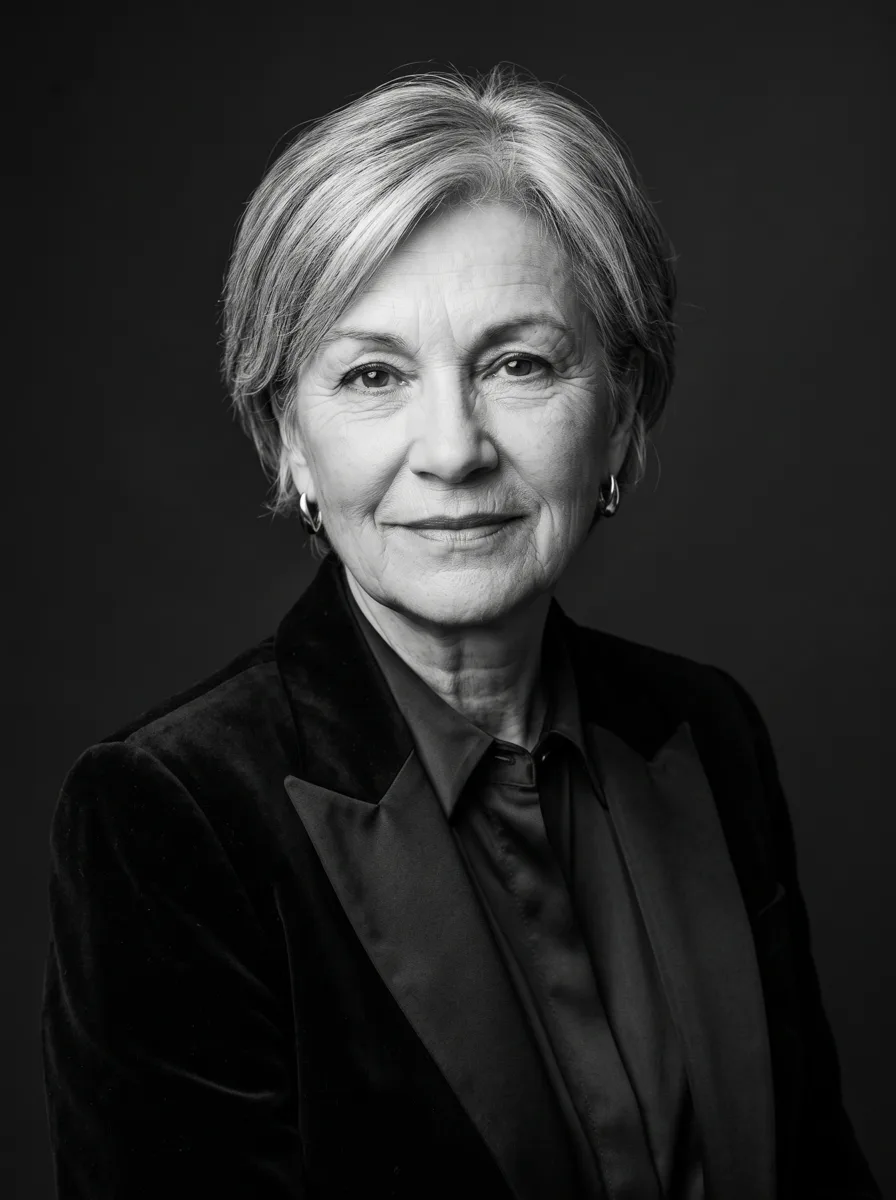

How it works
- 1Upload your photo
A clear photo with a visible face or object works best.
- 2Press “Create”
The prompt and Nano Banana 2.1 are already tuned. The price is shown on the button.
- 3Download the result
The image is ready in under a minute and is saved to your library.
Give your portrait an editorial feel
An AI photoshoot turns an everyday picture into a styled image with a magazine-inspired aesthetic. Use it for a personal profile, a post about yourself or a visual experiment with a different look. Each generation produces one image. Here, “photoshoot” describes the style of the result rather than a complete set of photographs.
Choose the mood of your frame
Three options offer different ways to present yourself:
- Elegant for a restrained, composed look.
- Bold for a more expressive departure from an everyday portrait.
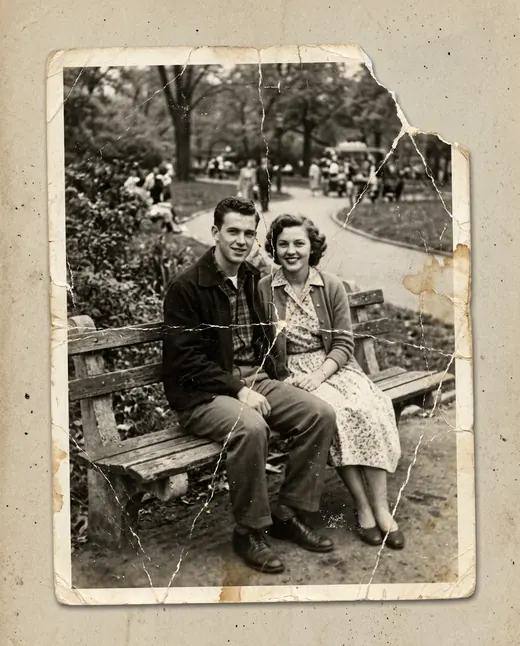
- Black-and-white for an emphasis on light, contrast and expression rather than color.
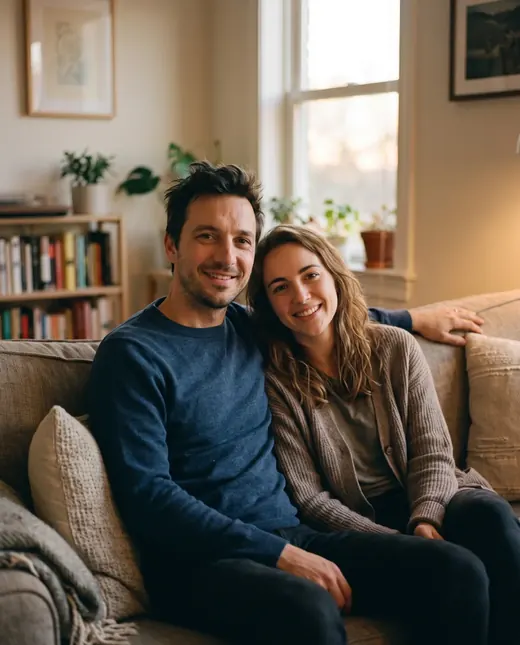
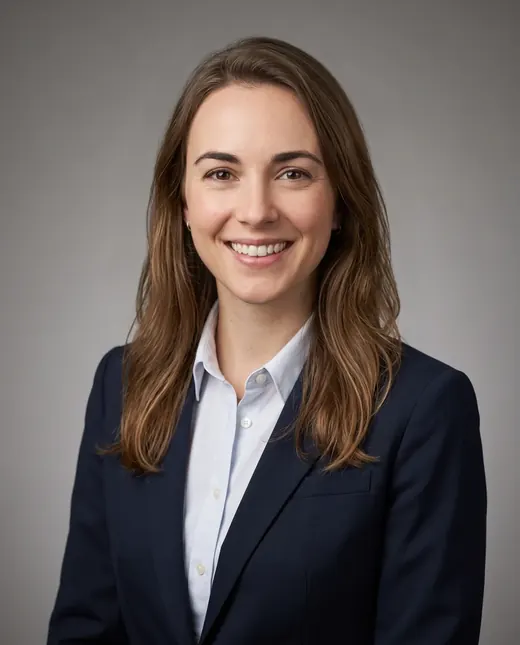
An AI editorial portrait lets you explore how a different visual mood changes your image. Check the before-and-after example to understand the template's style before uploading your photo.
A clear face makes a better starting point
Choose a sharp portrait with your face clearly visible. Heavy filters, blur and deep shadows can make your appearance harder to interpret. A studio photograph is not required: the template creates a new scene from your picture. Facial features remain recognizable, but individual details may change because this is image generation rather than precise retouching.
No prompt to prepare
To create your AI photoshoot image, upload a picture, choose a mood and select “Create this look”. The prompt and Google's Nano Banana 2.1 are already configured. A 2K result is usually ready in 30–60 seconds. Each finished image costs 6.6 credits: no subscription, pay as you go. The 10 bonus credits included at registration cover your first portrait.