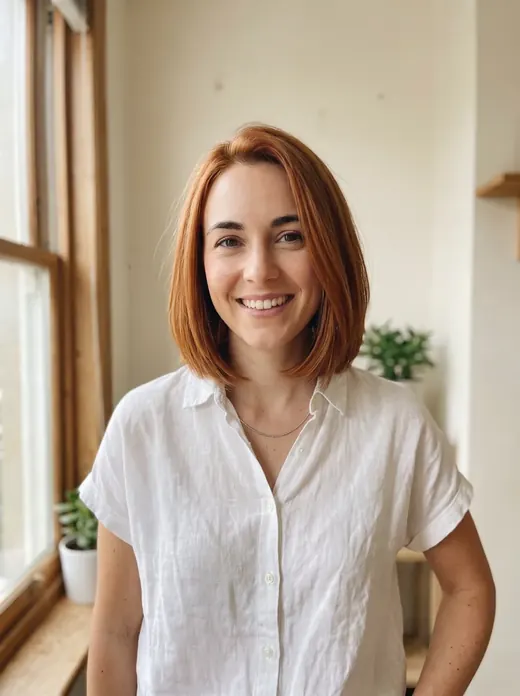
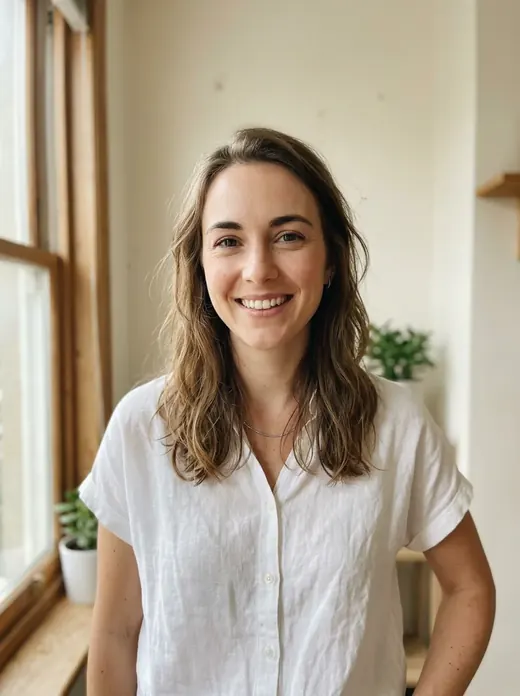
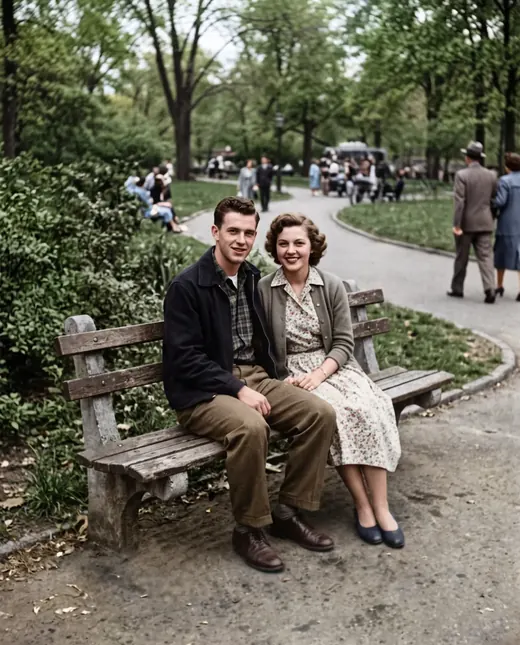
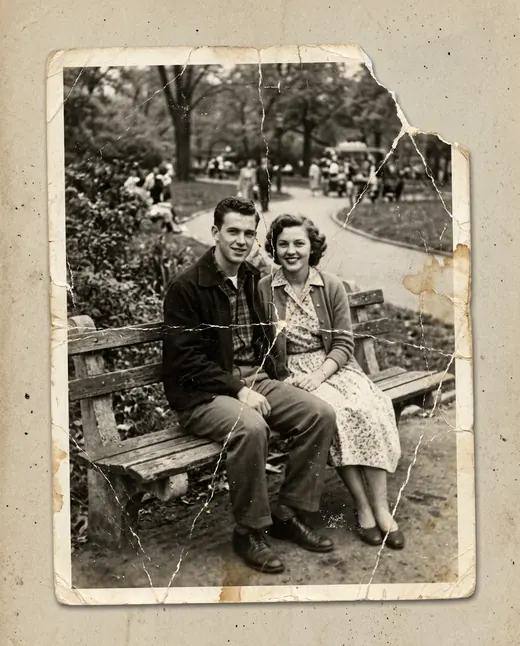
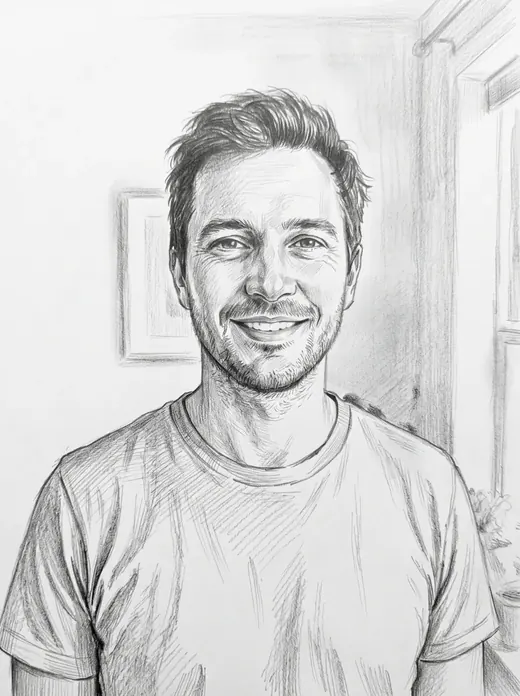
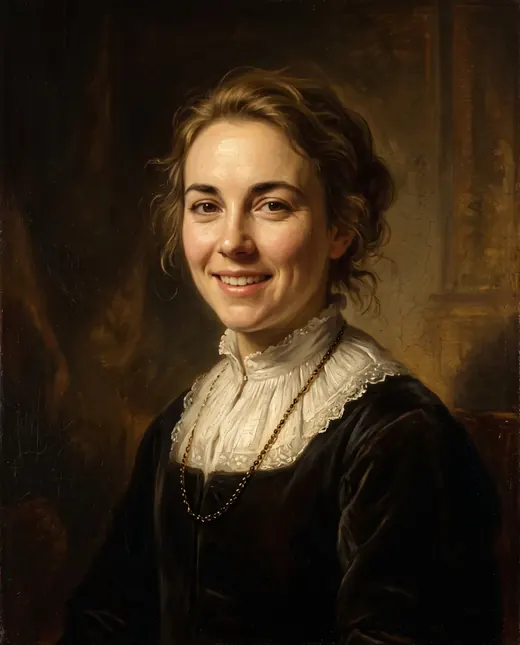
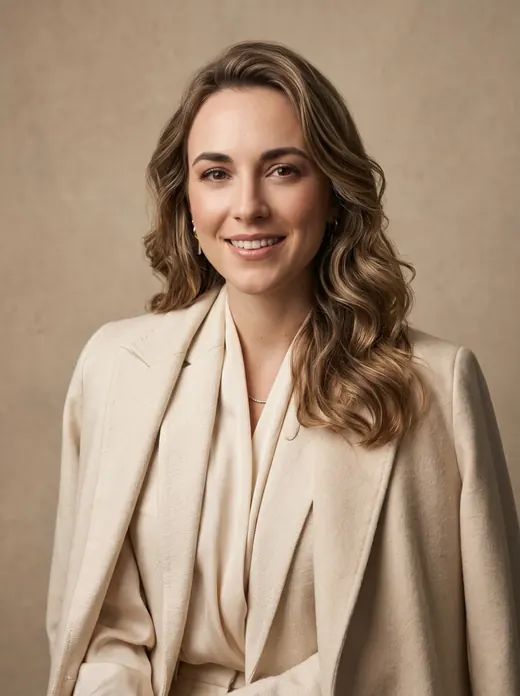
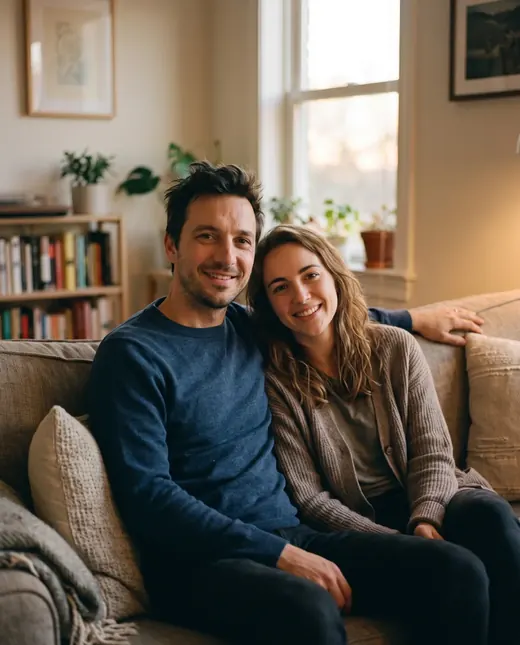
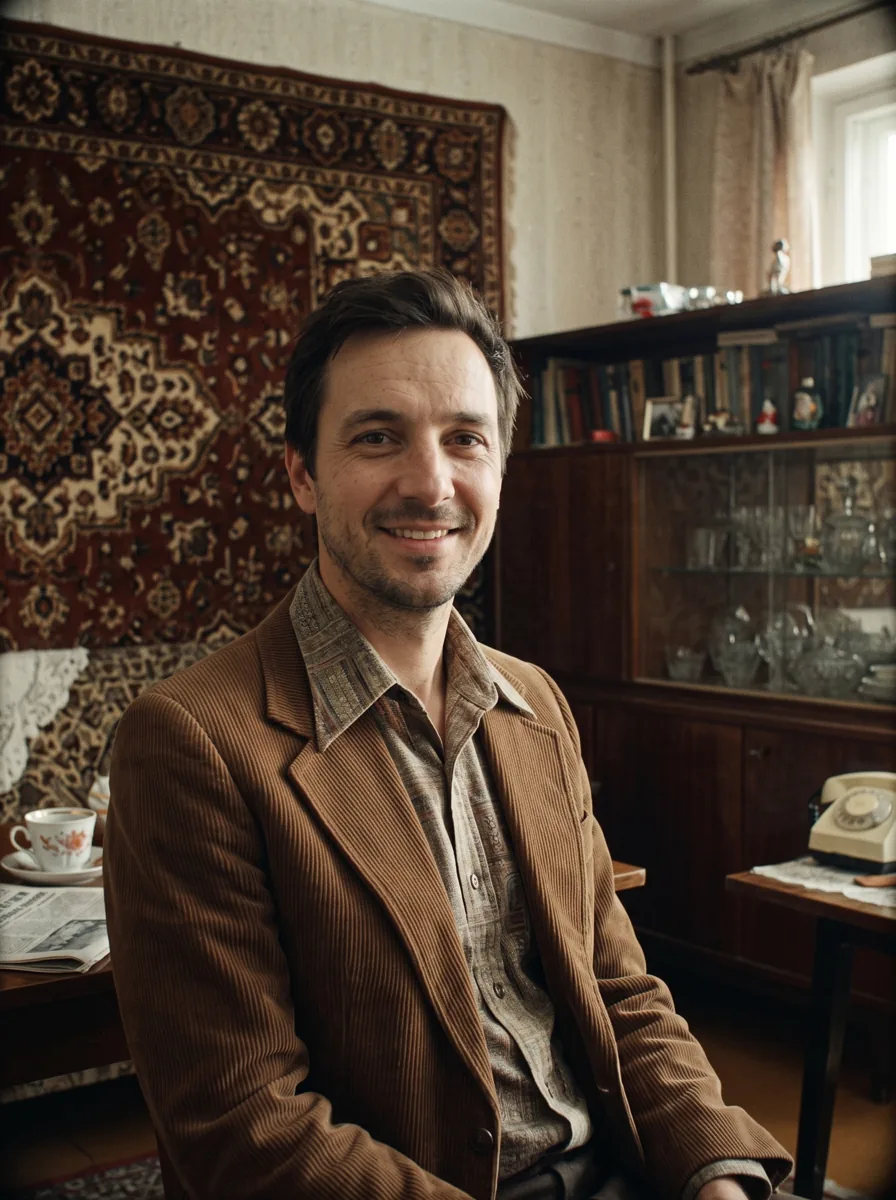
 Result
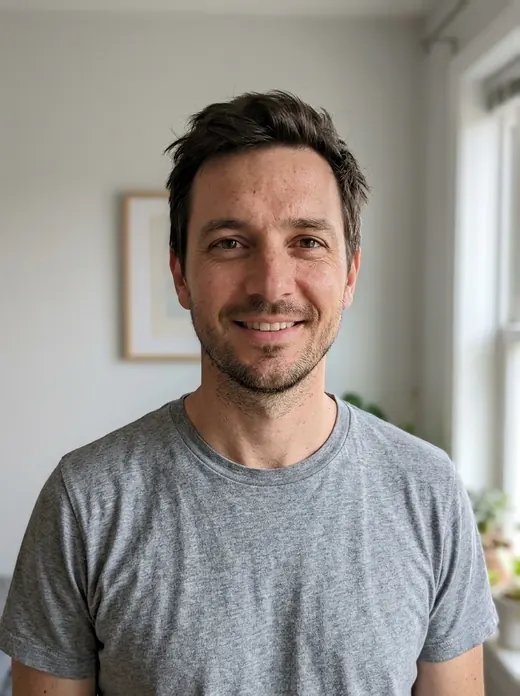 Before
Create a Soviet-Style Photo Starring You
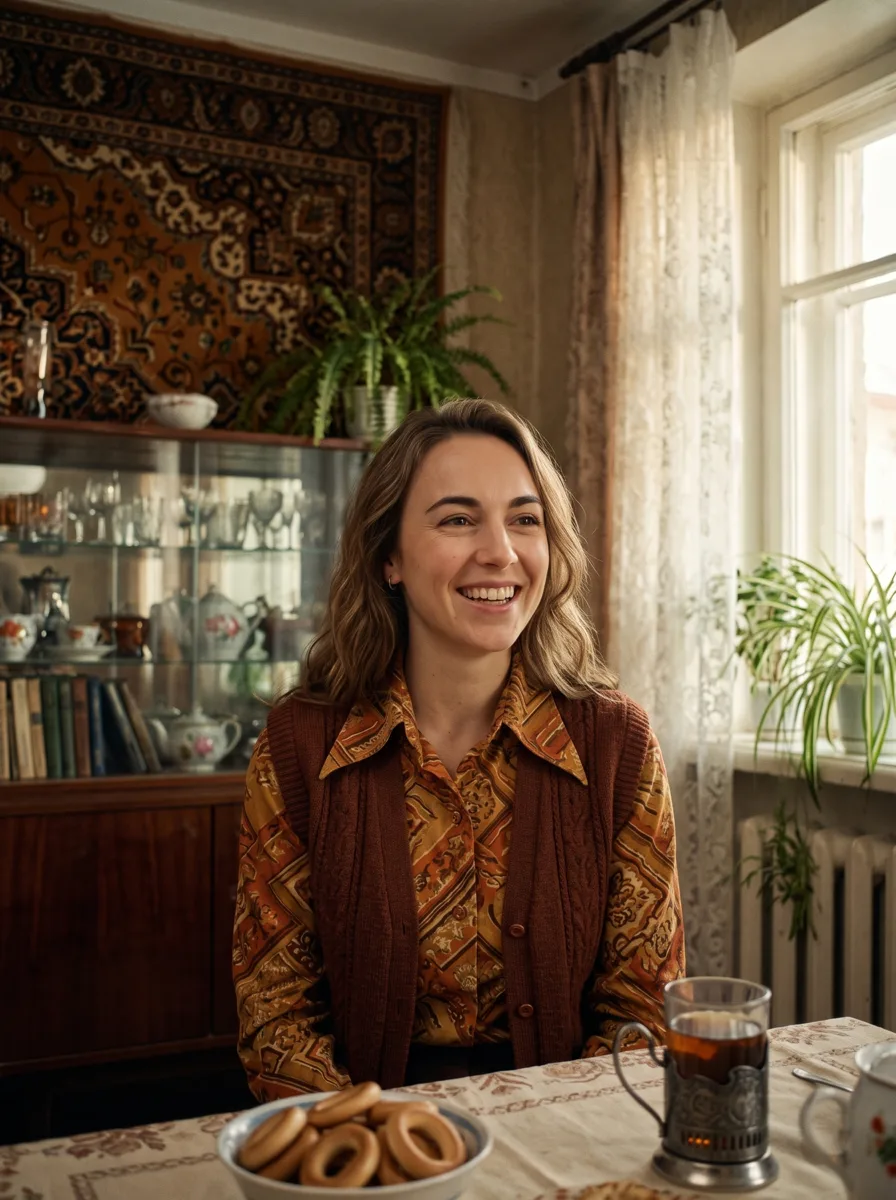
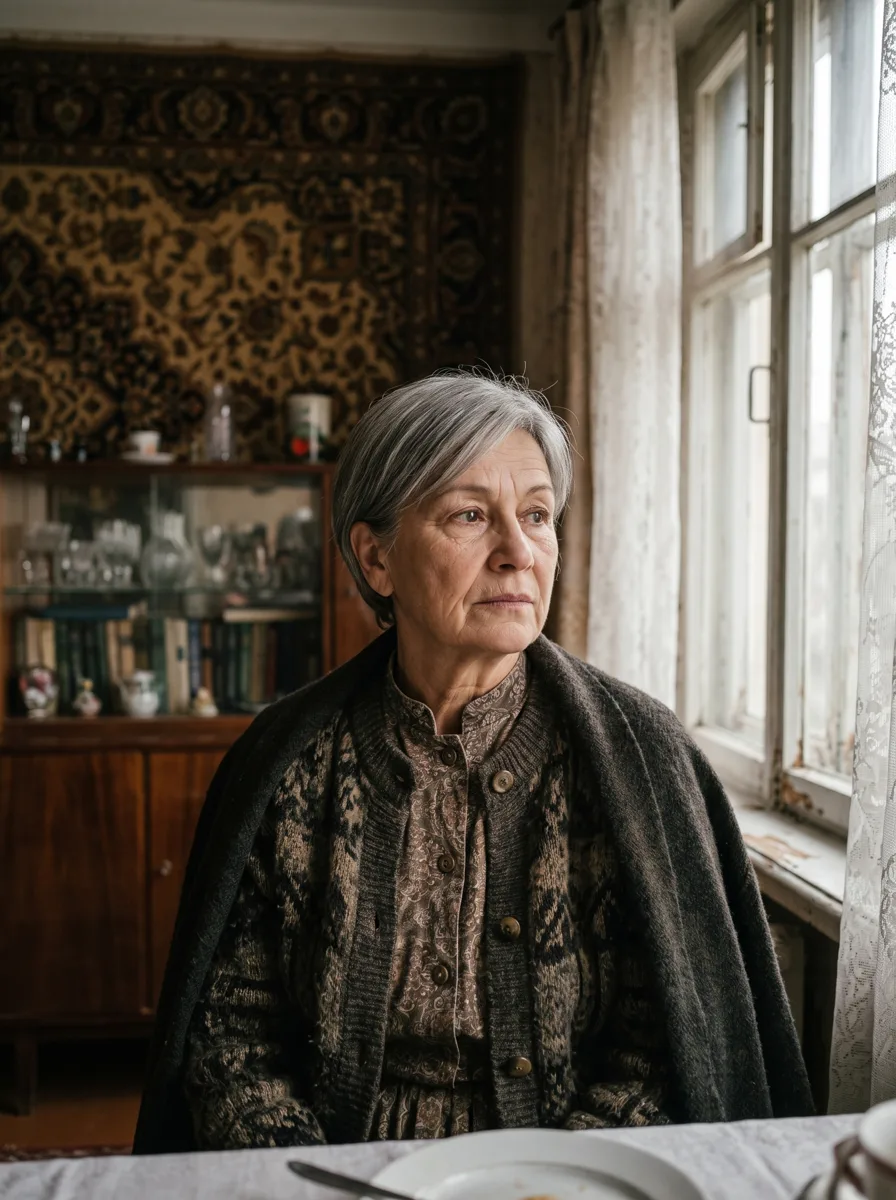
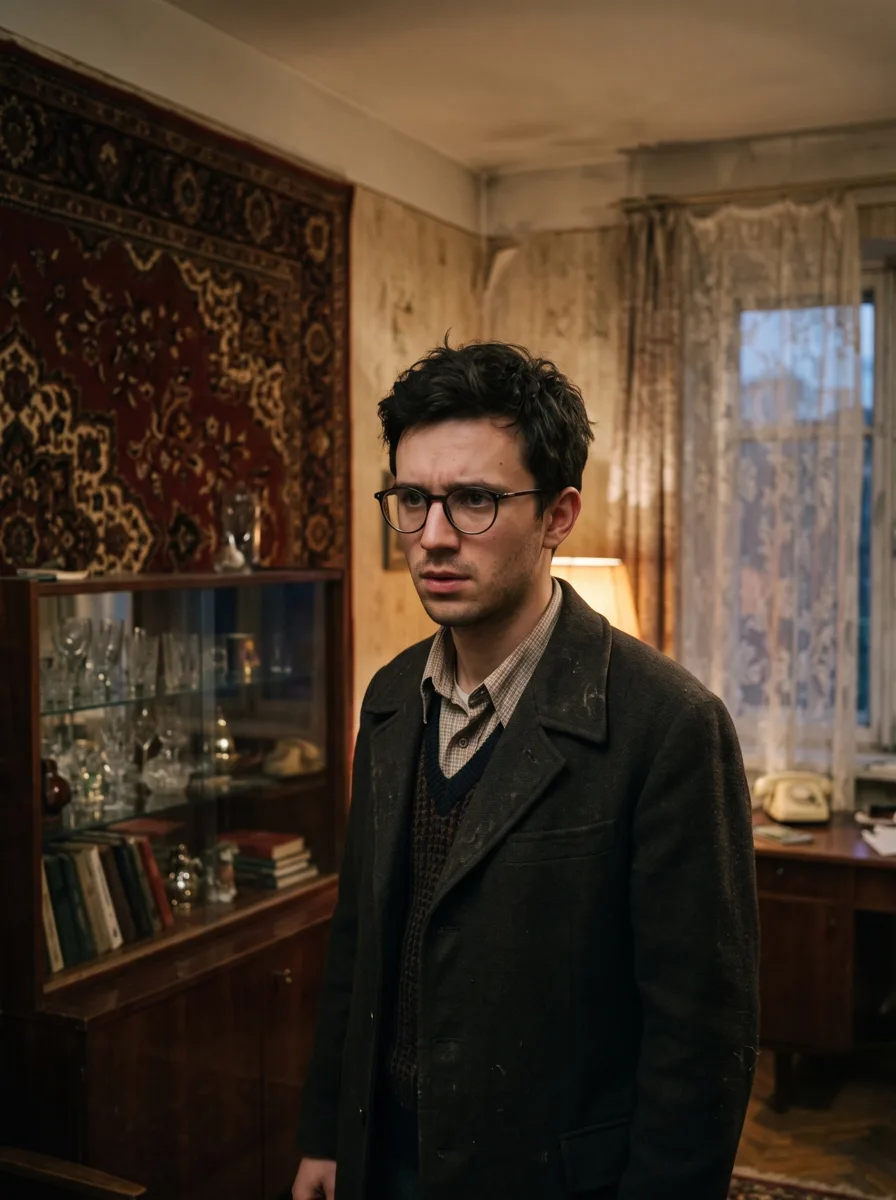
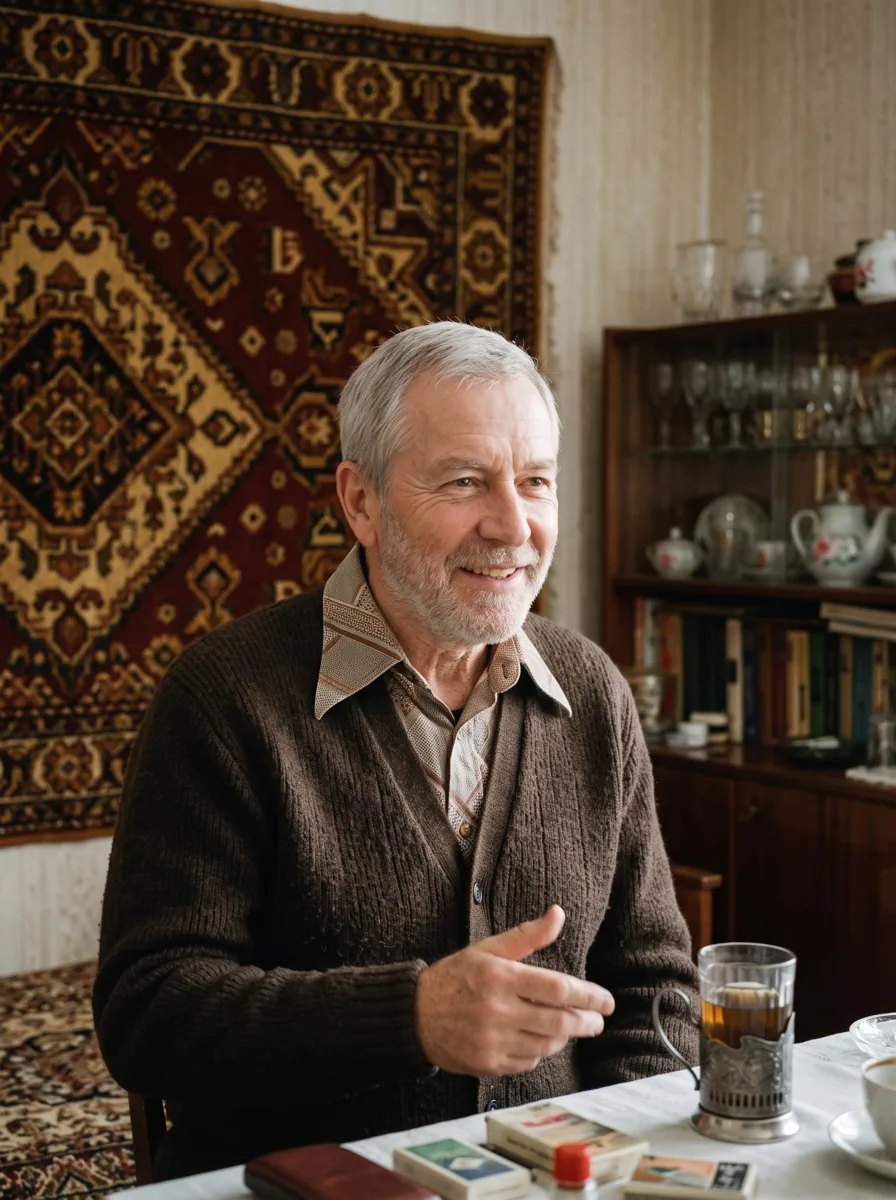
See yourself in a 1970s Soviet movie still, complete with a wall rug, a glass-fronted cabinet and a Svema-inspired film look. Pick comedy, drama or mystery to set the mood.
Examples
How it works
- 1Upload your photo
A clear photo with a visible face or object works best.
- 2Press “Create”
The prompt and Nano Banana 2.1 are already tuned. The price is shown on the button.
- 3Download the result
The image is ready in under a minute and is saved to your library.
Your photo, a different era
A Soviet-style photo places you in a scene inspired by 1970s cinema. A wall rug, a glass-fronted cabinet and period details replace your everyday surroundings. A Svema-inspired film texture brings the scene together. The result is an AI interpretation of the era, rather than an authentic archival photograph.
Choose your movie genre
Give your portrait a mood with one of three options:
- Comedy for a light, relaxed feel.
- Drama for a more restrained, serious atmosphere.
- Mystery for a sense of intrigue.
To create a Soviet-style photo, upload your picture, choose a genre and select “Create this look”. The prompt and model are already configured, so you do not need to describe the furniture, lighting or film effect.
Keep a familiar face
For an AI Soviet-style portrait, start with a clear photo where your face is easy to see. Avoid heavy blur, strong filters or objects covering your features. Soviet-style photo editing changes the setting and overall look while preserving recognizable facial features. This is image generation rather than a Photoshop edit, so some details may differ. Use the before-and-after example to see the intended style.
Timing and credits
The template uses Google's Nano Banana 2.1 to generate a 2K image, usually in 30–60 seconds. Each image costs 6.6 credits, with no subscription, pay as you go. Credits are charged only for a completed result and returned if generation fails. Sign up to receive 10 bonus credits, enough for your first image.