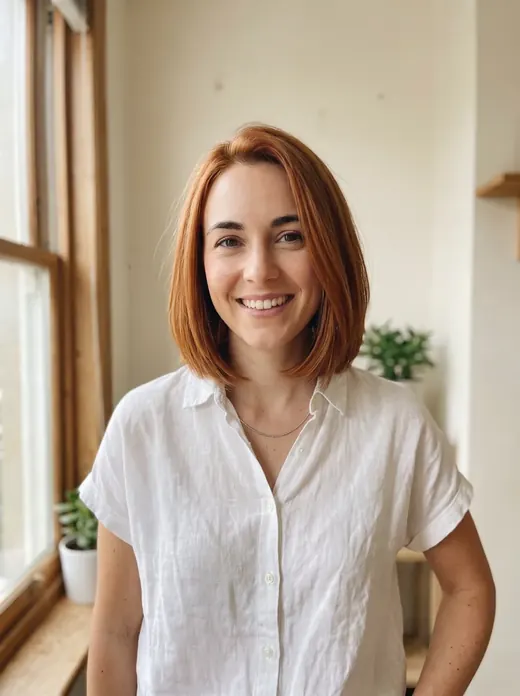
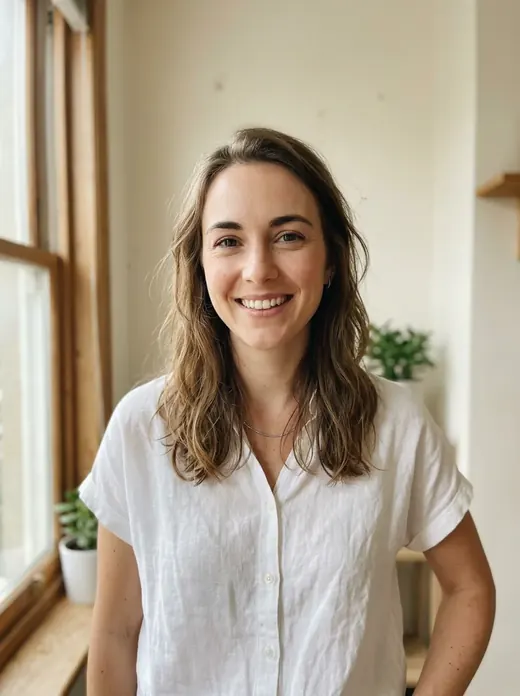
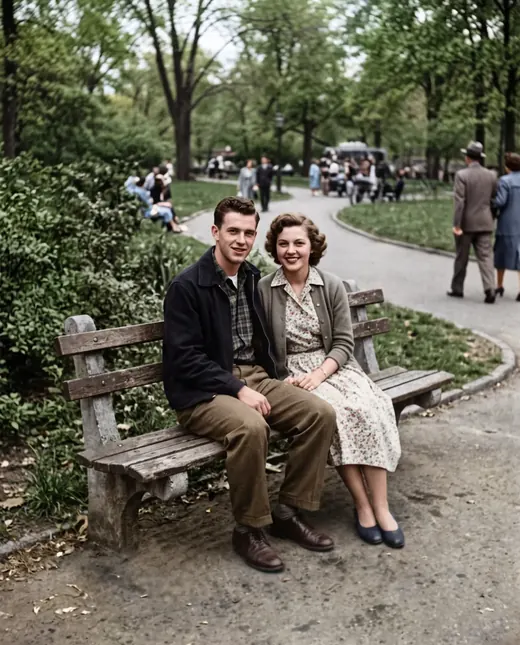
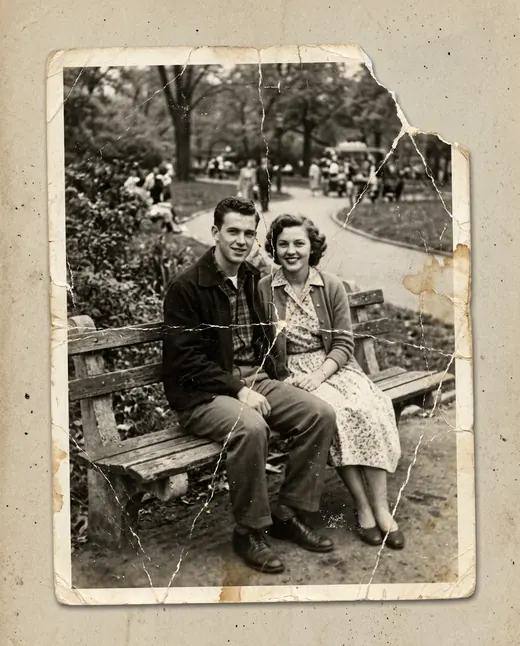
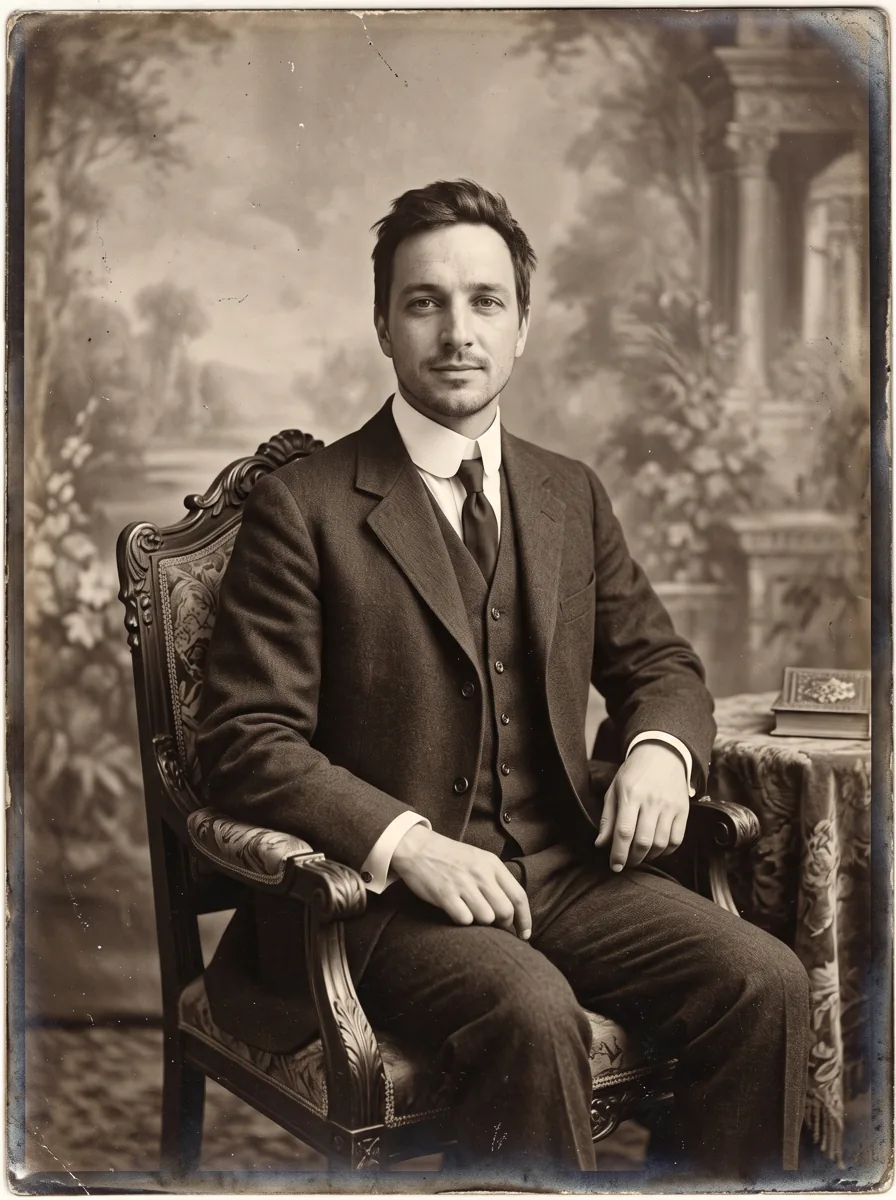
 Result
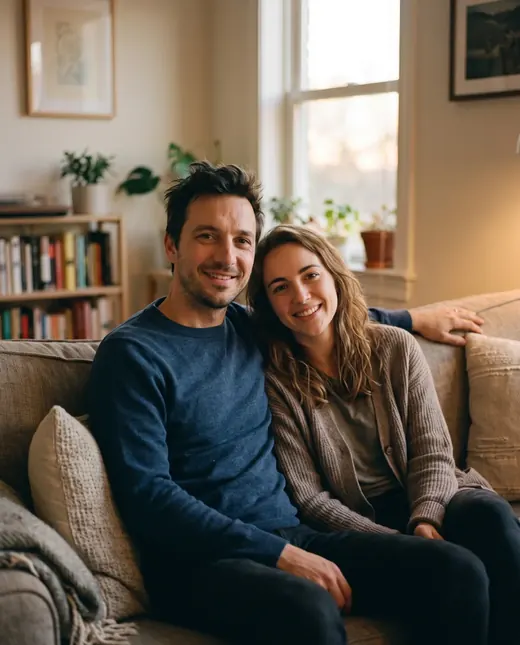
 Before
Create a Vintage Photo from Your Own Portrait
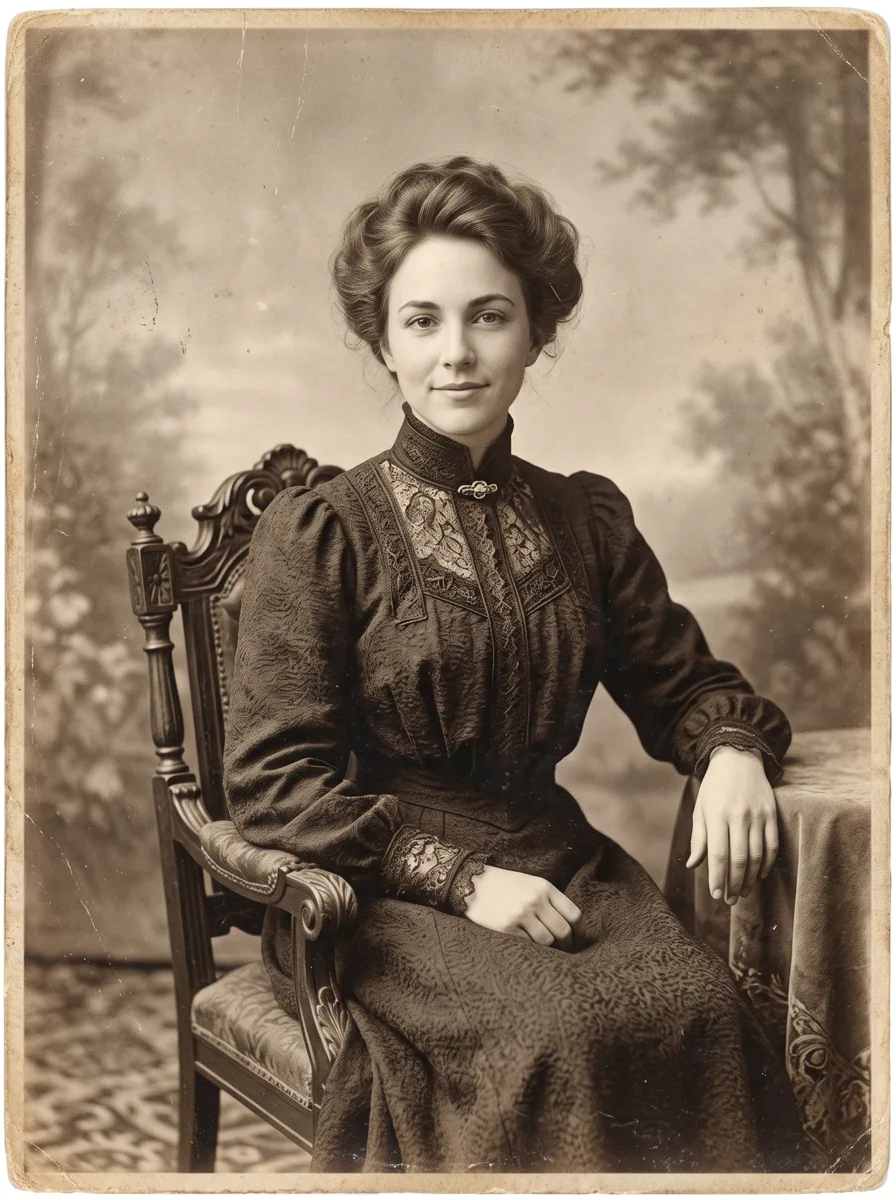
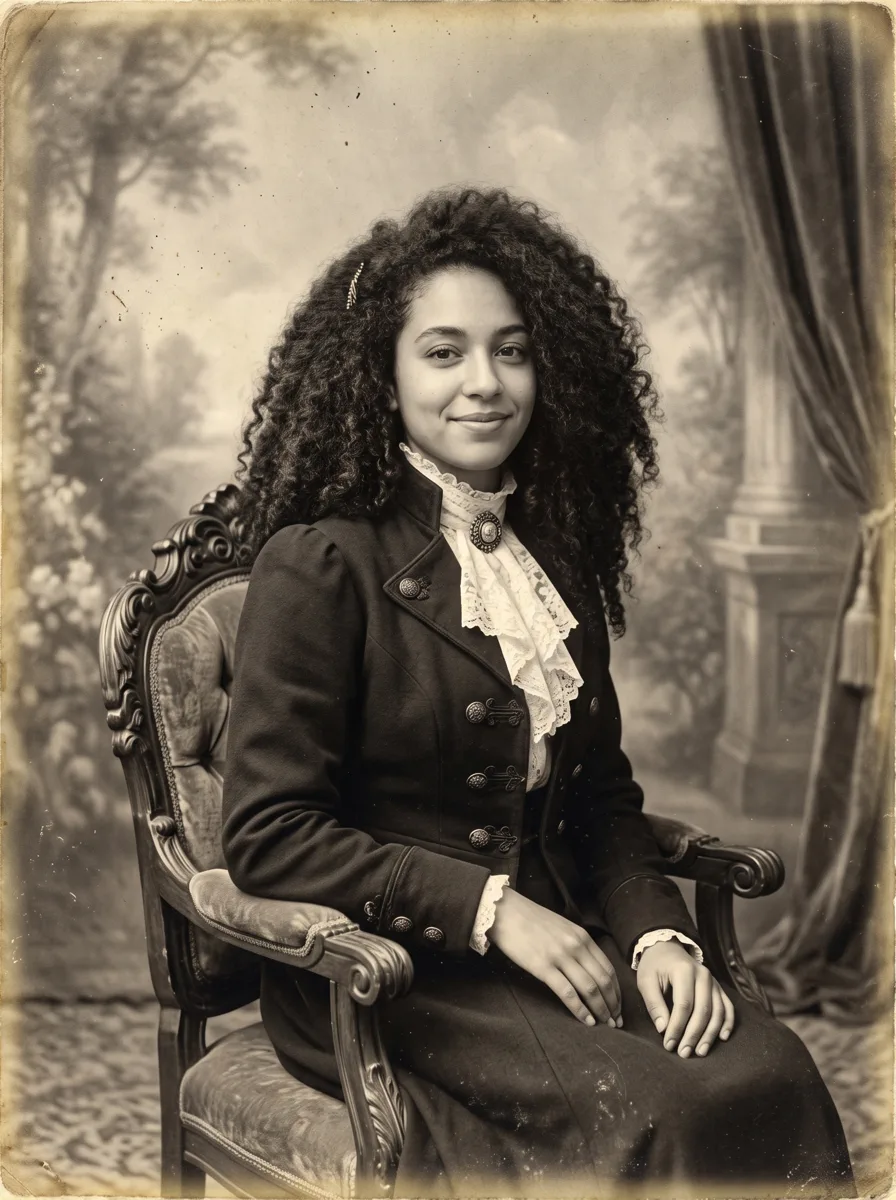
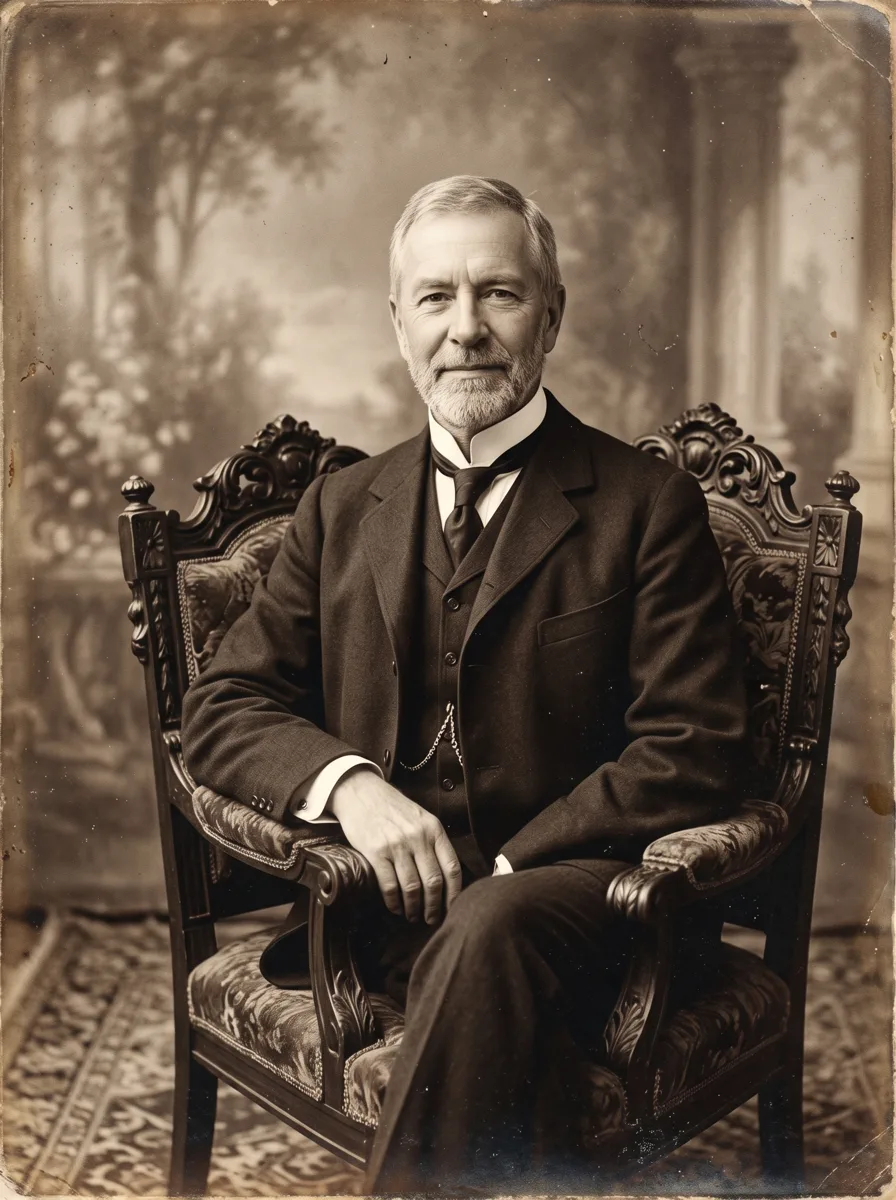
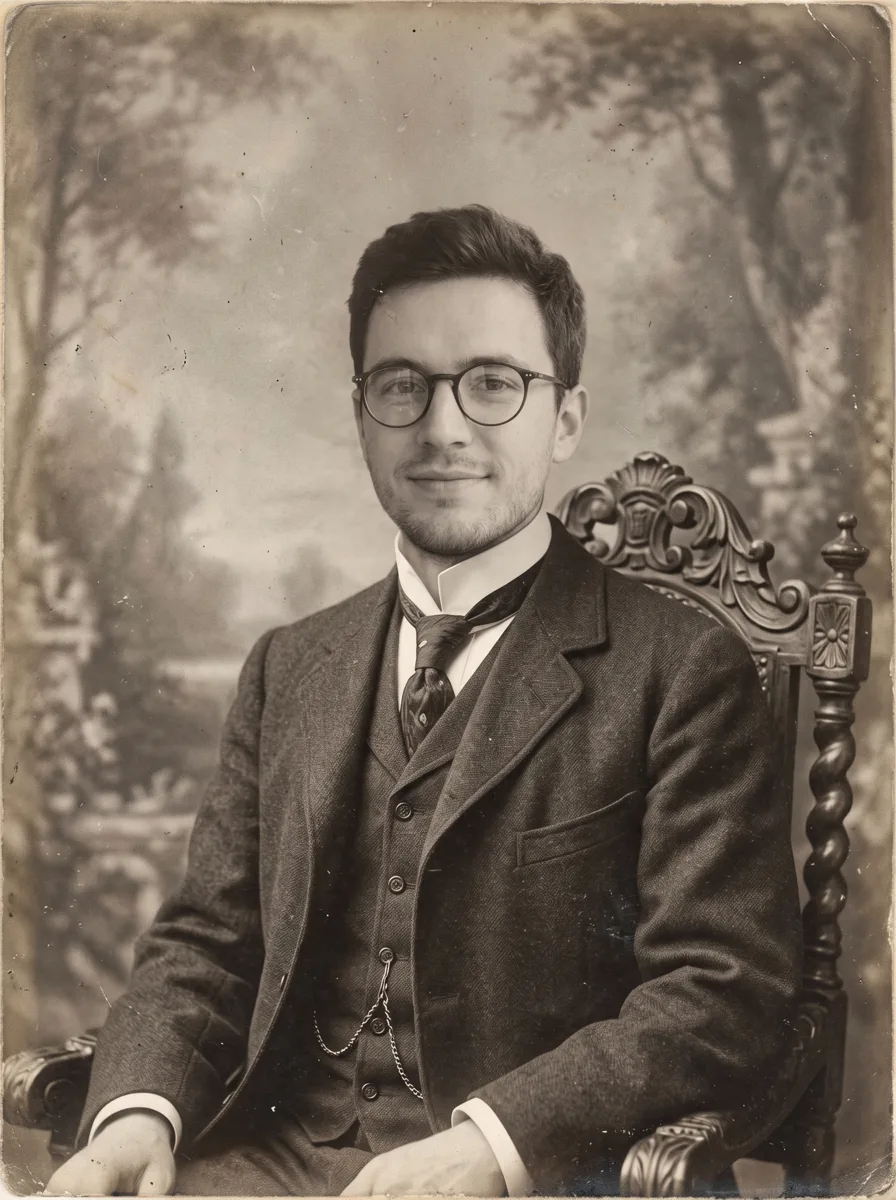
Step into a portrait studio around 1900. Period clothing, a painted backdrop and your choice of tone turn an everyday picture into a vintage-style studio portrait.
Examples
How it works
- 1Upload your photo
A clear photo with a visible face or object works best.
- 2Press “Create”
The prompt and Nano Banana 2.1 are already tuned. The price is shown on the button.
- 3Download the result
The image is ready in under a minute and is saved to your library.
A portrait from another era
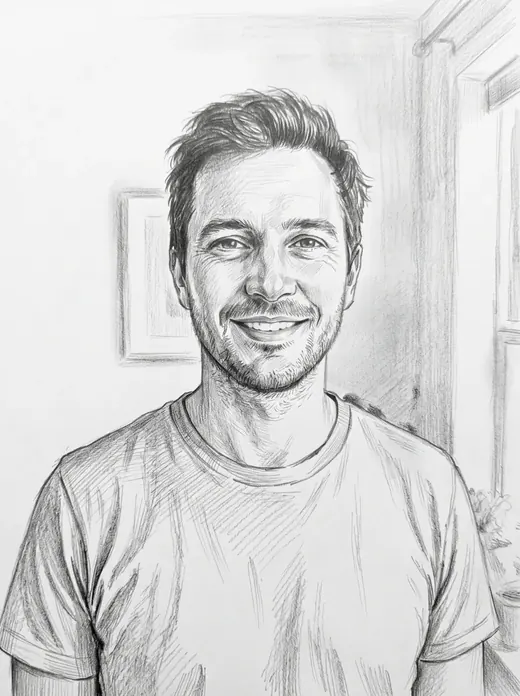
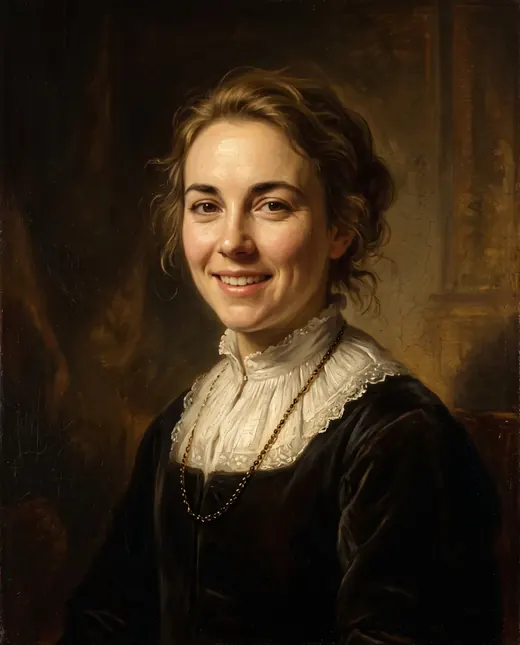
A vintage photo from your photo reimagines you as a visitor to a portrait studio around 1900. Period clothing and a painted backdrop replace your modern outfit and surroundings. The result is a creative interpretation, not a historical document. Use it in a themed greeting, try it as a profile picture or keep it alongside the original for a before-and-after comparison.
Pick the tone of your portrait
Two options give the image different moods:
- Sepia adds a warm brown tone associated with antique photographs.
- Black and white keeps the focus on the face, lighting and clothing details.
This template does more than apply an old photo effect: it recreates the overall look. If you want a 19th-century-style photo, the reference here is specifically the turn of the 20th century rather than the whole Victorian period.
Choose a clear starting image
Use a sharp portrait with an unobstructed face and even lighting. A neutral expression can suit a more restrained studio look. There is no need to find a costume or photograph yourself against a painted backdrop. The model preserves recognizable facial features, but generates a new image, so some details of your appearance may change.
Make your own vintage portrait
Upload a picture, choose a tone and select “Create this look”. The prompt and Google's Nano Banana 2.1 are already set up. Your 2K image is usually ready in 30–60 seconds. Each portrait costs 6.6 credits: no subscription, pay as you go. Registration includes 10 bonus credits, enough for your first image.